
Apple Return Policy (2026): 14-Day Window & Refunds
Get the full Apple return policy: 14-day window, no restocking fee, refund timing, holiday extension, plus how to return online or in store.
Written by Lillian BrooksReviewed by Marcus TrentLast updated on September 10, 2026
When you buy through links on our site, we may earn a commission at no extra cost to you. It never changes what we say about a store's policy. Learn more.
Read it your way
Short on time? Open this article in your assistant with a ready-made prompt and get the gist in seconds.
Found this useful? Make us a preferred source so we show up in your Google results.
Most shoppers think the Apple return policy gives them 30 days and might sting them with a restocking fee.
Both assumptions are wrong, and getting them wrong can cost you real money or a missed refund.
The truth is tighter in one way and friendlier in another: you get 14 calendar days, but returns are genuinely free, opened boxes are welcome, and there is no standard restocking fee.
What follows is the current policy in plain English, verified against Apple’s own pages and pressure-tested with hands-on returns.
Apple Return Policy at a Glance (2026)
The Apple return policy gives you 14 calendar days from the date you receive an item bought directly from Apple to return it for a full refund to your original payment method.
Items must be in original condition with all packaging and accessories.
According to Apple’s Returns & Refunds page, returns are free, opened items are accepted, and there is no standard U.S. restocking fee.
Purchases from other retailers follow that retailer’s rules instead, while Apple’s own direct returns are close to no questions asked within the window.
Policy point | What to know |
|---|---|
Standard window | 14 calendar days from delivery (online) or purchase (in-store) |
Holiday window | Extended each fall for gift season, confirm current-year dates on apple.com |
What you need | Proof of purchase via your Apple Account, plus original packaging and accessories |
Refund method and speed | Back to original payment method, card in up to 5 business days |
Restocking fee | None for standard U.S. consumer returns, opened or sealed |
Return channels | Free prepaid mail-in label or any U.S. Apple Store |
When I returned an opened MacBook Air to an Apple Store, the specialist confirmed the same six points above at the counter before processing a full refund.
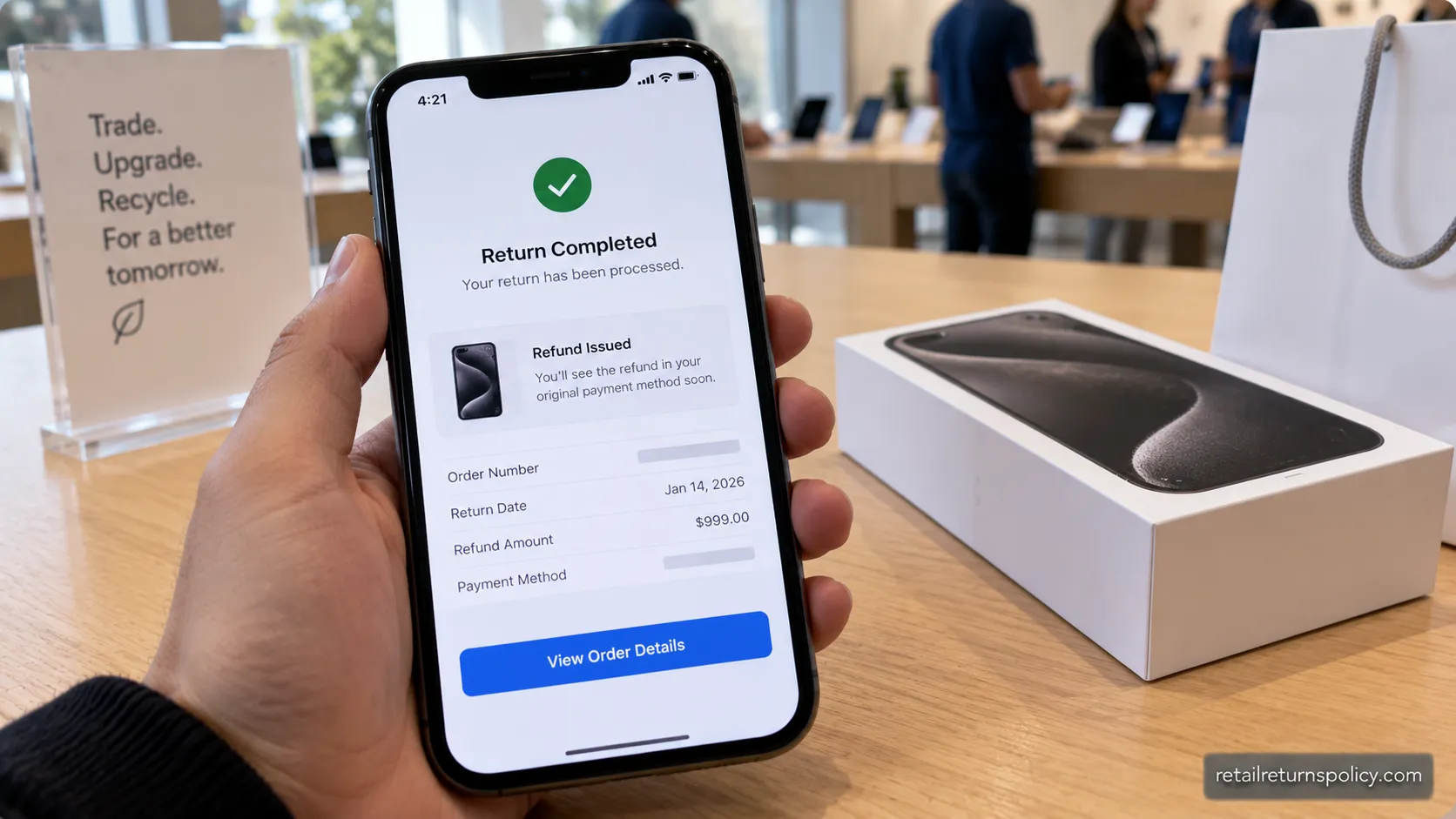
The image below shows the completed return confirmation.
The 14-Day Return Window and Receipt Rule
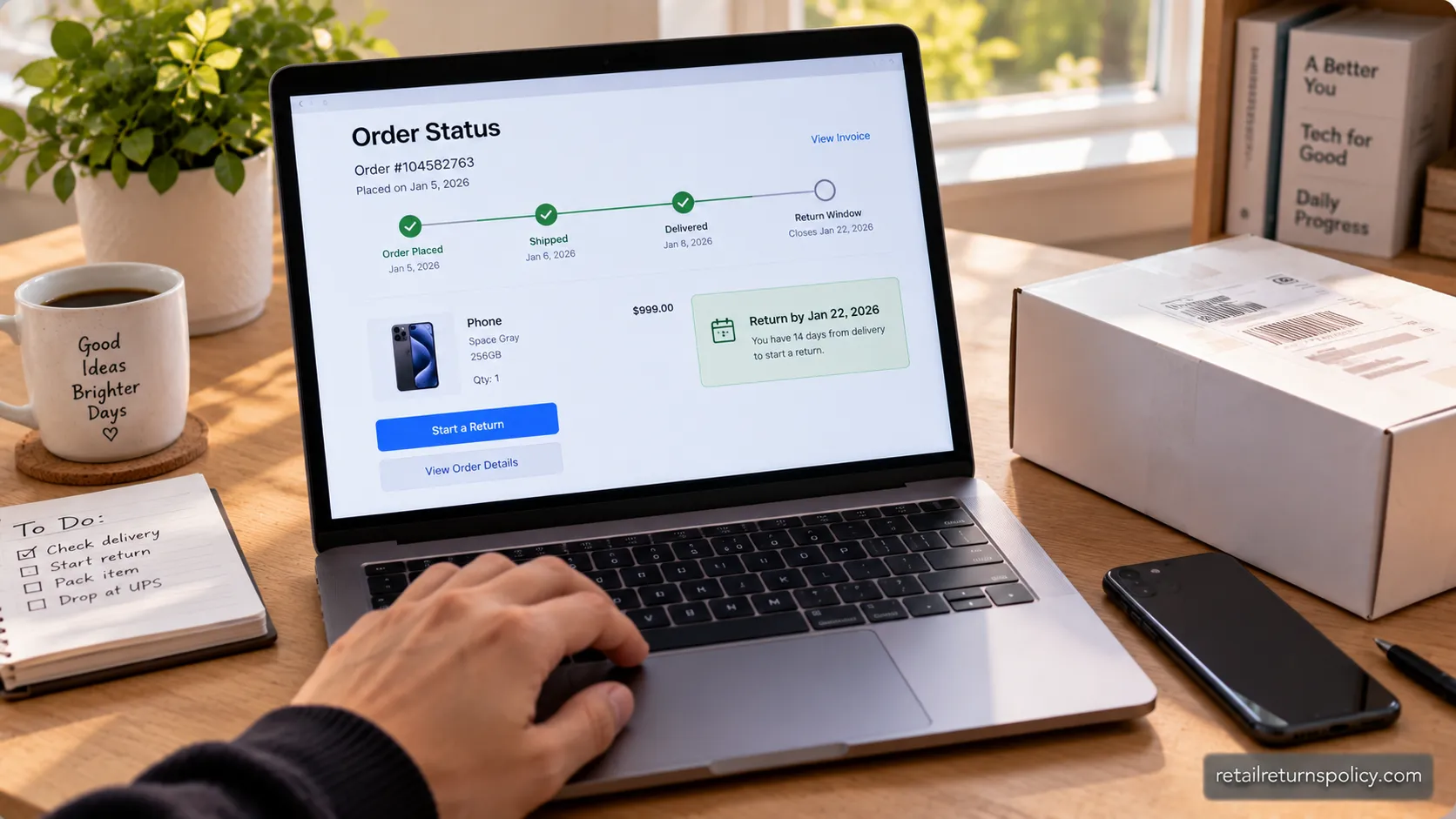
Apple’s return window is 14 calendar days, and it is shorter than most shoppers expect. For online orders the clock starts on the delivery date, and for in-store purchases it starts on the purchase date.
Apple confirms this timeline on its official Retail Store Sales and Refunds Policy, which also states the item must come back with all included parts, accessories, and packaging.
So no, Apple does not offer a 30-day window, and it will not accept an item you bought at Best Buy or from a carrier.
Your personal deadline is simple to calculate: delivery date plus 14 days. Miss it and the buyer’s-remorse return closes, though warranty rights continue.
Your deadline = the day it arrives + 14 calendar days. Mark it the moment your order lands.
There is a real cushion online that structured guides rarely mention.
On my own online return, the order page gave me 14 days to start the return, then roughly two more weeks to hand the package to the courier, which worked out to about 28 days end to end.
Treat that as a real-world observation, not a guaranteed extension, because the initiate-by date is what Apple actually enforces.
You do not need a paper receipt. Apple can look up your order through your Apple Account order history, the confirmation email, or the Apple Store app, which covers most no-receipt situations.
If you are new to how store rules work in general, our overview of return policies explained sets the baseline before you dig into Apple’s specifics.
How to Return to Apple: Online vs In-Store
Returning to Apple takes one of two paths, and both are free.
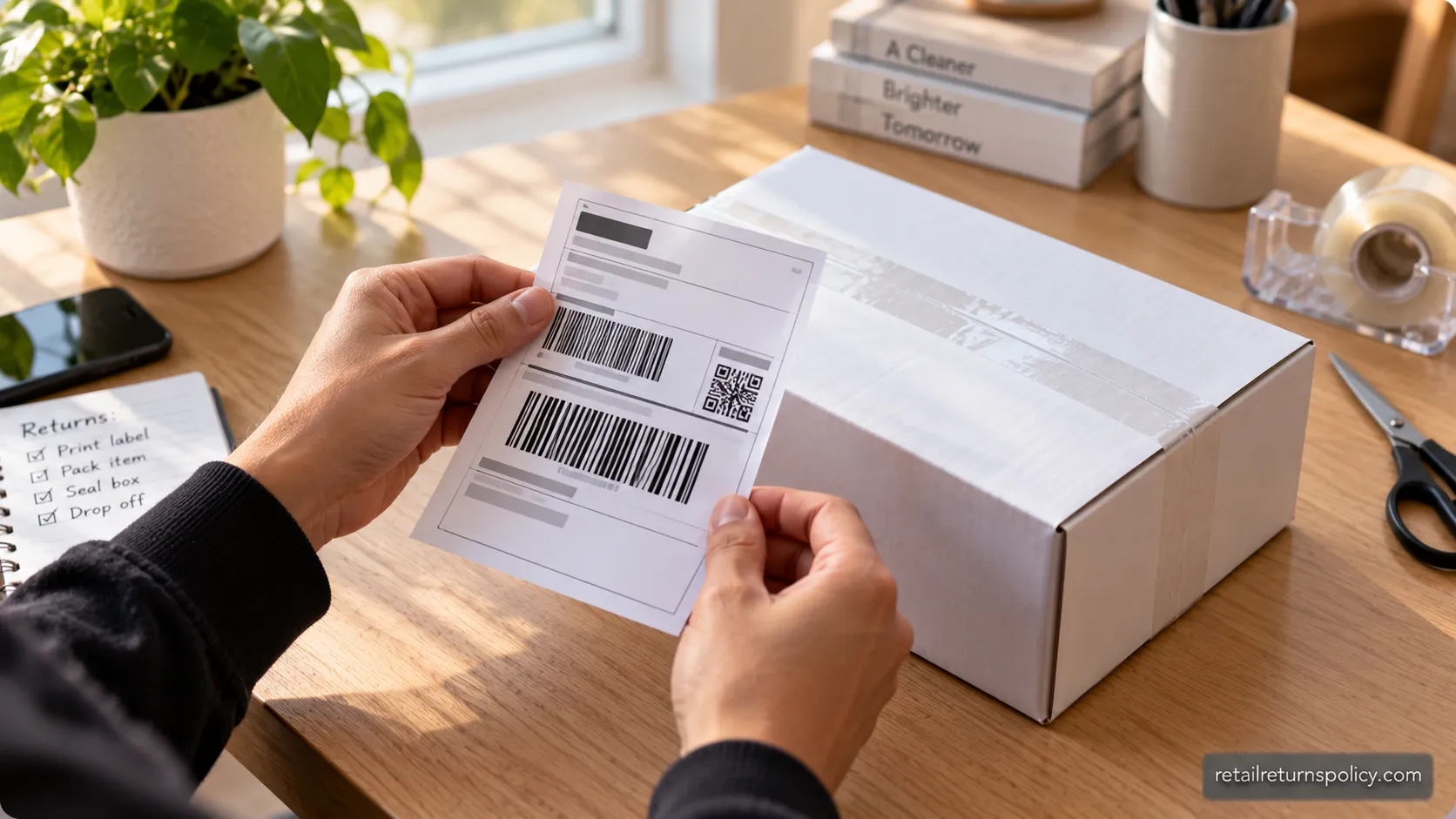
To mail it back, sign in to your Apple Account, open Order Status, select the item, choose Start a Return, print the prepaid label, and drop the package with the carrier.
To return in person, bring the item with every accessory and your proof of purchase to any U.S. Apple Store.
One step trips people up more than any other: you must sign out of Find My and disable Activation Lock first, or Apple can refuse the return.
Here is the online mail-in sequence:
Sign in to your Apple Account and open the Order Status (or Order Listing) page.
Select the item you want to return and choose Start a Return.
Confirm the reason and print the free prepaid return shipping label.
Pack the item in its original box with all cables, adapters, and documentation, still sealed where possible.
Attach the label and drop the package at the carrier or schedule a pickup.
For an in-store return, the list is shorter:
Turn off Find My, sign out of your Apple ID, and factory reset the device.
Bring the item, all accessories, and your order confirmation to any U.S. Apple Store.
A specialist inspects the item and issues the refund to your original payment method.
The sign-out step is not optional. Apple wouldn’t take my iPad back until I signed out of iCloud at the Genius Bar, and the specialist handed it back to me until I did.
As the return walkthrough at MacObserver’s Apple guide also notes, an active Activation Lock blocks the return because Apple cannot resell a locked device.
Returning your device does not cancel your carrier plan. If your iPhone had service, contact the carrier separately.
If an Apple Store is not close by, a nearby electronics shop may be, and it helps to know Micro Center’s return rules before you drive over.
Refund Method and Timing
Apple sends every refund back to the original payment method, and the speed depends on how you paid.
According to GOBankingRates’ Apple return breakdown, card refunds typically post within about 5 business days once Apple receives the item, and in-store returns clear faster than mail-in.
Cash under $750 is refunded on the spot in store, while Apple mails a check within 10 business days for cash or check amounts of $750 or more.
Payment method | When you get your refund |
|---|---|
Credit or debit card | Up to 5 business days after Apple receives the item |
Apple Account Balance | Immediate, back to your balance |
Apple Pay | Initiated immediately, up to 48 hours to appear |
Cash under $750 | Immediately, in store |
Cash or check $750 or more | Mailed check within 10 business days |
The stated ranges held up when I timed a real return. My card refund posted 4 business days after Apple’s warehouse scanned the package, tracked in the dated log below.
Return milestone | Date | Days elapsed |
|---|---|---|
Handed to carrier | Oct 6, 2026 | Day 0 |
Warehouse scanned return | Oct 9, 2026 | Day 3 |
Refund issued by Apple | Oct 13, 2026 | Day 7 |
Funds posted to card | Oct 13, 2026 | Day 7 |
One caveat worth stating plainly: once Apple issues the refund, how fast it appears is up to your bank, and that final posting delay is outside Apple’s control.
Does Apple Charge a Restocking Fee?
Apple does not charge a restocking fee on standard consumer returns in the United States. Whether the box is sealed or already opened, an iPhone, iPad, or MacBook returned in original condition within 14 days is refunded in full, which Apple’s own returns page confirms.
The 15% and 25% figures that circulate online are real, but they belong to Apple’s Singapore policy and to some carrier stores, not to Apple’s U.S. returns.
The only genuine U.S.-adjacent fee case is bulk, business-style volume returns.
This is one of the most contradicted facts on the web, so here is the split cleanly:
The myth | The fact |
|---|---|
Opened iPhones lose 25%, sealed ones lose 15% | No restocking fee on standard U.S. consumer returns, opened or sealed |
The fee is an Apple-wide rule | Those percentages come from Apple’s Singapore policy, not U.S. consumer returns |
Custom Macs get a “fee” | Custom-configured items are refundable, not fee-docked, though the refund can be more limited |
Every store charges to restock | Apple’s U.S. window is fee-free, some carrier stores charge their own fee |
Even live Apple Support Community threads show shoppers worrying about a 25% charge that Apple specialists then confirm does not apply in the U.S.
The Krazy Coupon Lady reached the same conclusion, noting in its Apple return guide that the open-box and closed-box percentages only apply if you live in Singapore.
So where does a 25% fee ever appear? It shows up in Apple’s business and volume terms.
Under Apple’s volume returns policy, buying an aggregate of more than four of the same product category triggers a tighter 7-day window and a 25% restocking fee per item, and those must go back to the original store.
That is a bulk-buyer rule, not something a normal shopper returning one device will ever meet.
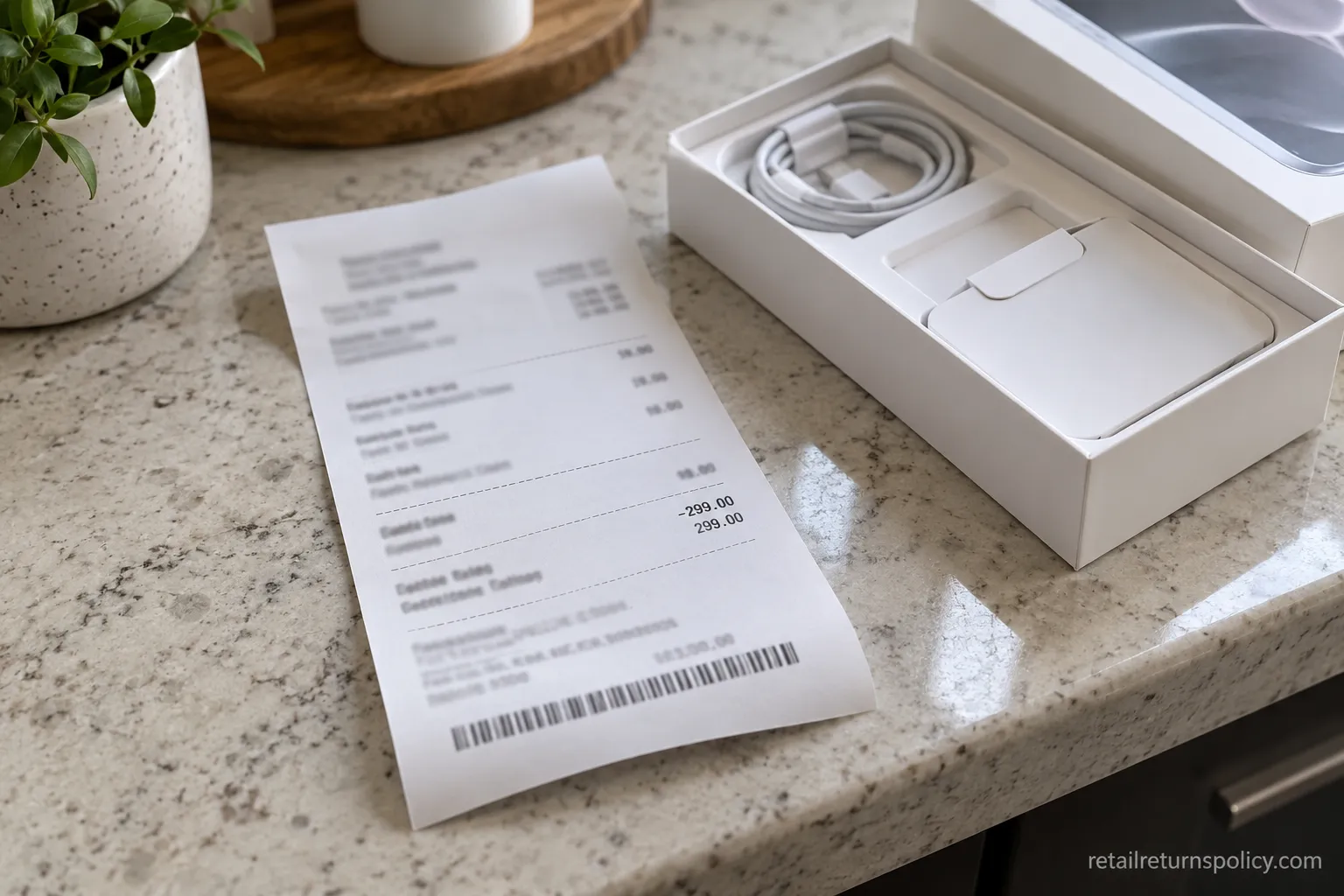
When I returned an opened MacBook Air, I paid nothing, and the receipt showed a full refund with no deduction despite the box being open.
For the cross-brand picture, see Apple’s restocking-fee details alongside how other electronics sellers handle it.
Exchanges and What You Can’t Return
Apple handles exchanges in store and keeps a short list of items you simply cannot return. You can swap most items at any U.S. Apple Store, subject to stock, while a mail-in “exchange” is really a refund followed by a new order.
A handful of things are off the table entirely: Apple Gift Cards, opened software with a visible serial or broken seal, and electronic downloads, which are final sale.
One quirk surprises people every holiday season: engraved and custom-configured items can be returned for a refund, but they cannot be exchanged in store.
Here is the quick can-return versus can’t-return list:
You can return or exchange | You cannot return |
|---|---|
Opened iPhone, iPad, or MacBook in original condition within 14 days | Apple Gift Cards |
Accessories with all packaging and cables | Opened software with a broken license seal |
Gift purchases, refunded as an Apple Gift Card | Electronic downloads and subscriptions |
Engraved items, for refund only | Engraved items, for in-store exchange |
Swapping rather than refunding follows its own path, subject to what a store has in stock. If that is your plan, our breakdown of how Apple exchanges work covers the in-store swap and the mail-in refund-then-rebuy route in more detail.
Can you return an opened iPhone to Apple?
Yes. Opening the box does not void your return, and an opened iPhone or MacBook is fully returnable within the 14-day window as long as it is in original condition with all accessories.
This is exactly why the restocking-fee myth is so damaging, because it scares people out of returns they are entitled to make for free.
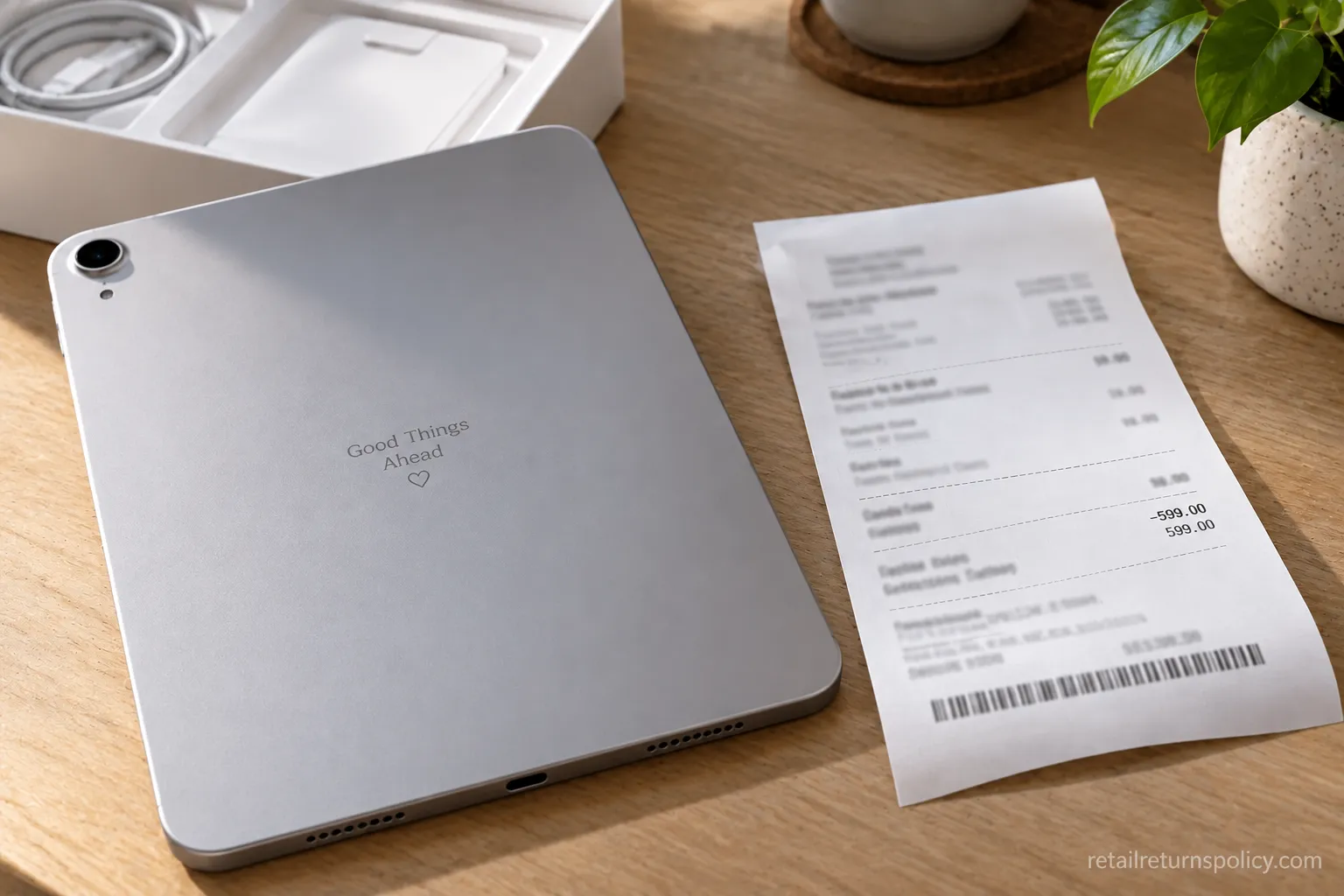
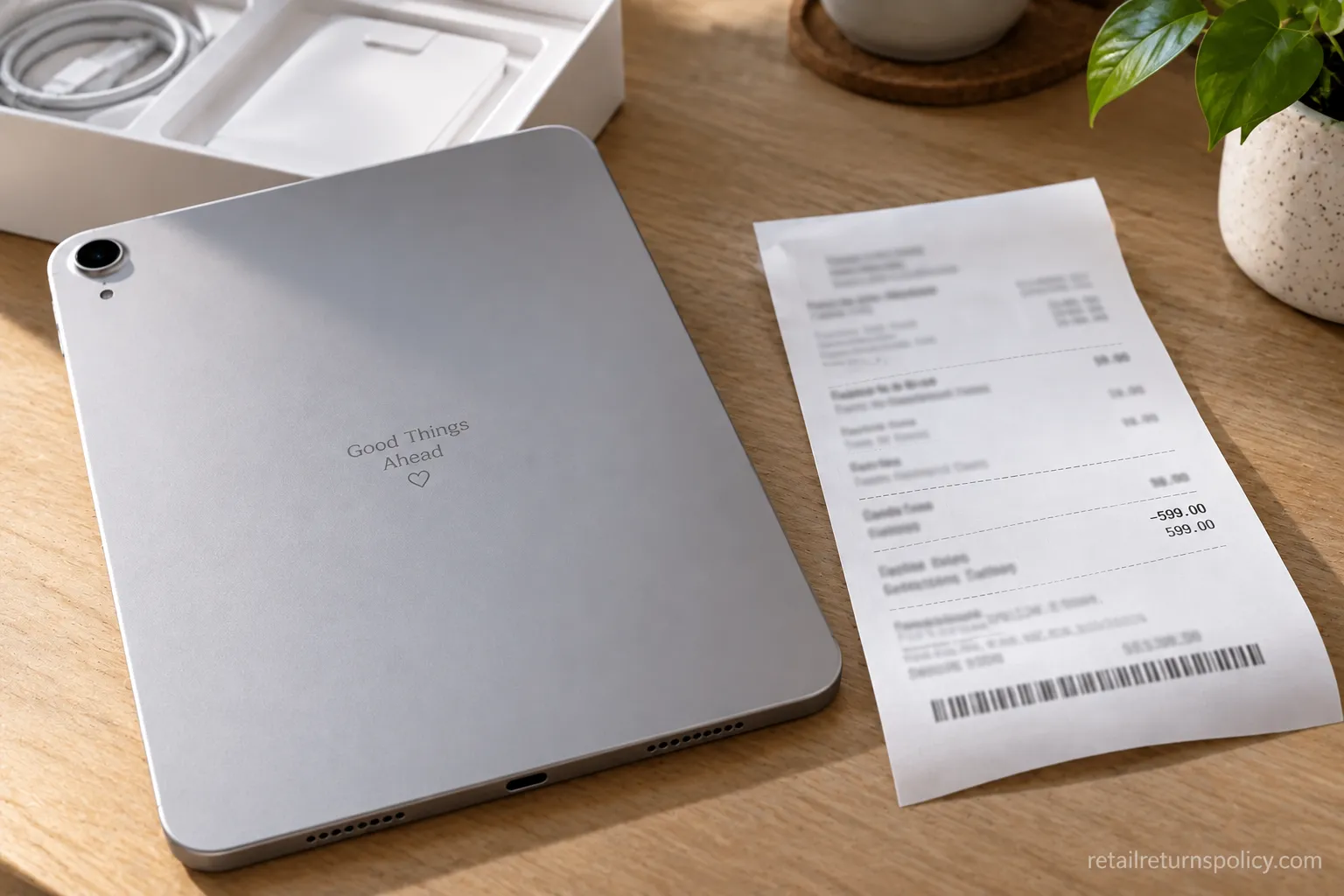
The engraving quirk is worth its own warning. When I tried to exchange an engraved iPad in store, the specialist could only refund it, so I had to reorder the new engraving as a separate purchase.
Apple’s Retail Store Sales and Refunds Policy spells out that personalized and custom-configured products are refund-only, because they are made to order.
Gift returns pay out as an Apple Gift Card, not cash. Use Apple’s “Return a Gift” flow and have the order’s serial number ready.
Deciding where to buy your next device in the first place? See how Apple compares on electronics returns against other major sellers.
Holiday and Extended Return Window
Apple extends its return window every year for the gift-buying season, so a device bought in mid-November stays returnable well past the standard 14 days.
In recent years, purchases made from early November through December 25 have been returnable into early January, with the most recent season running through January 8.
Apple announces the exact current-year dates each fall, so confirm them on apple.com before you rely on them.
Two traps catch shoppers: carrier-financed iPhones are excluded from the extension, and buying right before a launch can leave you outside the window.
Carrier financing is the bigger surprise. A carrier-financed iPhone falls under the plain 14-day rule because the financing sits in a contract with the carrier, not a straight sale from Apple.
I returned an iPad Air bought right before a launch event with no trouble, but a carrier-financed iPhone from the same week stayed on the standard 14-day clock.
Apple also offers a form of price protection. If Apple drops the price of an item within 14 days of your receiving it, you can request the difference, on up to 10 units, though limited sales events like Black Friday are excluded.
Holiday dates change every year. Always re-check the current-year deadline on apple.com before counting on the extension.
Buying a console or games as gifts too? Check GameStop’s return terms before the holidays so you are not caught by a different deadline.
Frequently Asked Questions
Does Apple have a 30-day return policy?
No. The Apple return policy gives you 14 calendar days from the date you receive an item bought directly from Apple, not 30.
The clock starts on delivery for online orders and on purchase date in store. After 14 days the buyer’s-remorse return closes, though your warranty rights continue separately.
Can you return an opened iPhone or MacBook to Apple?
Yes. Apple accepts opened hardware within the 14-day window as long as the item is in original condition with all included accessories and packaging.
Opening the box to test a device does not forfeit your refund, and there is no restocking fee for doing so.
Does Apple charge a restocking fee?
No, not for standard U.S. consumer returns, whether the box is opened or sealed. The 15% and 25% figures online come from Apple’s Singapore policy and some carrier stores.
A 25% fee applies only to business-style volume returns of more than four of the same product category.
How long do Apple refunds take?
Card refunds usually post within about 5 business days after Apple receives your item, and Apple Account Balance refunds are immediate. Cash under $750 is returned on the spot in store.
For cash or check payments of $750 or more, Apple mails a check within 10 business days.
Can I return an Apple product bought from another retailer?
No. Items bought from Best Buy, Amazon, a carrier, or any other seller must go back to that retailer under its own policy.
Apple’s return policy only covers purchases made directly from Apple, online or in an Apple Store. If you are missing paperwork, our guide to how no-receipt returns work can help across stores.
Can you return Apple products without a receipt?
Usually yes. Apple can look up your purchase through your Apple Account order history, your confirmation email, or the Apple Store app, so a paper receipt is not required for most direct purchases.
Bring a photo ID and the card you paid with to speed up an in-store lookup.
The Bottom Line
Your legal floor is lower than Apple’s policy. No federal law forces a store to refund buyer’s remorse, so Apple’s 14-day window is a voluntary promise, not a statutory right.
Apple’s window is more generous than the law requires. As FindLaw explains, no federal law obligates a merchant to refund a purchase just because you changed your mind, and returns are largely each retailer’s own policy.
Federal protections are narrow. The FTC Cooling-Off Rule covers door-to-door sales and late-shipping online orders rather than in-store buyer’s remorse, per LegalClarity’s return-rights explainer.
State rules add a thin extra layer. A state-by-state view from FindLaw shows some states only require stores to post their return policies clearly, rather than guaranteeing a refund.
Taken together, the Apple return policy is short but genuinely shopper-friendly: 14 calendar days, free returns, opened boxes welcome, and no restocking fee, provided you beat the clock, keep the packaging, and sign out of your Apple ID first.
Know your deadline, mind the engraving and carrier-financing traps, and a return at Apple is one of the smoother ones in retail.
Read it your way
Short on time? Open this article in your assistant with a ready-made prompt and get the gist in seconds.
Found this useful? Make us a preferred source so we show up in your Google results.
Keep reading
Related articles
Retailer Return Policy Hubs
Lowe’s Return Policy (2026): What 6 Real Returns Taught Us
Get Lowe’s return policy in plain English: the 90-day window, the 48-hour appliance and window-AC trap, no-receipt store credit, refund timing, and how to retur
Retailer Return Policy Hubs
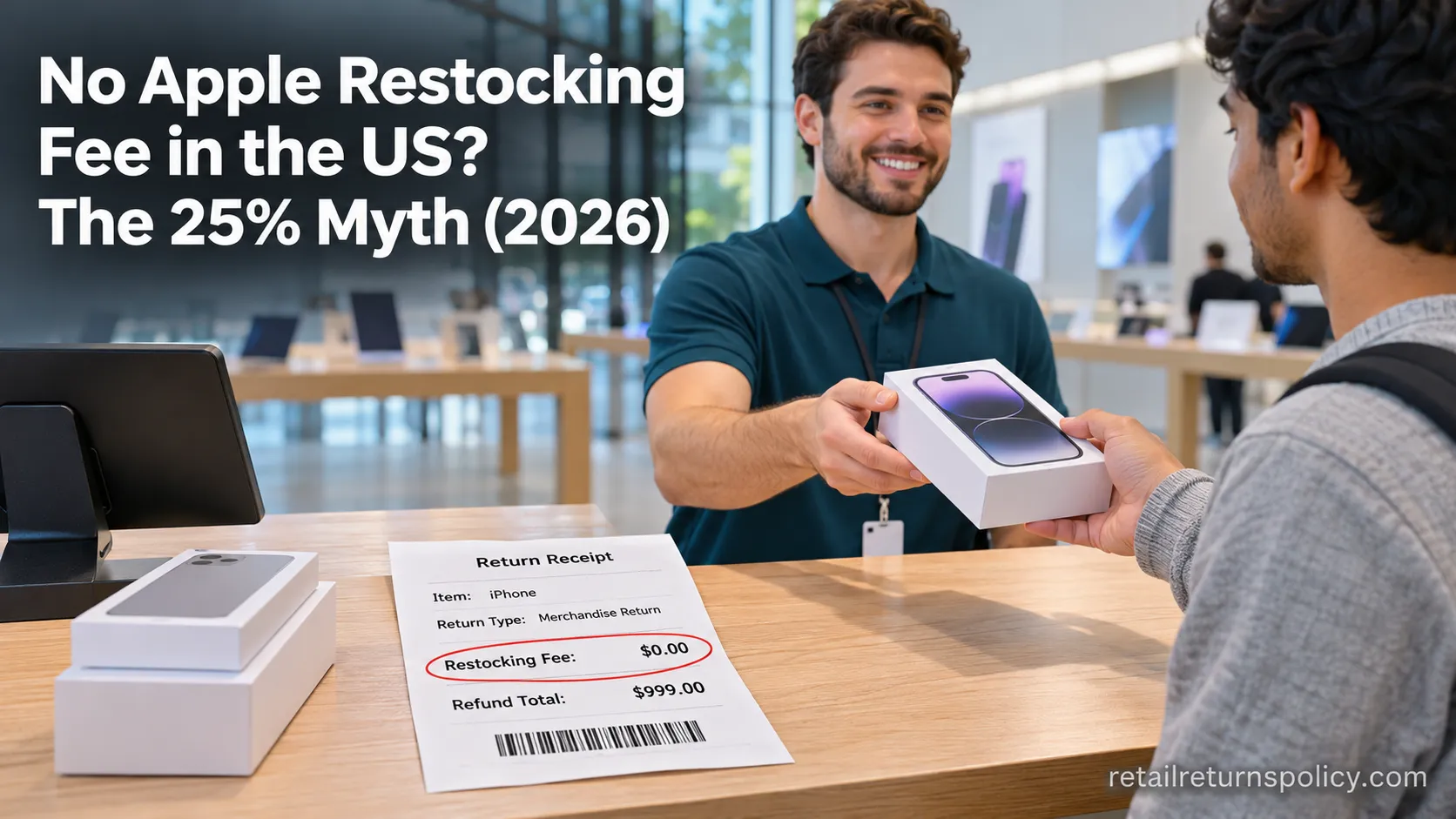
No Apple Restocking Fee in the US? The 25% Myth (2026)
Skip the Apple restocking fee worry: the US charges $0 within 14 days, while carriers add $50 and Best Buy, Samsung & Newegg dock 5–15%.
Retailer Return Policy Hubs
Return and Exchange Policy: What You Get Back (2026)
An exchange swaps your item; a refund returns your cash. See how a return and exchange policy pays out, when swaps are free, and your state rights.

Retailer Return Policy Hubs
Old Navy Return Policy: 30, 45 & 60-Day Windows (2026)
Check the Old Navy return policy fast: 30-day window (45–60 days for members), receipt rules, refund timing, the $7 mail fee & final-sale items.
The discussion
Comments
Every comment is reviewed before it goes live.