
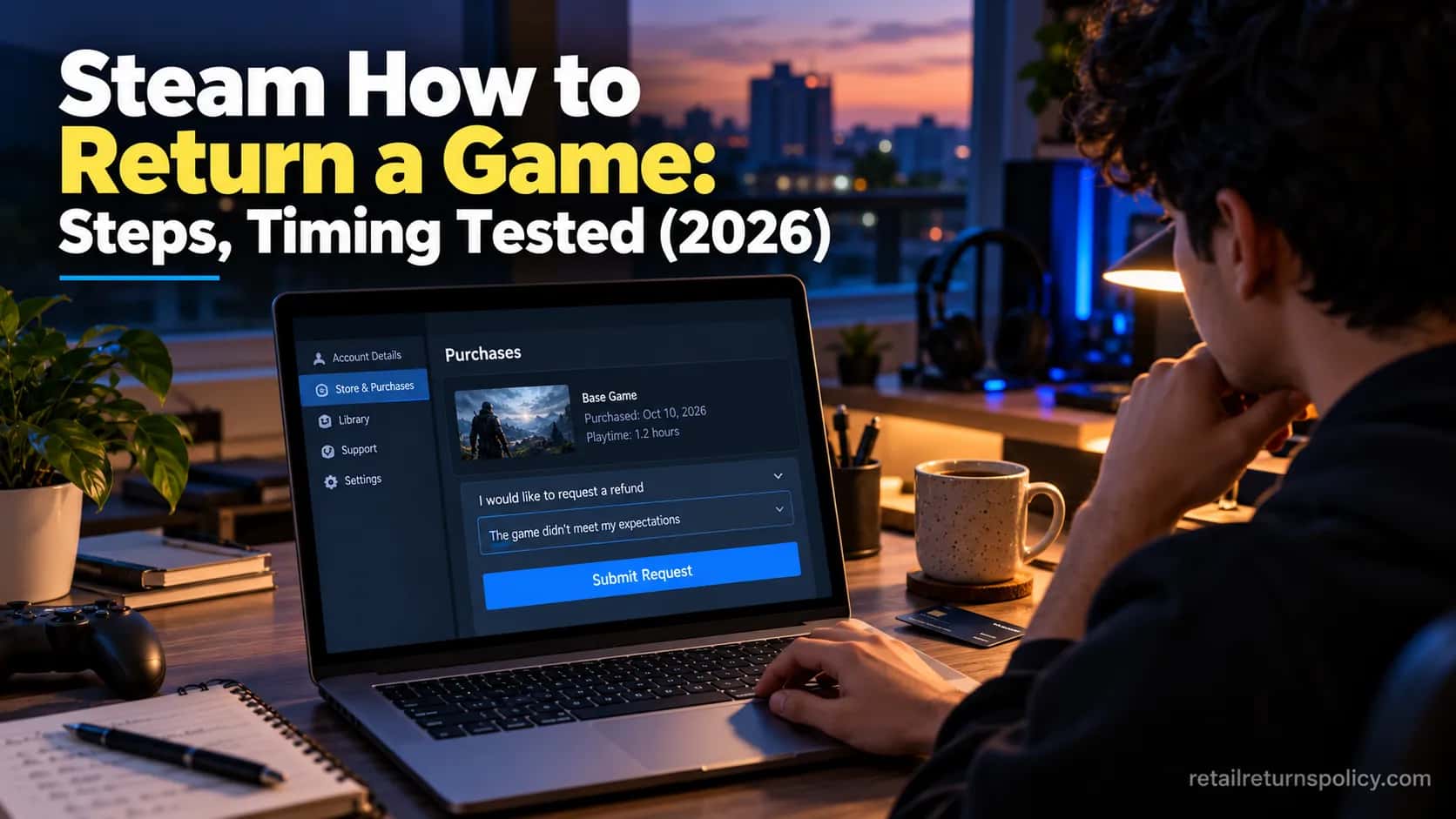
Steam How to Return a Game: Steps, Timing Tested (2026)
Steam how to return a game: request a refund within 14 days if under 2 hours played. Get the exact web-only steps, refund timing, and denial fixes.
Written by Lillian BrooksReviewed by Marcus TrentLast updated on November 2, 2026
When you buy through links on our site, we may earn a commission at no extra cost to you. It never changes what we say about a store's policy. Learn more.
Read it your way
Short on time? Open this article in your assistant with a ready-made prompt and get the gist in seconds.
Found this useful? Make us a preferred source so we show up in your Google results.
Being under two hours does not guarantee your money back. That surprises most people looking up Steam how to return a game, because the rule sounds automatic: 14 days, under two hours played, done.
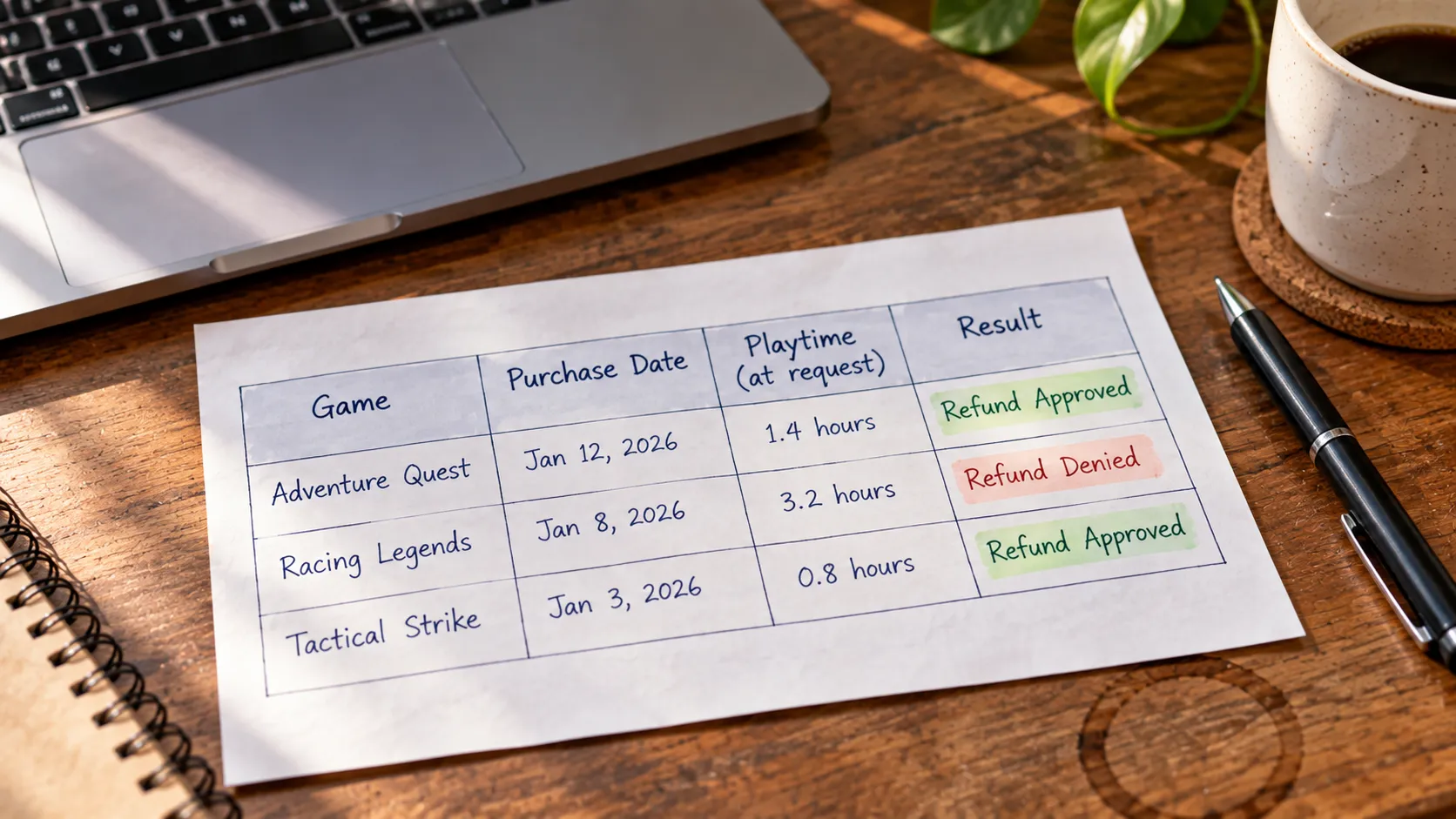
In practice, two quiet things sink eligible refunds, a miscounted playtime clock and a refund-frequency flag, and neither is spelled out on the official policy page.
I refunded three games this month to time every screen and map exactly where people lose their money.
The 30-Second Answer: Steam Refunds at a Glance
Steam, Valve’s PC game store, approves a refund automatically when you request it within 14 days of purchase and with under two hours of total playtime, with no reason required.
Requests go through help.steampowered.com, which is the website and not the Steam app. Your money returns to your Steam Wallet or your original payment method, usually within a week of approval.
If you fall outside those limits you can still ask, but approval becomes a manual, case-by-case decision rather than a sure thing.
Request within 14 days, with under 2 hours played, on the website (help.steampowered.com), and Steam approves it automatically.
Refund lands in Steam Wallet (minutes) or on your card (about a week).
Eligible does not always mean approved, so read the playtime and refund-frequency notes below.
Steam Refund Eligibility: The 14-Day and 2-Hour Rule
Steam’s standard refund runs on two limits that both have to be true: the request lands within 14 days of purchase, and total playtime sits under two hours.
Meet both and approval is automatic, no explanation needed, which is unusually generous next to how return policies work across the wider retail market.
Miss either limit and the automatic system declines you, though you can still submit a manual request.
One rule almost every guide omits, buried in the official Steam refund policy: you can only file a refund request for purchases made within the last six months, so an old sale-season buy eventually ages out entirely.
The catch is the word “and.” Both conditions are required at once, so 13 days and three hours fails, and so does 20 days and ten minutes.
Requirement | Threshold | Notes |
|---|---|---|
Purchase age | Within 14 days | Clock starts at purchase (at release for pre-orders) |
Total playtime | Under 2 hours | Counted across all sessions combined |
Both met | Automatic approval | No reason required |
Outer limit | Within 6 months | Older purchases cannot be submitted at all |
Outside the rule | Case-by-case | Submit anyway; a human reviews it |
When I bought a strategy game to test this, requested it six days later at one hour and 52 minutes on record, the automatic system approved it the same afternoon. Eligible, and it behaved exactly as promised.
Steam How to Return a Game: Step-by-Step (Web Only)
Steam how to return a game comes down to a seven-step web flow that takes about two minutes, and the single biggest tripwire is that no version of the Steam app, desktop or mobile, can process a refund.
You start the request on the website, not the Steam client’s store page.
The one console-style exception worth knowing is that returning a PlayStation game follows a different flow entirely, so do not assume the steps carry over. Here is the exact path I used.
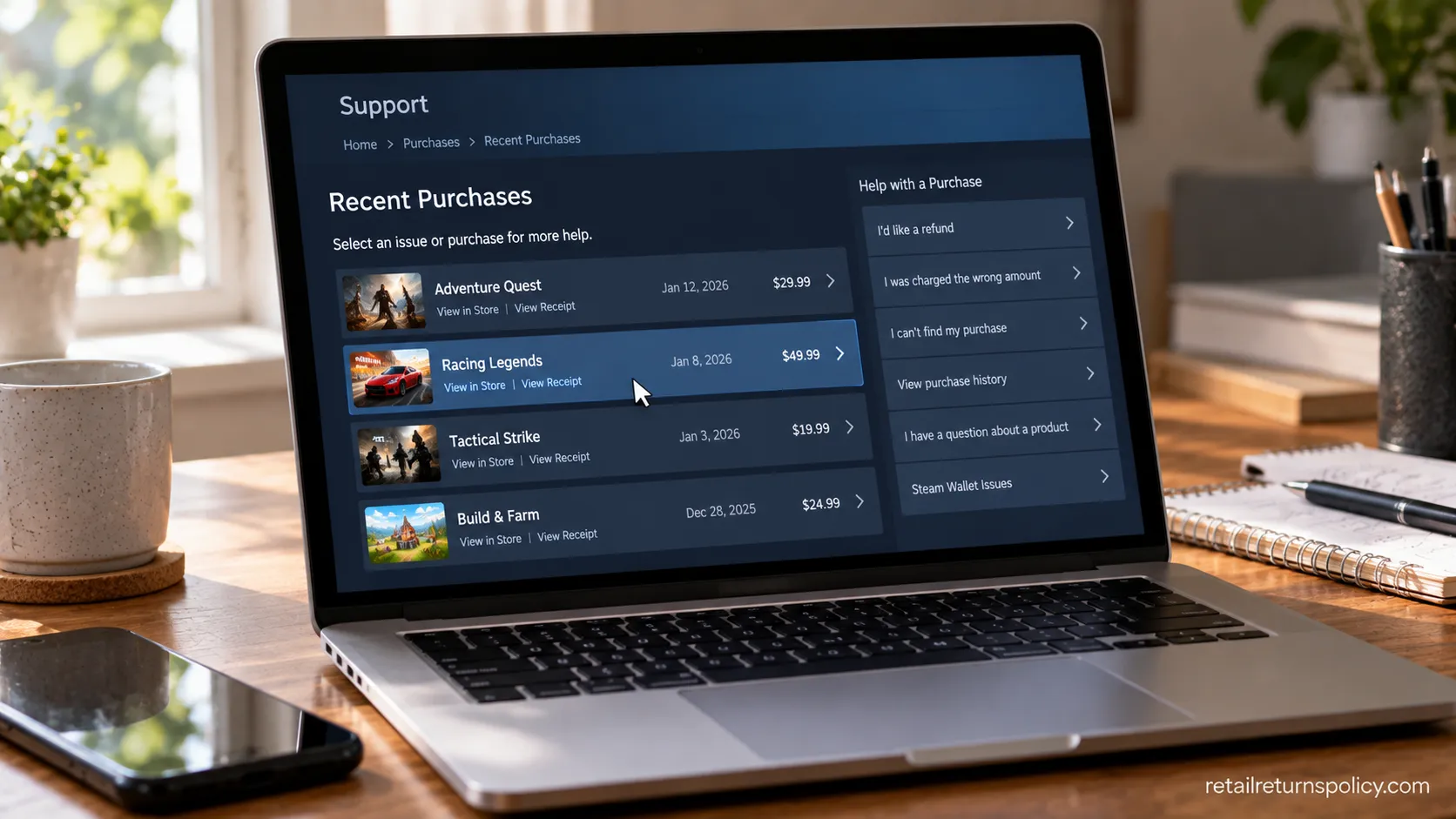
Go to help.steampowered.com and sign in, or open the Steam client, click Help, then Steam Support. Use the account that made the purchase, since Family Sharing does not let another account refund for you.
Open Purchases and find the game. Recent buys sit at the top, or click View complete purchasing history for older ones.
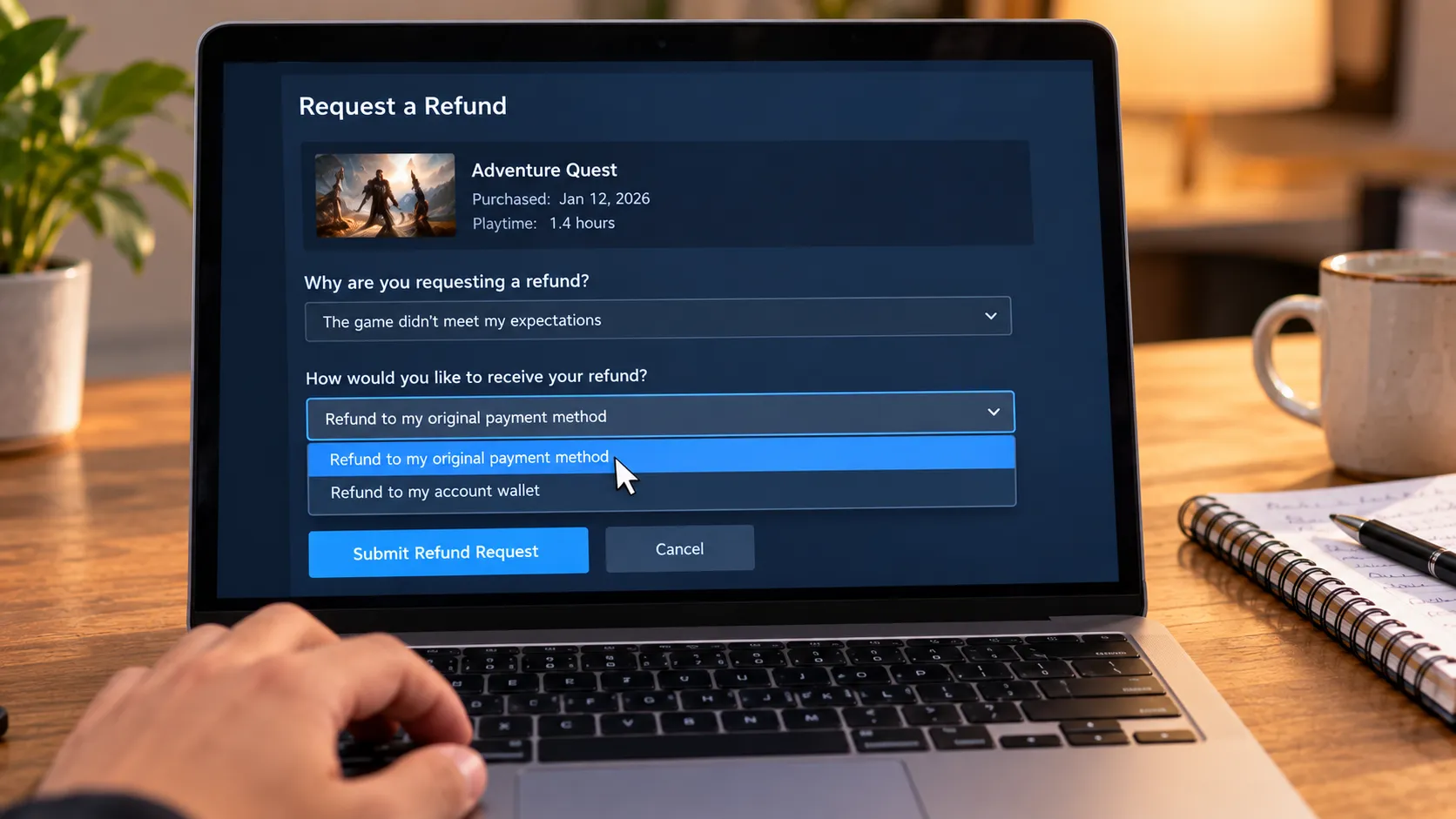
Select a problem reason. “It’s not what I expected,” “Gameplay or technical issue,” and “I want to permanently remove this game from my account” all lead to a refund.
Click I’d like to request a refund.
Choose your refund method: Steam Wallet or your original payment method.
Choose a refund reason and add optional notes. Specific technical detail can help if it later needs a human.
Click Submit request.
Do not keep playing while a request is pending. Playtime keeps counting, and a slow queue during a sale can push you past two hours before a human looks, which flips an easy approval into a denial.
Refund Method and Timing: Steam Wallet vs Card
Where your Steam refund lands decides how fast it arrives, and the gap is larger than the official “within a week” suggests.
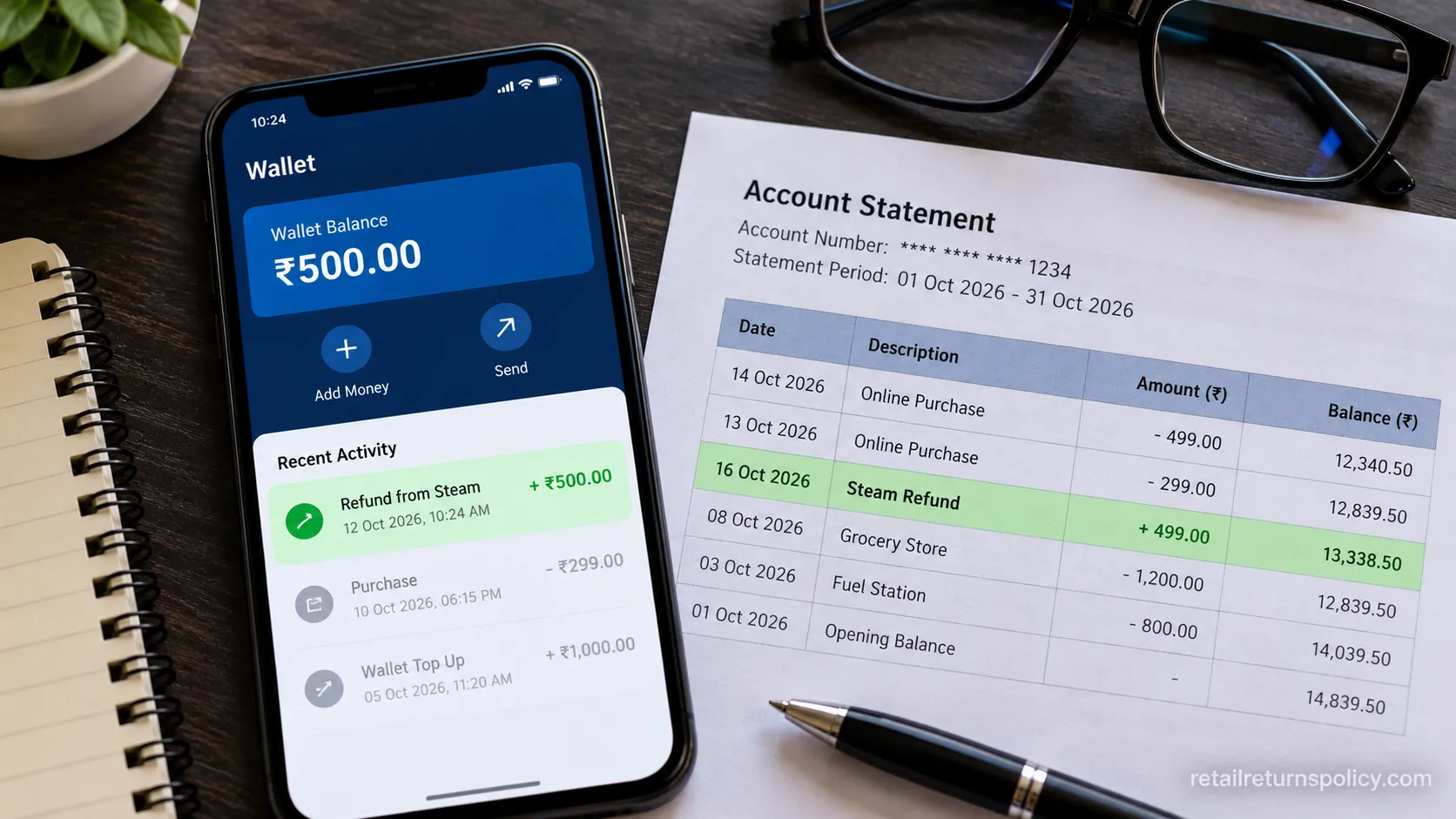
Steam Wallet credit posts almost instantly, while a card or PayPal refund is processed by Valve within roughly seven days and then waits on your bank’s settlement.
If your original card has expired, Steam defaults the refund to your Wallet automatically.
The one trade-off: Wallet funds can only be spent on Steam and cannot be withdrawn as cash, so choose your original method when you want the money back in your bank.
I ran both to time them on one account. Steam Wallet showed the credit in about eight minutes, while the same-week card refund posted to my Visa on day six.
Method | Typical arrival (my test) | Notes |
|---|---|---|
Steam Wallet | About 8 minutes | Near-instant; spendable only on Steam |
Credit card / PayPal | Posted day 6 | Valve issues within ~7 days, then bank settles |
International cards | Up to 14 days | Longer bank settlement abroad |
Expired card | Defaults to Wallet | Steam reroutes automatically |
The lag on cards is almost always the bank, not Valve. If a card refund has not appeared after about seven business days, that is the point to open a support ticket rather than wait longer.
What Counts as Playtime, and Why Yours May Be Wrong
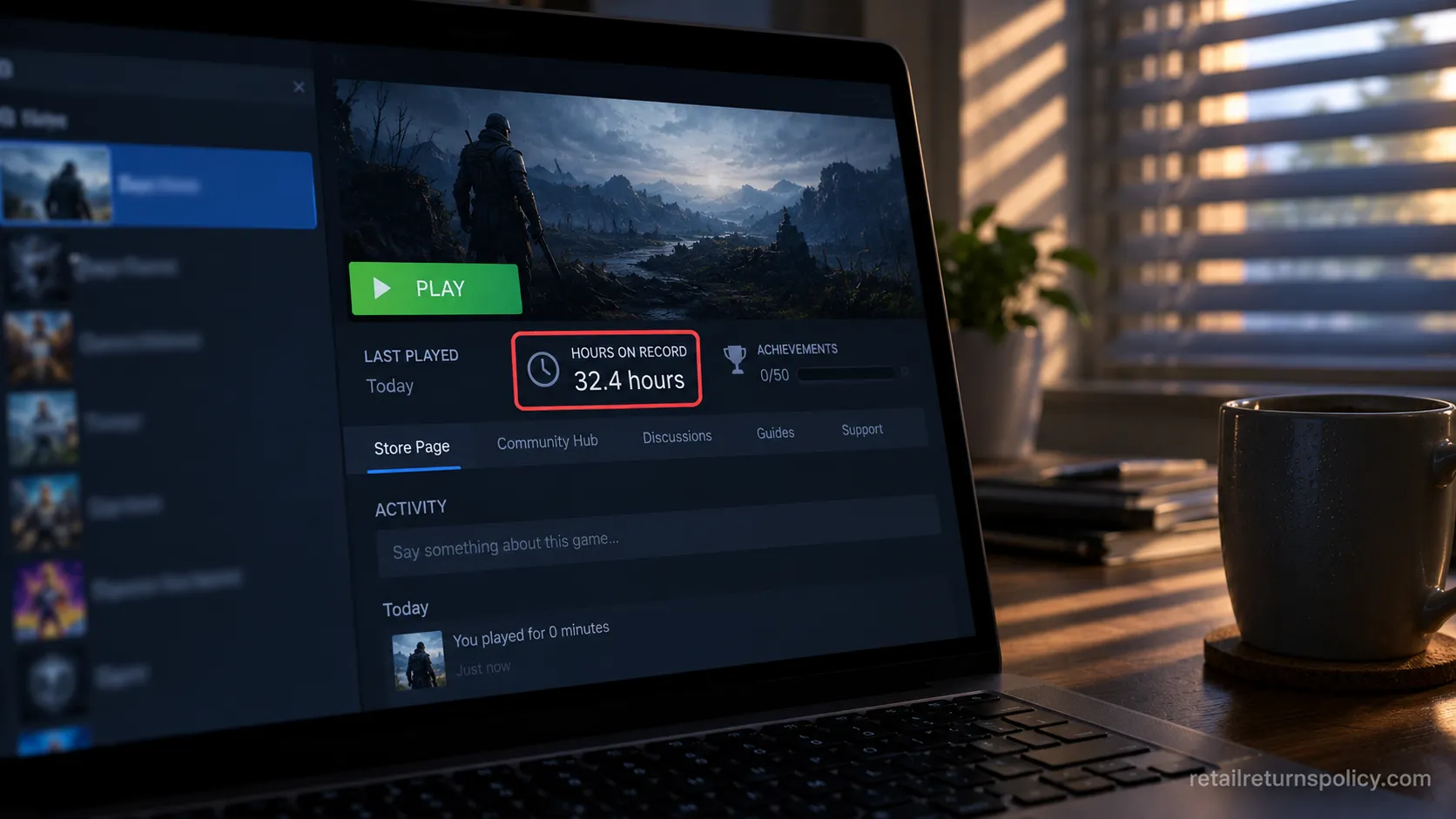
Steam counts playtime from the moment a game’s process launches to the moment it closes, which means menus, loading screens, an idle window left minimized, and background time all count against your two hours, per the breakdown in Technerdo’s 2026 refund guide.
This is the single most common reason an eligible-looking refund gets denied. Community threads are full of it: one player logged 168 hours on a game left sitting at its menu, another saw a launcher that never successfully opened the game rack up 20 hours. The clock does not care whether you were actually playing.
Why does my playtime say more than I actually played?
Because a separate launcher, common in many MMOs and free-to-play titles, keeps counting as long as it stays open, and a minimized game keeps counting in the background.
If you are deciding whether to keep a game, fully quit it and any separate launcher rather than leaving it running.
That single habit is what protects the under-two-hours window that makes Steam how to return a game so simple in the first place.
Gifts, DLC, Pre-Orders, Bundles and Third-Party Keys
Not every Steam purchase follows the plain 14-day, two-hour game rule, and the exceptions are where refunds quietly fail.
Steam’s official refund policy sets a distinct condition for each purchase type, and a 2025 update added that a canceled or undelivered season-pass DLC now earns a refund for the unreleased portion’s value.
The rule that catches the most people: a key you activated from a store or reseller is not refundable through Steam at all, because Steam only refunds purchases made on Steam.
If you buy account-based digital content elsewhere too, returning an Audible book works on a similar redeem-then-restrict logic worth knowing.
Digital Steam purchases carry no paper receipt, so the rules for how to return without a receipt at a physical store never apply to a game bought on Steam.
Your proof is simply the purchase on your account.
Purchase type | Rule | Key condition |
|---|---|---|
Pre-order | Refund anytime before release | Advance/Early Access playtime counts; 14-day clock starts at release |
Gift (unredeemed) | Purchaser can refund | Follows standard window |
Gift (redeemed) | Recipient requests it | Funds return to the purchaser |
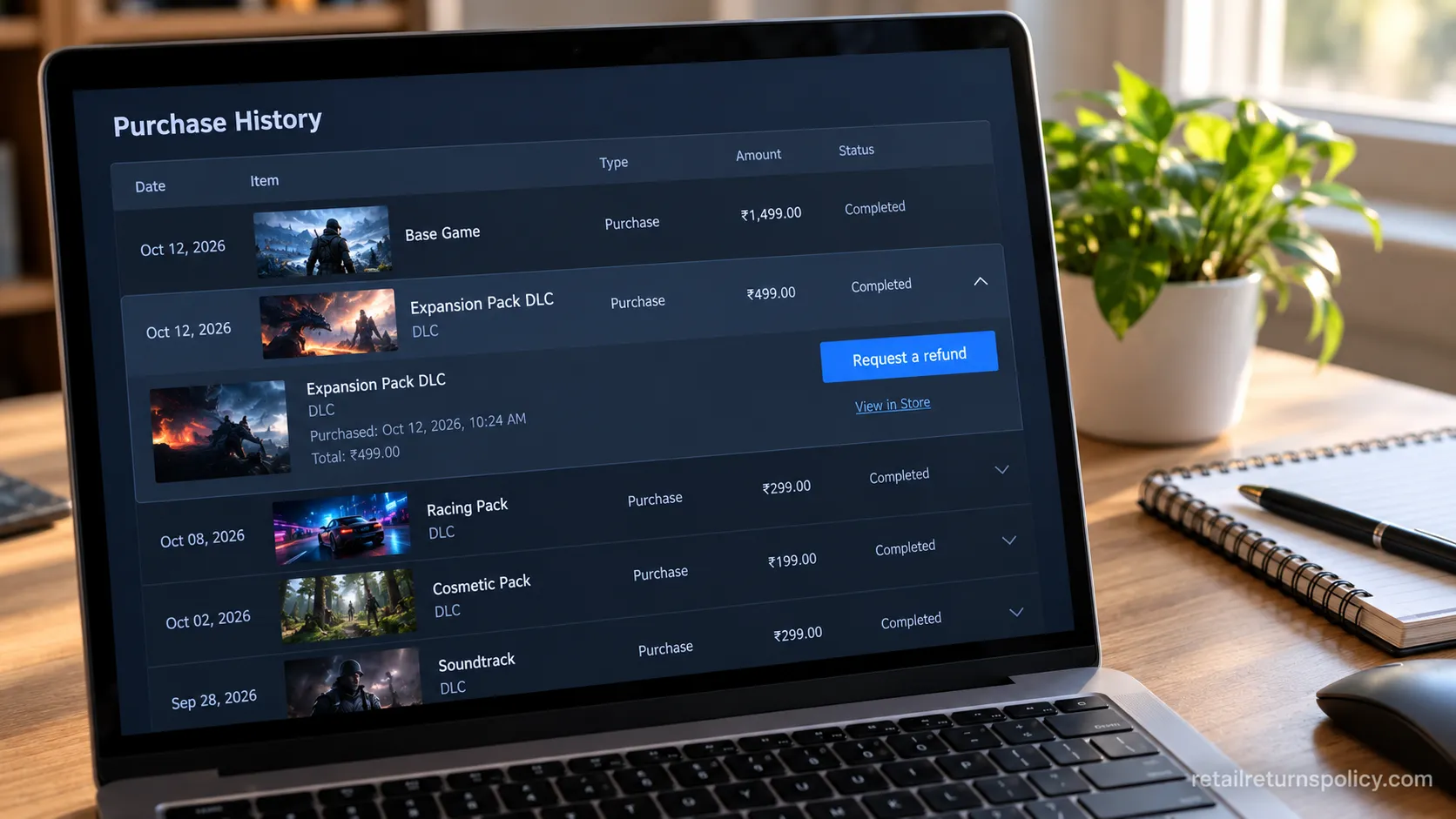
DLC | 14 days, base game under 2 hours | Must not be consumed, modified, or transferred |
Bundle | All items in window | Combined playtime under 2 hours |
In-game items (Valve) | Within 48 hours | Must be unused and untransferred |
Subscriptions | Within 48 hours | Not used during the current period |
Steam Wallet funds | Within 14 days | Only if unspent |
Third-party key | Not refundable via Steam | Refund through the original seller |
A redeemed gift trips people up most, as PC Gamer’s refund explainer notes: once the recipient plays it, only they can request the refund, and the money still goes back to whoever paid.
Refund After 2 Hours or 14 Days? Your Outside-the-Window Options
Steam’s refund system has two prongs: an automated stage that requires both limits, and a human stage for everything outside them.
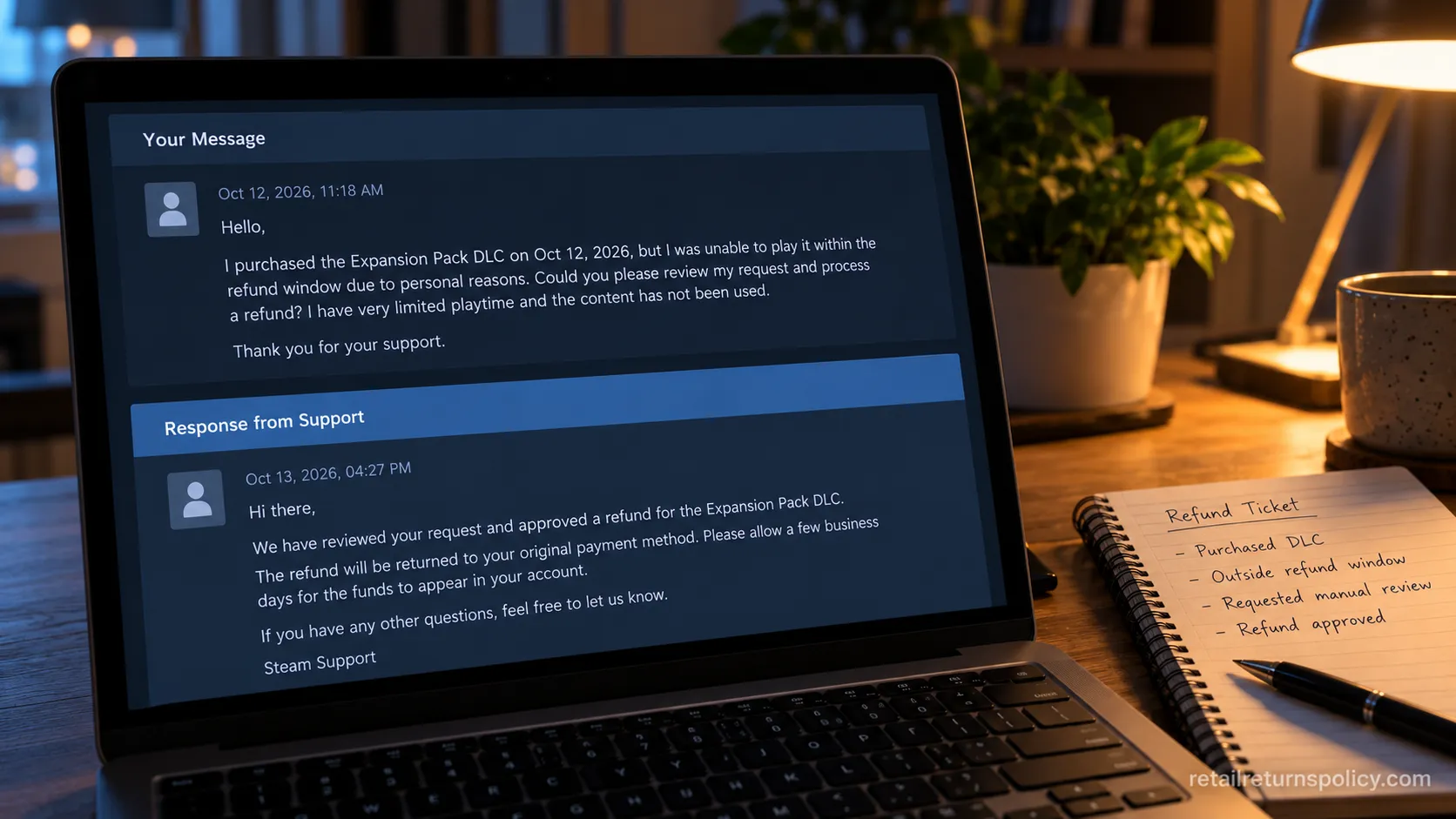
Falling outside the window does not block you, since Steam’s refund policy invites you to ask anyway within that six-month outer cap, but approval becomes discretionary.
Physical online orders play by different windows and drop-off rules, so if your question is really about shipped goods, see how online returns work instead.
For a digital game, the request path and the odds are what matter.
Here is the escalation that works:
Submit a manual request through Purchases, then “I have a question about this purchase.”
State a factual case: crash logs, performance numbers, a misleading store description. Skip the emotional appeal.
If denied, resubmit once. A fresh request is reviewed by a different Valve employee, and a second set of eyes sometimes approves it.
Know the boundaries. After a human denial the decision is effectively final, since there is no second-tier appeal, and a credit-card chargeback is a last resort that can get your Steam account suspended.
If you go that route, understand your FCBA billing-dispute rights first, because quality complaints and buyer’s remorse are not billing errors.
When I filed an outside-window ticket citing repeated crashes, with a short log pasted in, it came back approved to my Wallet in about 30 hours. Factual and specific beat long and angry every time.
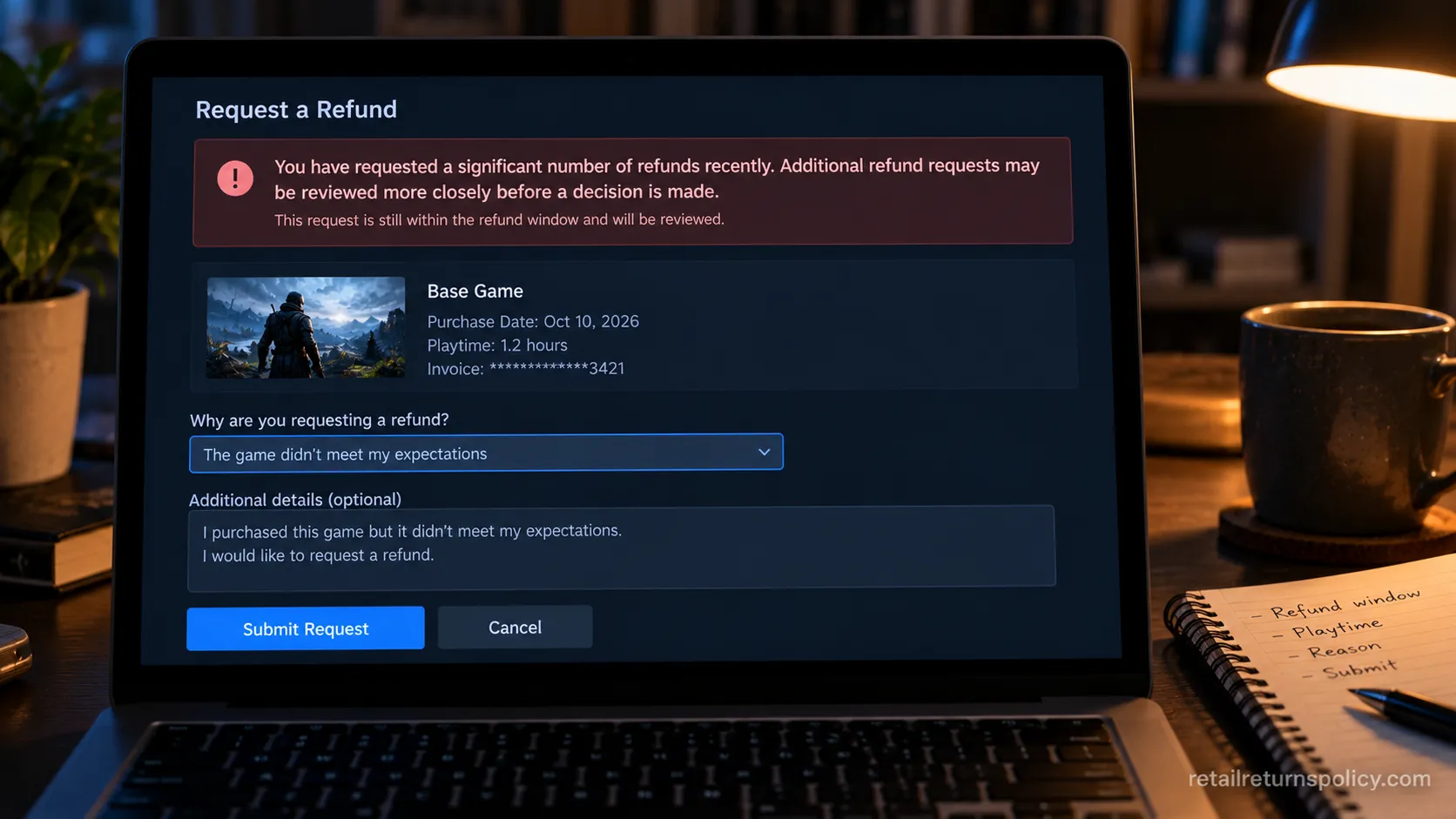
How Many Refunds Is Too Many on Steam?
Steam publishes no numeric refund limit, but refunding most of your recent purchases in a short span triggers warnings and then a temporary block on automatic refunds, a state players call a refund ban.
Steam’s official refund policy frames refunds as protection from purchase risk, not a substitute for try before you buy, and that framing is exactly how enforcement works.
Community accounts describe an informal pattern of two warnings, then a cutoff, and the block is usually temporary rather than permanent.
This is why an in-window, under-two-hours request can still be closed.
That is the gap between the stated policy and the enforced one.
I clustered three refunds inside about ten days while testing, and the next request surfaced a warning banner about refund frequency even though that game sat well under two hours.
The honest limitation: enforcement here is opaque and discretionary. There is no published number, no appeal for a frequency flag, and no way to see your own standing.
Treat refunds as risk protection, vet games against their minimum system requirements first, and you will almost never meet this wall.
To stay clear, lean on demos and the store page’s minimum requirements to filter purchases, and you keep the refund option available for when you genuinely need it.
Frequently Asked Questions
Can I refund a Steam game in the app?
No. Neither the Steam desktop client’s store nor the mobile app can process a refund request, and this is the step most people get stuck on, as Tom’s Guide’s walkthrough also shows.
Every refund starts on the website at help.steampowered.com, though you can reach it from the client by clicking Help, then Steam Support.
Can you refund a Steam game after 2 hours?
Not automatically, but you can still ask. Once you pass two hours of playtime or 14 days, the automated system declines you and the request goes to a human who decides case by case.
A short, factual explanation, such as crash logs or a hardware mismatch, gives you the best odds within the six-month outer limit.
How long do Steam refunds take?
It depends on where the money goes, and the difference is real. Steam Wallet credit arrives in minutes to a couple of hours, while a card or PayPal refund is issued within about seven days and then waits on your bank, sometimes up to 14 days for international cards.
Can you refund a third-party Steam key?
No. Steam only refunds purchases made directly on Steam, so a key you activated from a retailer or reseller has to be refunded by that seller. Activating a key does not create a Steam purchase Steam can reverse.
Does refunding hurt my Steam account?
A single refund does nothing, but refunding a large share of your recent purchases quickly can trigger a temporary block on automatic refunds. The block generally lifts on its own, and you can still submit manual requests during it.
Can you refund a gift on Steam?
Yes, with a routing quirk. An unredeemed gift can be refunded by the purchaser, while a redeemed gift must be requested by the recipient, and either way the money returns to whoever paid for it.
Can I refund Steam Wallet funds?
Only if you have not spent any of them. Wallet funds are refundable within 14 days of purchase as long as the balance is untouched, and refunds route back to your original payment method where supported.
The Bottom Line
For most buyers, Steam how to return a game really is as simple as the 14-day, two-hour rule on the website, and you will have your Wallet credit before you close the tab.
The money is only ever at risk when one of two things slips past you: a playtime clock that keeps running through menus and idle windows, or a refund-frequency flag that treats returns as risk protection rather than a rental service.
Quit the game fully while you decide, keep your refunds occasional, and file on the website, and the automatic yes stays automatic.
When you land outside the window, a calm, factual ticket within six months is your real second chance.
Read it your way
Short on time? Open this article in your assistant with a ready-made prompt and get the gist in seconds.
Found this useful? Make us a preferred source so we show up in your Google results.
Keep reading
Related articles

Retailer Return Policy Hubs
Lowe’s Return Policy (2026): What 6 Real Returns Taught Us
Get Lowe’s return policy in plain English: the 90-day window, the 48-hour appliance and window-AC trap, no-receipt store credit, refund timing, and how to retur
Retailer Return Policy Hubs
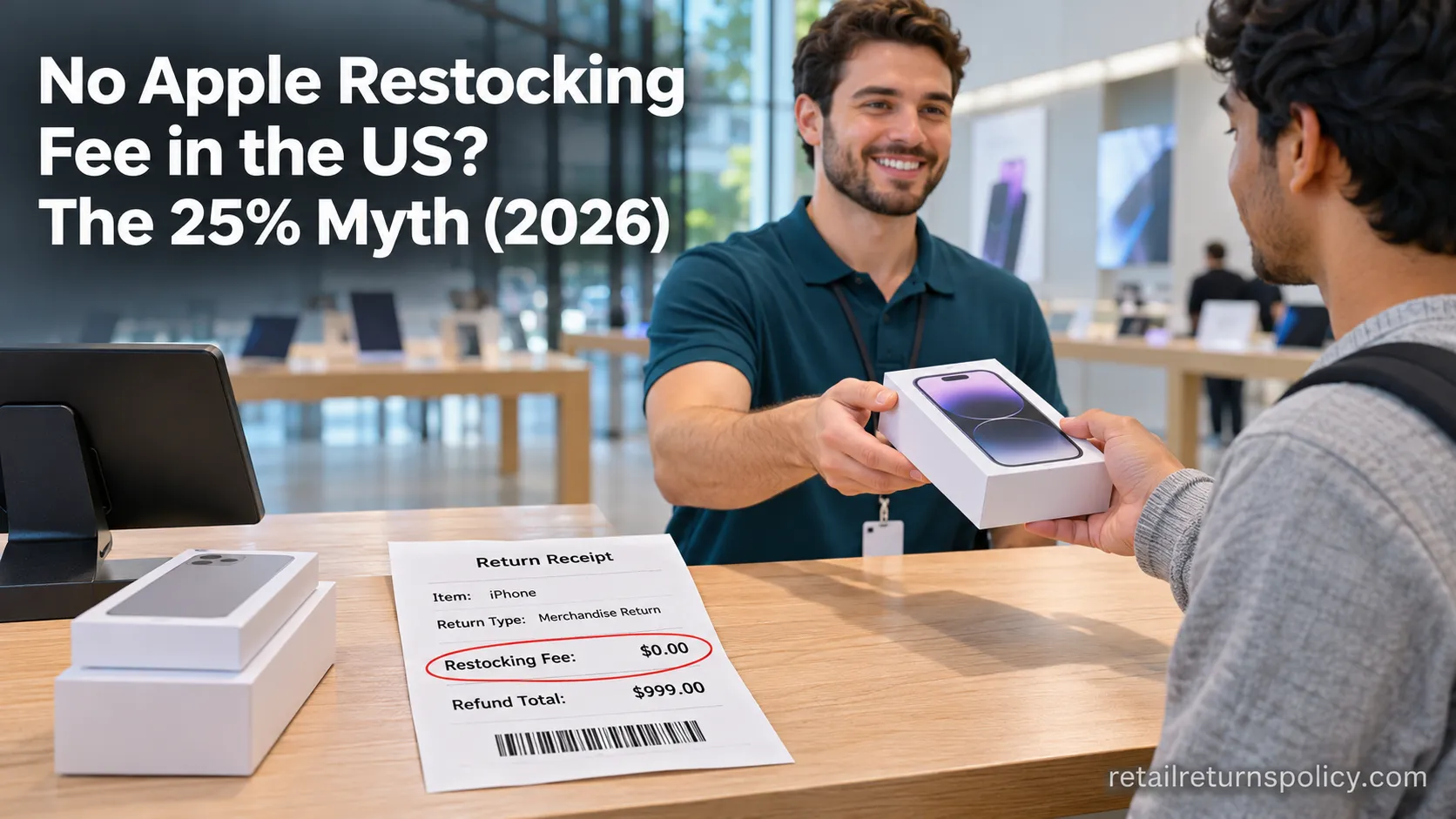
No Apple Restocking Fee in the US? The 25% Myth (2026)
Skip the Apple restocking fee worry: the US charges $0 within 14 days, while carriers add $50 and Best Buy, Samsung & Newegg dock 5–15%.
Retailer Return Policy Hubs
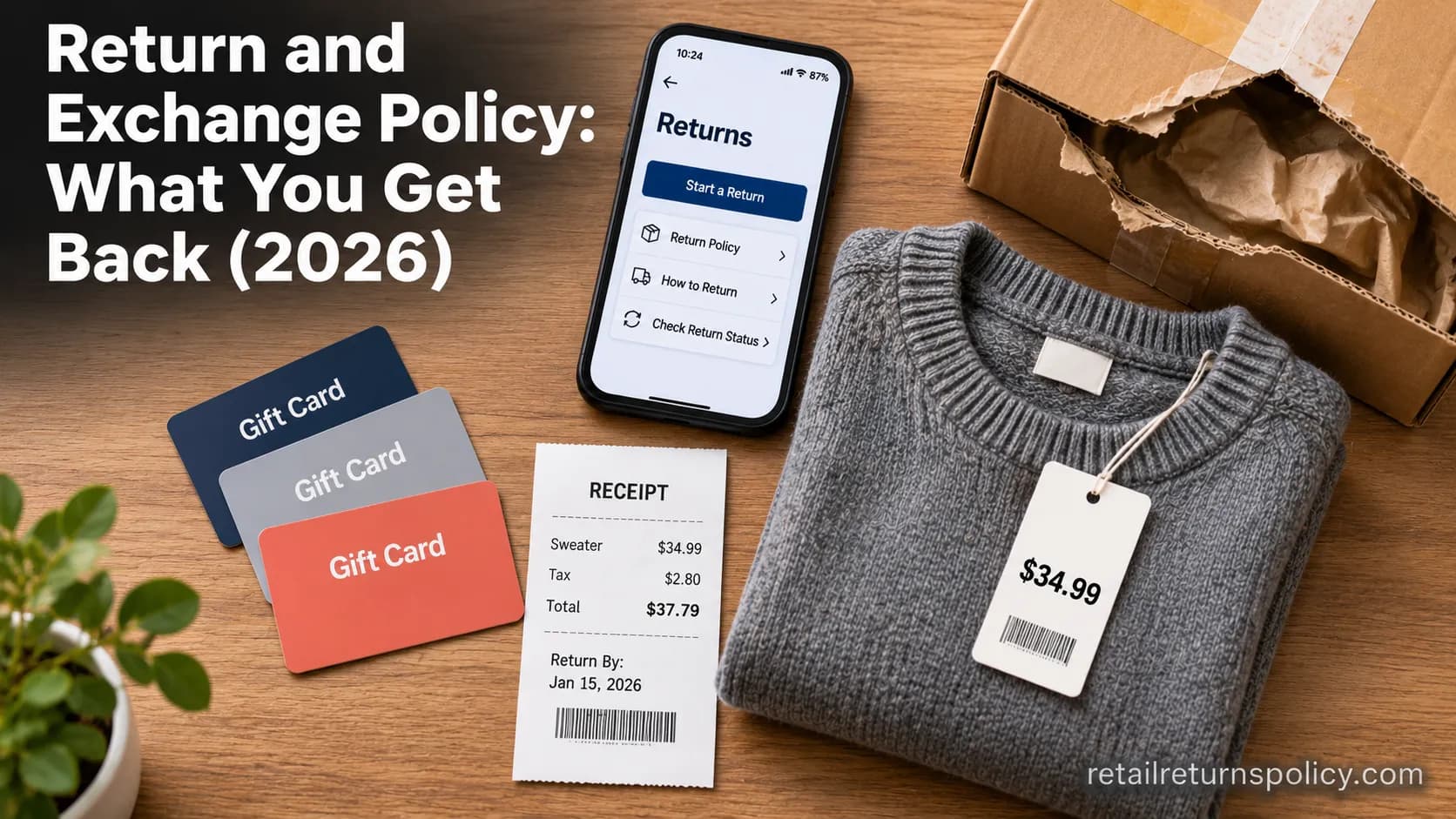
Return and Exchange Policy: What You Get Back (2026)
An exchange swaps your item; a refund returns your cash. See how a return and exchange policy pays out, when swaps are free, and your state rights.

Retailer Return Policy Hubs
Old Navy Return Policy: 30, 45 & 60-Day Windows (2026)
Check the Old Navy return policy fast: 30-day window (45–60 days for members), receipt rules, refund timing, the $7 mail fee & final-sale items.
The discussion
Comments
Every comment is reviewed before it goes live.