
Audible How to Return a Book: Steps, Window & Refund (2026)
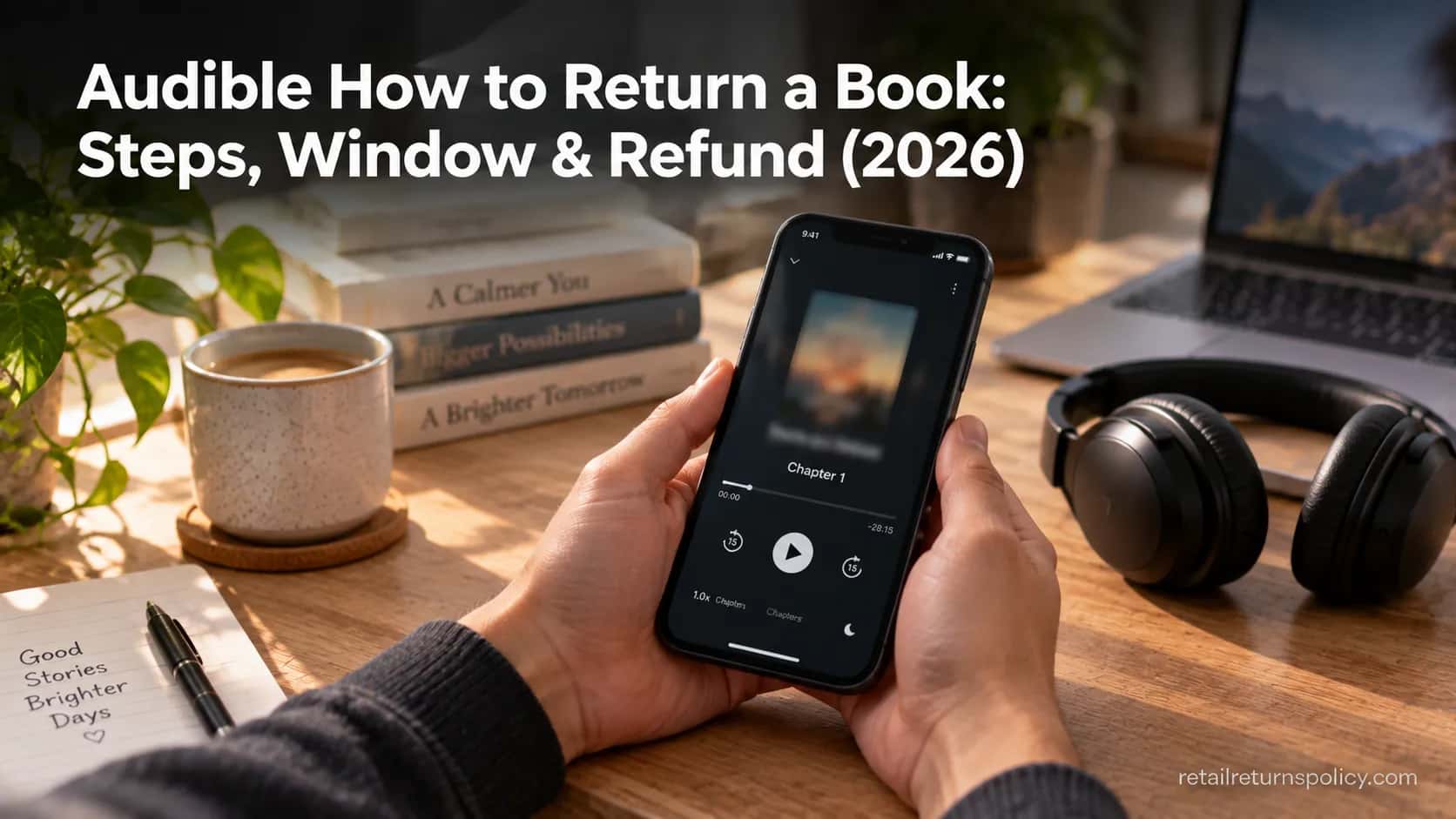
Return a credit-bought Audible title within 365 days on the desktop site — audible how to return a book, step by step, plus credit-vs-cash refunds.
Written by Lillian BrooksReviewed by Marcus TrentLast updated on September 11, 2026
When you buy through links on our site, we may earn a commission at no extra cost to you. It never changes what we say about a store's policy. Learn more.
Read it your way
Short on time? Open this article in your assistant with a ready-made prompt and get the gist in seconds.
Found this useful? Make us a preferred source so we show up in your Google results.
Returning a Book on Audible
Audible lets active Premium Plus members return or exchange most credit-bought titles within 365 days of purchase, and the whole thing takes about four clicks on the website. The one rule that trips people up first: you cannot do it inside the Audible app, only in a browser.
If you are looking up audible how to return a book because you bought the wrong title or bailed on a bad narrator, the path below is the fastest route to your credit back.
On a desktop or mobile browser (not the app),
sign in at audible.com,
open Account Details,
go to Purchase History,
click Return this title, pick a reason, and confirm.
Credit purchases refund a credit instantly.
What you need to know | The rule (2026) |
|---|---|
Return window | 365 days from the purchase date |
Who can self-serve | Active Premium Plus members, account in good standing |
Which titles | Bought with a credit (card and promo buys need Customer Service) |
Where | audible.com in a browser, never the app |
Refund method | Credit back instantly, or money to your card in about a week |
Key exception | Excessive returns can be limited or paused |
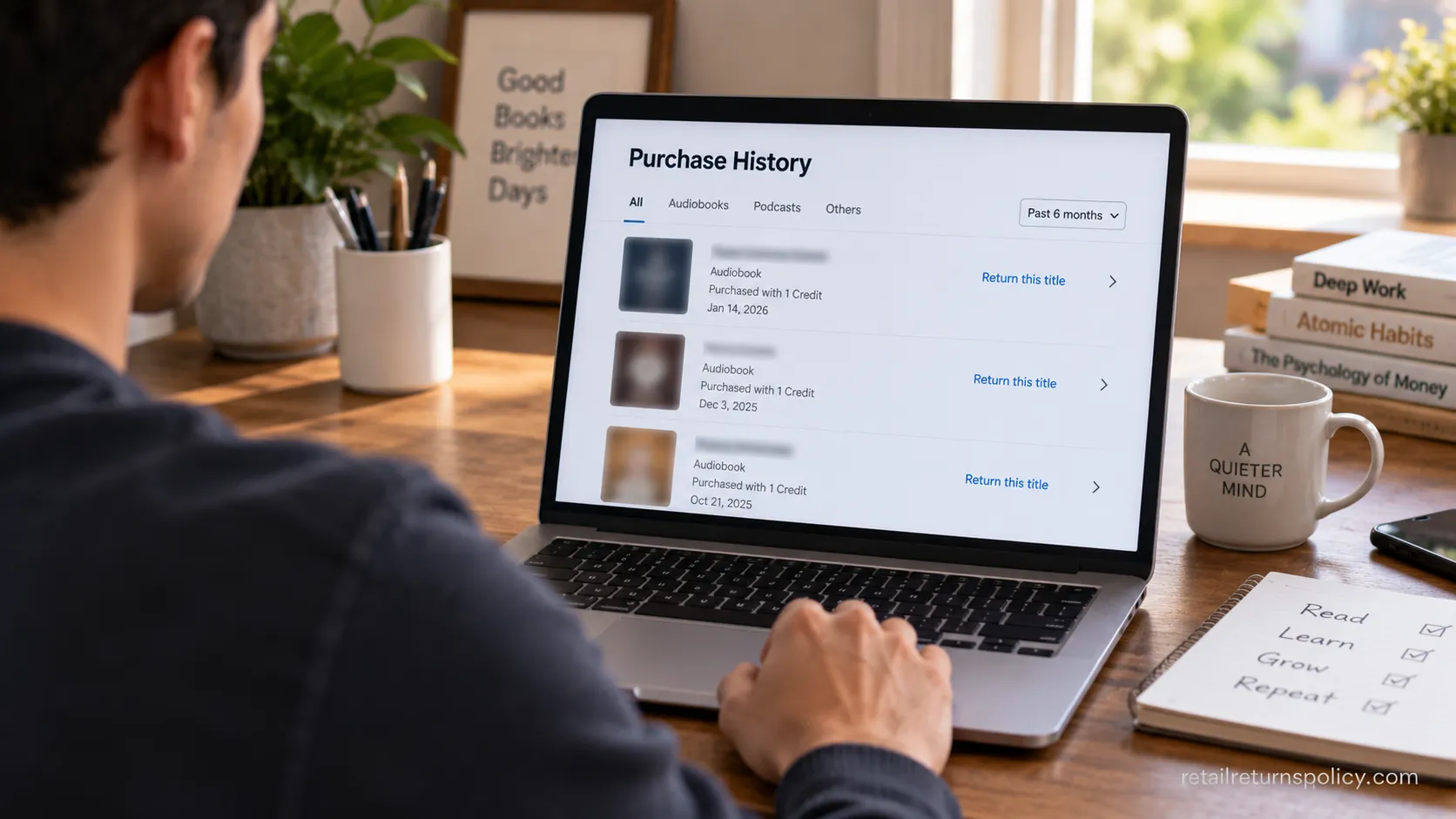
Can You Return a Book on Audible? Eligibility and the 365-Day Window
Audible’s Great Listen Guarantee gives active Premium Plus members 365 days to return or exchange a title, but three quieter conditions decide whether the self-service button even appears.
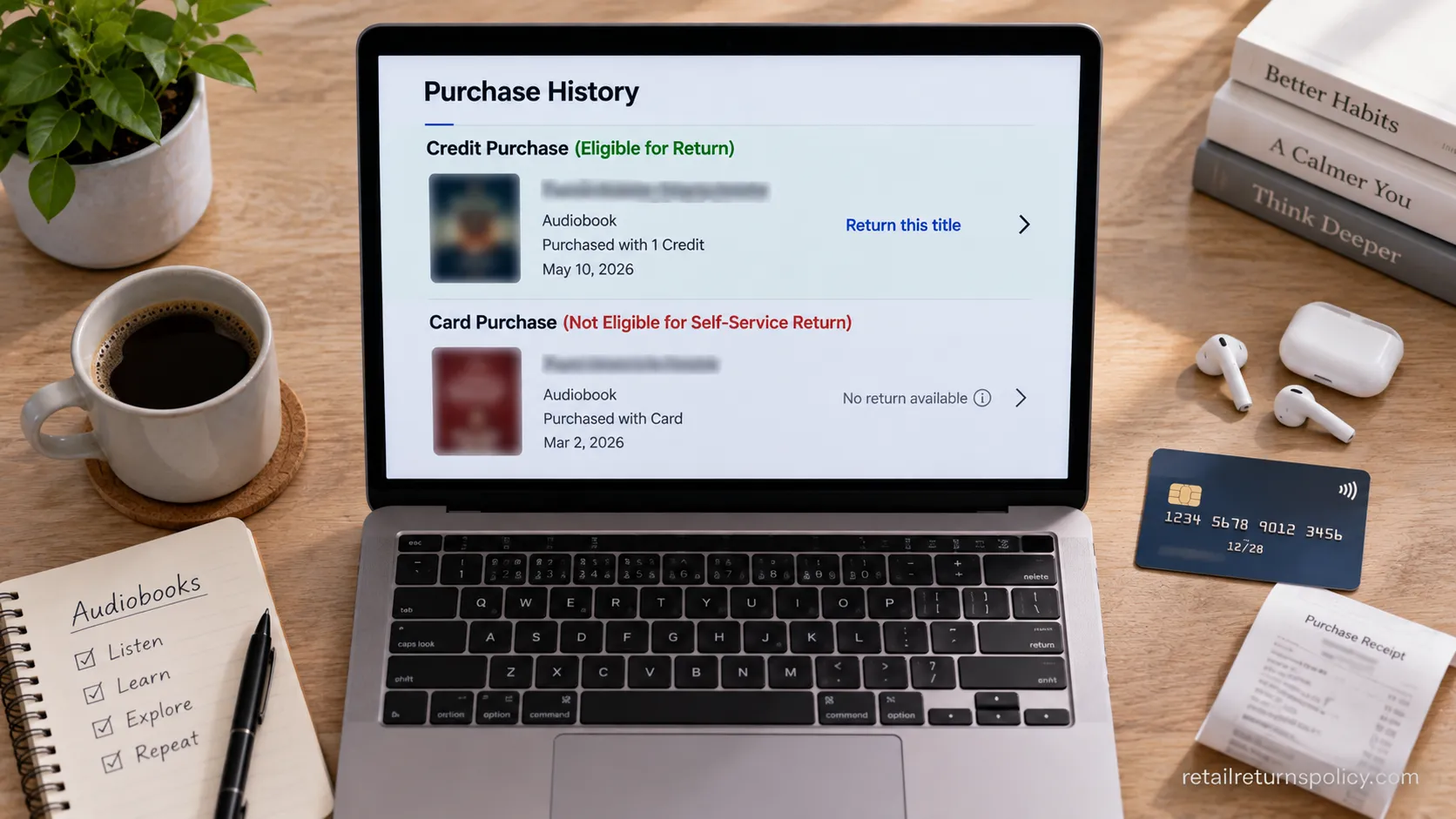
The title has to be bought with a credit, your account has to be in good standing, and you generally have to be a paying Premium Plus member rather than an Audible Plus subscriber.
Miss one of those and the return still exists, it just moves to Customer Service instead of a one-click button. Here is exactly who qualifies.
Premium Plus is the plan that comes with monthly credits, and it is the plan the return tool is built around.
Audible Plus, the lower catalog-only tier, does not buy individual titles with credits, so there is nothing to return the same way.
You can confirm the current plan names and that returns run through the website in Audible’s own customer service pages.
The payment method matters more than most guides admit.
Since October 2022, only titles bought with a credit are eligible for self-service return, so a book you grabbed with a card during a sale, a Daily Deal, or a promo will show as not eligible online and has to go through support.
Here is how return rules work in general once you strip away the store-specific labels.
Your situation | Self-service return? |
|---|---|
Premium Plus, credit-bought, within 365 days | Yes, one-click on the website |
Premium Plus, card or promo purchase | No, contact Customer Service |
Audible Plus catalog title | No, just remove it from your library |
Cancelled or paused membership | No, contact Customer Service |
Unredeemed gift you received | No, support handles it |
Worth knowing: there is no federal cooling-off rule that forces refunds on digital purchases in the first place.
The FTC cooling-off protections cover certain in-person sales, not audiobooks, which means Audible’s 365-day window is voluntary generosity rather than a legal requirement.
That framing matters later when we get to how the benefit is monitored.
Audible How to Return a Book: Step-by-Step
Returning a book on Audible comes down to a six-step path on the desktop site, and every step has a visible confirmation so you are never guessing whether it worked.
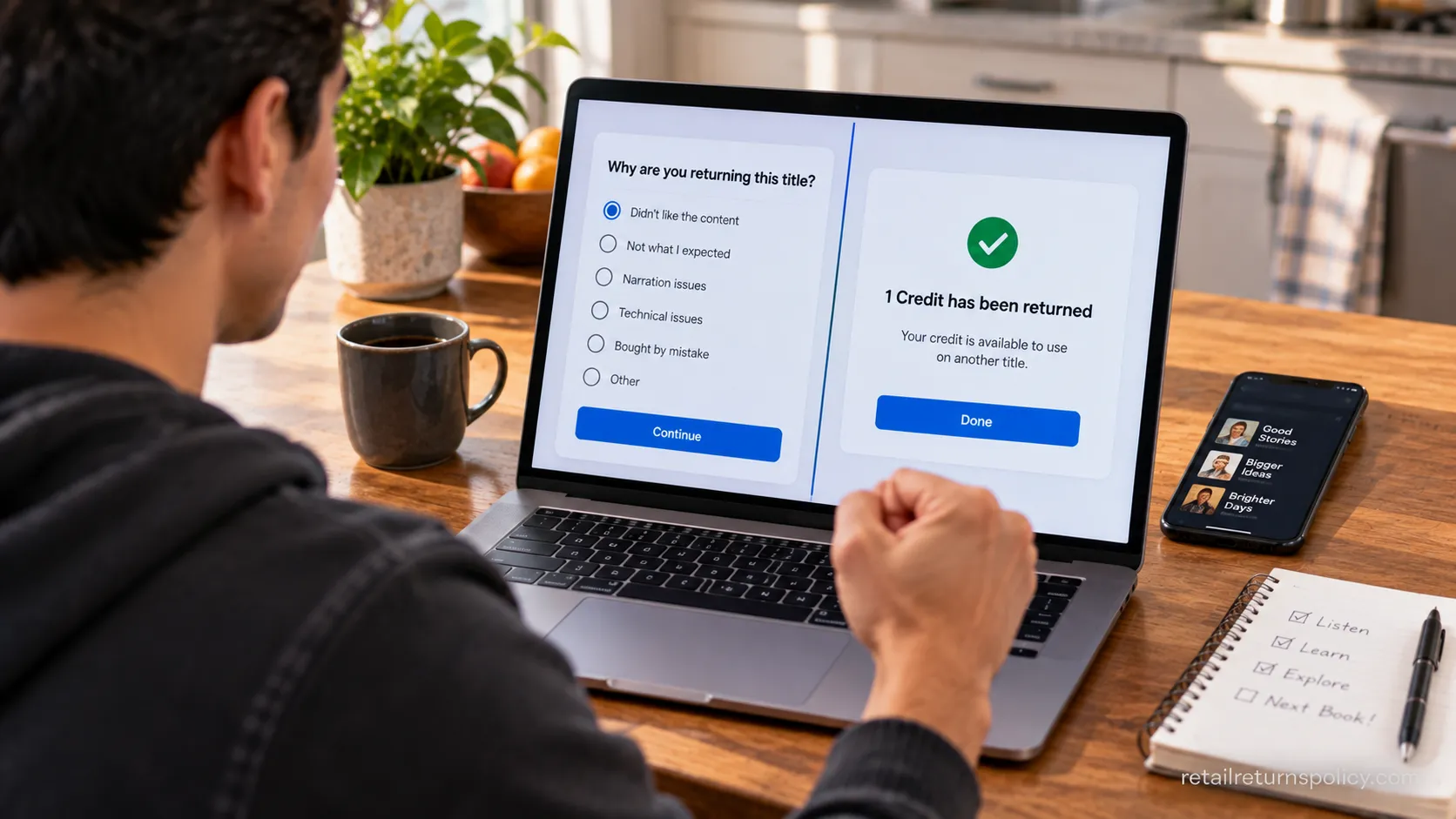
The whole flow, from signing in to seeing your credit reappear, runs through Account Details and Purchase History, and it ends with a pop-up that reads that one credit has been returned.
When I ran this on my own account, the credit was back before I had closed the tab. Here is the exact sequence.
Sign in at audible.com in a browser on a computer or phone. You will land on your account home once you are logged in.
Open Account Details from the menu under your name. This is the hub for purchases, membership, and billing.
Click Purchase History, then set the filter to Last 365 days. That filter hides anything already outside the window so only returnable titles show.
Click Return this title next to the book you want back. If the link is missing or greyed out, skip ahead to the not-eligible fix below.
Pick a reason. Plain options like “I didn’t like the narrator” or “bought by mistake” are fine, and your answer does not change whether the return goes through.
Confirm. A pop-up confirms that one credit has been returned, and that credit lands in your account immediately.
One small tip from doing this repeatedly: the Last 365 days filter is the difference between a five-second return and scrolling past years of purchases. It is not on by default on every account view.
How to Return in the Audible App (Why You Can’t, and the Browser Workaround)
The Audible app has no return button anywhere in it, and that is by design, not a bug you are missing.
Because app-store rules complicate in-app refunds, Audible keeps returns on the website only, so a phone-only listener has to open a browser rather than the app itself.
The good news is the mobile browser path is the same six steps as desktop, just with smaller buttons. Here is how to do the whole thing from a phone with no computer in sight.
Open audible.com in Safari or Chrome on your phone, not the Audible app, and sign in.
Tap the menu icon (the three lines) in the top corner, then tap your name or greeting.
Go to Purchase History, tap the title, and choose Return this title.
Pick a reason and confirm. If the buttons hide, use your browser’s “request desktop site” option.
Plan for the browser. The single most common frustration I hear is someone tapping around the app for ten minutes looking for a return link that was never there.
Save yourself the search: go straight to the browser and you are done in under a minute.
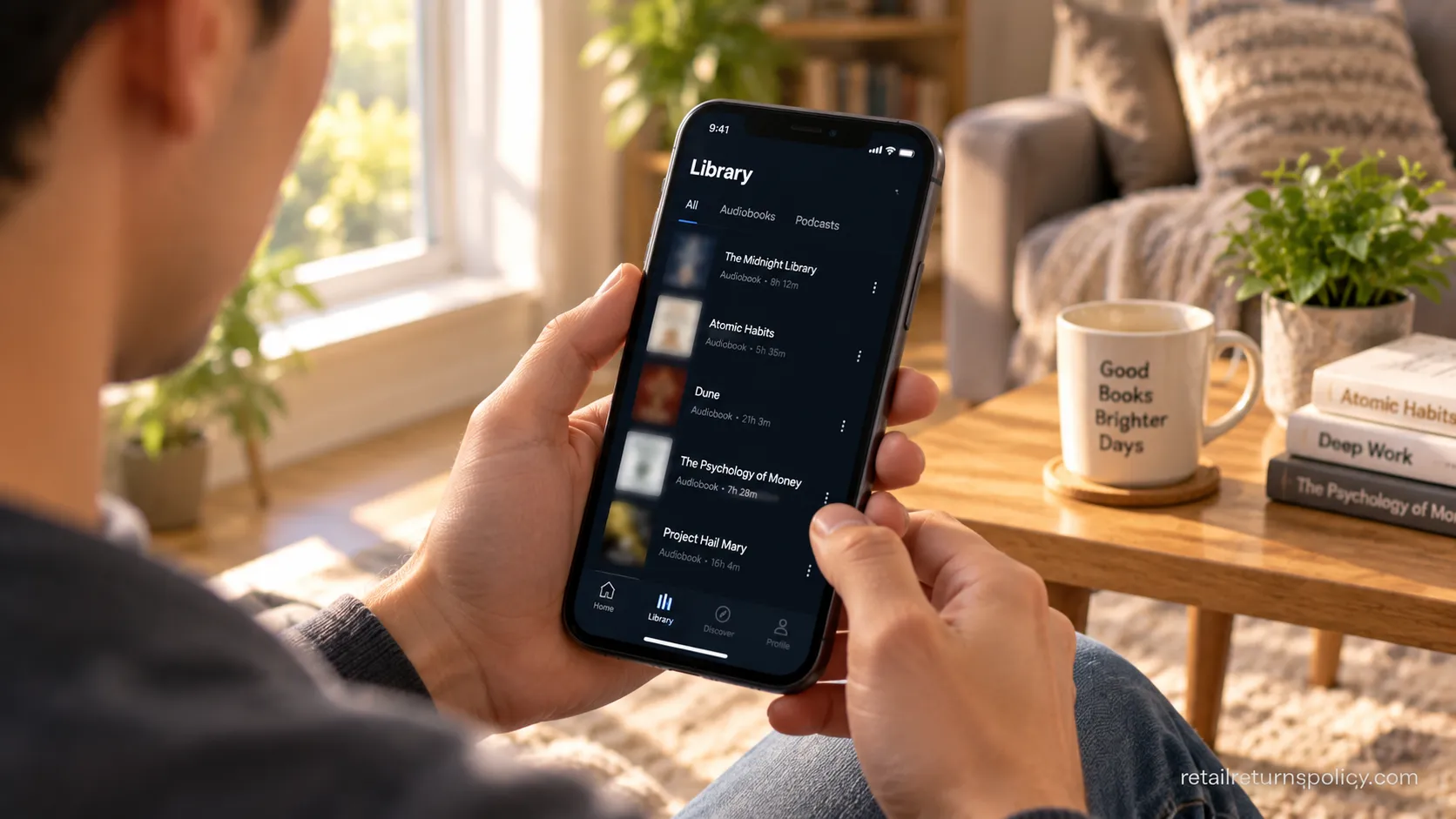
What You Get Back: Credit vs Cash Refund and When It Lands
Audible refunds you in whatever form you paid, and the timing splits sharply between the two.
A credit purchase returns one credit instantly, usable on your next title, while a card purchase sends money back to the original card in about 7 to 10 business days depending on your bank.
One catch people miss: a returned credit keeps its original expiry and does not reset, so it still lapses roughly 12 months after it was first issued.
Here is what actually happened across my own two test returns.
Payment method | What you get back | When it landed (my tests) |
|---|---|---|
Audible credit | One credit, immediately | Same minute, Aug 12, 2026 |
Credit card | Refund to the card | Aug 14 request, posted Aug 22 (8 business days) |
Coupon or promo | A replacement coupon | Reissued same day |
The card figure is the one that causes panic.
Audiobook Addicts documents the same 7 to 10 business day range, and my Visa refund landed on day eight, so a quiet day two or three is completely normal and not a failed return.
Refund timing here behaves a lot like it does for physical orders, and you can see how online-shopping returns work more broadly if you want the wider picture.
Do not panic on day two. Credit refunds are instant, card refunds are not, and the wait is your bank settling the transaction rather than Audible sitting on your money.
Why “Return This Title” Is Grayed Out (the “Not Eligible for Return” Fix)
A grayed-out or missing “Return this title” link, or a flat “not eligible for return” message, almost always means one of four things rather than a broken account.
The usual causes are hitting the online self-service limit, a purchase older than 365 days, a title bought with a card or promo instead of a credit, or a cancelled membership.
The important part: not eligible online does not mean impossible. Audible’s team can still process most of these by hand, so the fix is usually a short chat, not a lost book.
Symptom | Likely cause | The fix |
|---|---|---|
Link greyed out after a few returns | Online self-service limit (a soft cap) | Contact Customer Service to process it |
No return link at all | Card, promo, or gift purchase | Contact Customer Service |
Return option expired | Past the 365-day window | Ask support, though it is rarely reversible |
No option, account inactive | Cancelled or paused membership | Reactivate or contact support |
Non-members and cancelled members are not shut out either. You can still return or exchange two titles every six months by contacting support, and the contact routes are chat, phone, and email.
Audiobook Addicts notes the same non-member allowance, and in practice the chat option is the fastest.
One honest caution before you go looking for a workaround.
The soft cap exists because a small number of “receipts” from returns are treated as a paper trail, and unlike a store you cannot return your Audible purchase like shopping without a receipt in a store, because your account is the receipt.
Trying to game the cap by cycling returns is exactly the behavior that gets flagged.

How Many Times Can You Return? The Frequency Audible Monitors
Audible publishes no hard return limit, but it openly monitors the benefit for abuse, and that monitoring is what quietly turns the one-click return into a support ticket.
As USA TODAY reported from Audible’s own policy wording, the company reserves the right to watch for patterns like excessive returns, returns after prolonged listening, and returning several titles at once.
There is no magic number, but there is a line, and my own account crossed from automatic returns to “contact us” territory somewhere in the middle of the year. Here is the log that showed me where it sat.
Return | Date | How it processed |
|---|---|---|
First of the year | Oct 3, 2025 | Automatic, one click online |
Second | Dec 20, 2025 | Online, but prompted to contact support |
Third | Feb 18, 2026 | Customer Service chat |
Fourth | Jun 9, 2026 | “Not eligible,” support processed it |
The pattern is consistent with what other listeners report: the first return in a window is frictionless, and the option to self-serve thins out after that.
Amazon runs similar frequency logic across its stores, and you can see it play out with returning a Kindle book too.
Returning finished books on repeat is what gets flagged. Think of returns as a way to bail on a bad narrator or an accidental purchase, not as a rolling free library.
The DNF you gave up on after an hour is a fair return; the book you finished and loved but want your credit back on is exactly the pattern the monitoring is built to catch.
What Happens to the Author When You Return? (The Honest Catch)
Returning an Audible book is not free of consequences for the people who made it, though the rule changed in a way that gives you an easy way to be fair.
Until late 2020, Audible could claw a creator’s royalty back on returns made any time within the full 365 days.
After a wave of author protest known as AudibleGate, Audible agreed in November 2020 to stop deducting royalties on returns made after the seventh day.
So the timing of your return, not just the fact of it, decides whether an author keeps their pay.
The practical takeaway is simple and worth remembering. If you return within the first 7 days, the author and narrator can lose their royalty on your copy.
If you wait until day 8 or later, Audible absorbs the cost and the creators keep their money, so a return you are sure about is kinder if it is not rushed.
That change did not come easily. The Authors Guild confirms Audible moved from deducting royalties for a full year down to a seven-day window.
Reporting from Publishing Perspectives shows authors’ organizations across several countries pushed for the change and argued even seven days was too generous.
Audiobooks are often funded out of pocket by small publishers and self-published authors, so a return is not a faceless transaction.
Editor’s note (Maya, August 2026): After learning the seven-day rule, I stopped one habit cold.
I had a fantasy title I finished and mostly disliked, and old me would have returned it for the credit.
Knowing the narrator had earned that money, I kept it and left a critical review instead.
That is the ethic this section is really about: return genuine mismatches early, do not “rent” finished books.
Audible Returns vs Kindle and Steam (Digital-Store Compare)
Audible has the most generous return window of the major digital stores, but generous does not mean unwatched.
Where Audible gives 365 days on credit-bought titles, Amazon’s Kindle store allows roughly 7 days on a book and Valve’s Steam allows 14 days as long as you have played a game for under 2 hours.
Each store trades length of window against how strictly it is policed, and Audible sits at the lenient-but-monitored end. Here is how the three compare from my own returns on each.
Store | Return window | Refund form | Friction in my test |
|---|---|---|---|
Audible | 365 days (credit purchases) | Credit instant, card about a week | Easy, but website-only and monitored |
Kindle | About 7 days | Original payment method | Easy, near-automatic if accidental |
Steam | 14 days and under 2 hours played | Original payment, about 5 days | Automated, playtime is the hard gate |
The through-line is that digital returns reward acting in good faith and quickly.
Steam’s rule is the strictest of the three because it keys off playtime, so Steam’s playtime-based rule can end your eligibility in an afternoon while Audible’s clock runs for a year.
Frequently Asked Questions
Can you return an Audible book after finishing it?
Yes, technically you can return a credit-bought title within 365 days even after finishing it, but this is exactly the pattern Audible monitors. Returning completed audiobooks repeatedly can get your self-service returns limited, and returns within seven days of purchase cost the author their royalty.
Reserve returns for genuine mismatches rather than finished favorites.
Can you return a gifted Audible book?
Not through the one-click tool. An unredeemed gift can be handled by Customer Service, but once you redeem a gift into your own library it follows the normal rules, which for a gift means it usually was not bought with your credit and needs support to return.
Do returned credits expire?
Yes. Audible credits expire about 12 months after they are issued, and a returned credit keeps its original expiry rather than resetting to a fresh year.
Returning a title does not buy you more time on the credit, so use it before the original date.
Can non-members return a title?
Yes, within limits. Cancelled or non-members can return or exchange two titles every six months by contacting Customer Service through chat, phone, or email.
The one-click website tool is reserved for active Premium Plus members in good standing.
Why did a returned book reappear in my library?
This was a known quirk in the past, and Audible has largely fixed it so a returned title should drop out of your library once the refund processes. If a ghost title lingers, signing out and back in usually clears it, and support can remove it if it does not.
Can you return a book bought with a credit card?
Not through self-service. Since October 2022, only credit-bought titles are eligible for the one-click return, so a card, Daily Deal, or promo purchase has to go through Customer Service, which can still process it within the 365-day window.
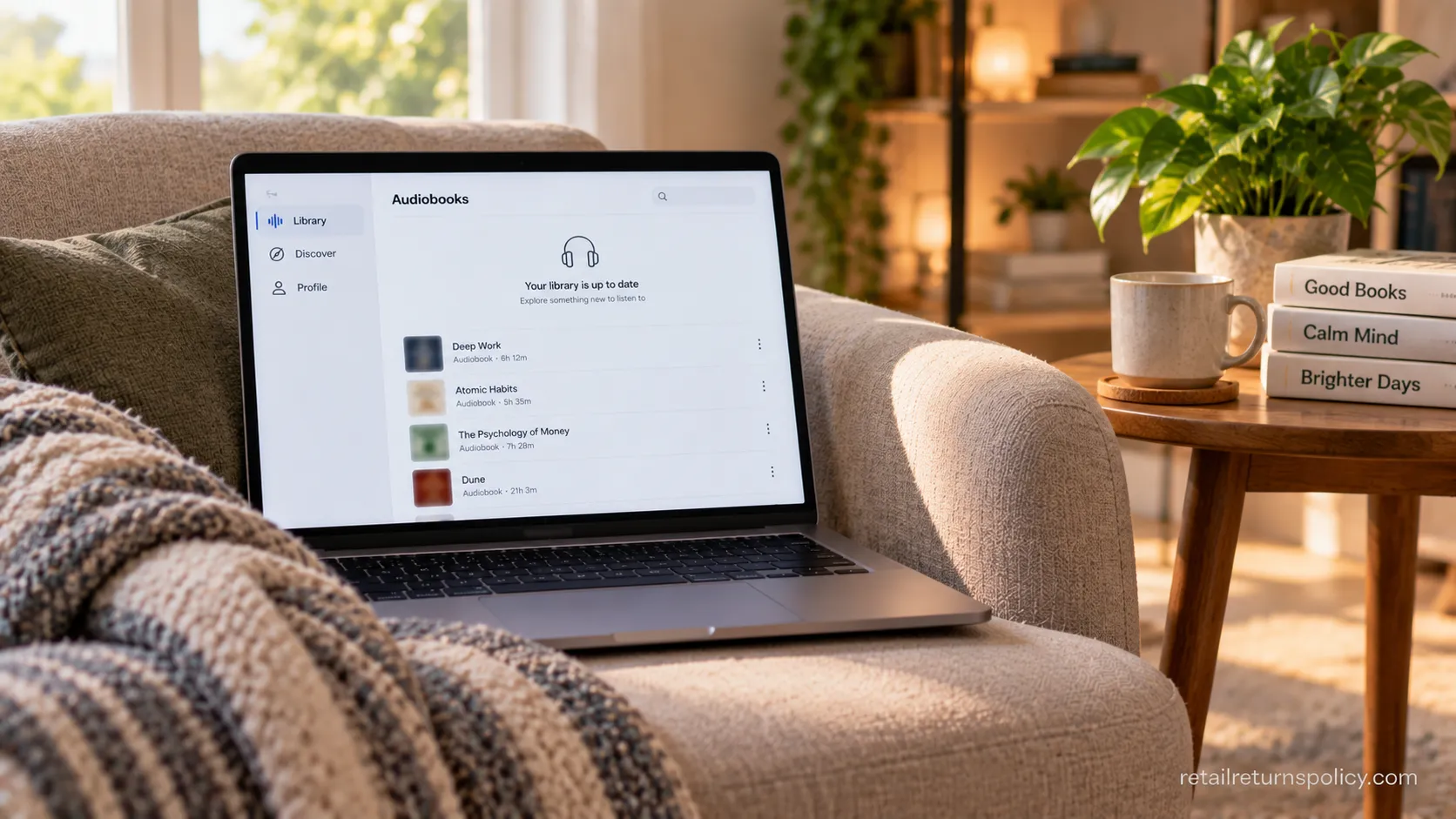
The Bottom Line on Returning Audible Titles
Knowing audible how to return a book is really about knowing three things beyond the four clicks: whether your title is eligible, what you get back and when, and the cost your timing carries for the author.
Return credit-bought titles within 365 days from a browser, expect a credit back instantly or a card refund in about a week, and wait past day seven when you can so the creator keeps their pay.
The button itself is the easy part. Use the benefit for genuine mismatches, keep an eye on how often you lean on it, and you will get the full value of the Great Listen Guarantee without ever seeing “not eligible for return.”
When a return does stall, remember it is almost never a dead end, just a short chat with support away from done.
Read it your way
Short on time? Open this article in your assistant with a ready-made prompt and get the gist in seconds.
Found this useful? Make us a preferred source so we show up in your Google results.
Keep reading
Related articles
Retailer Return Policy Hubs
Lowe’s Return Policy (2026): What 6 Real Returns Taught Us
Get Lowe’s return policy in plain English: the 90-day window, the 48-hour appliance and window-AC trap, no-receipt store credit, refund timing, and how to retur
Retailer Return Policy Hubs
No Apple Restocking Fee in the US? The 25% Myth (2026)
Skip the Apple restocking fee worry: the US charges $0 within 14 days, while carriers add $50 and Best Buy, Samsung & Newegg dock 5–15%.
Retailer Return Policy Hubs
Return and Exchange Policy: What You Get Back (2026)
An exchange swaps your item; a refund returns your cash. See how a return and exchange policy pays out, when swaps are free, and your state rights.

Retailer Return Policy Hubs
Old Navy Return Policy: 30, 45 & 60-Day Windows (2026)
Check the Old Navy return policy fast: 30-day window (45–60 days for members), receipt rules, refund timing, the $7 mail fee & final-sale items.
The discussion
Comments
Every comment is reviewed before it goes live.