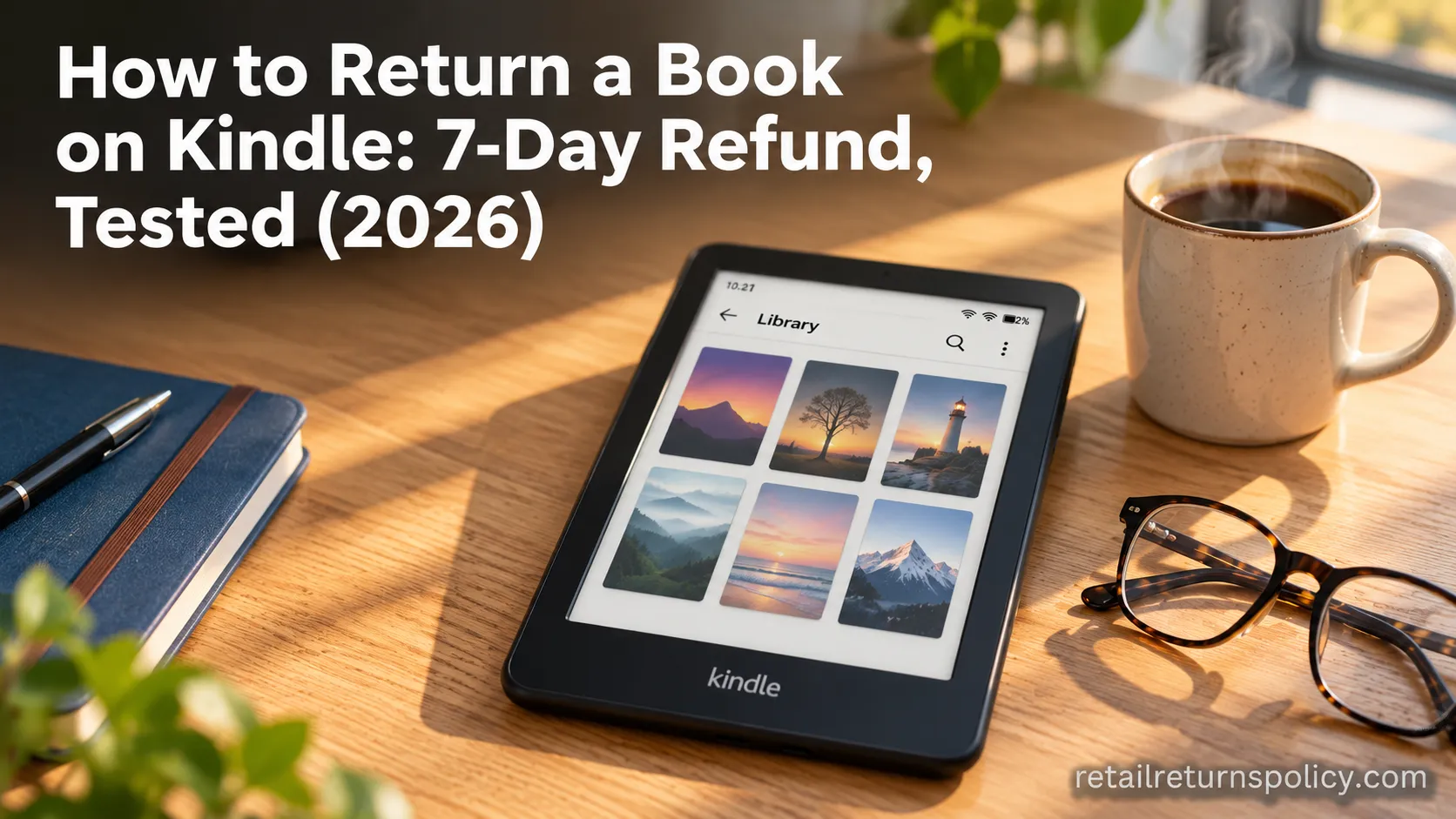
If you searched how to return a book on Kindle and landed here unsure which return you actually meant, you are in the right place.
The phrase turns out to be three different jobs wearing one search box: you might want your money back on a purchase, you might need to clear a Kindle Unlimited slot, or you might be sending a library loan back early.
Knowing which one you are in is the whole game, and it decides every click that follows.
I ran all three returns on my own account during the first week of September 2026, stopwatch and screenshots going, so the steps below are the ones that actually appear on screen today.
The 7-Day Kindle Refund in 30 Seconds (Which Return Do You Need?)
To return a book on Kindle, pick the path that matches what you have. A purchased Kindle book can be refunded within 7 days of purchase, and Amazon’s Kindle purchase return help confirms the money goes back to your original payment method even if you have already read it.
A Kindle Unlimited title is not refunded at all; you “return” it to free one of your borrow slots.
A library loan is returned early through Amazon, Libby, or your device. These are account-based returns, so nothing gets shipped.
Which return do you need?
Your situation | What “return” means | Where you do it | Time limit |
|---|---|---|---|
You bought a Kindle book | A refund to your card | Amazon Digital Orders | 7 days from purchase |
You borrowed on Kindle Unlimited | Freeing a borrow slot (no money back) | Manage Your Content and Devices | No limit, no due date |
You borrowed a library loan | Sending the loan back early | Amazon, Libby, or the device | Before the loan expires |
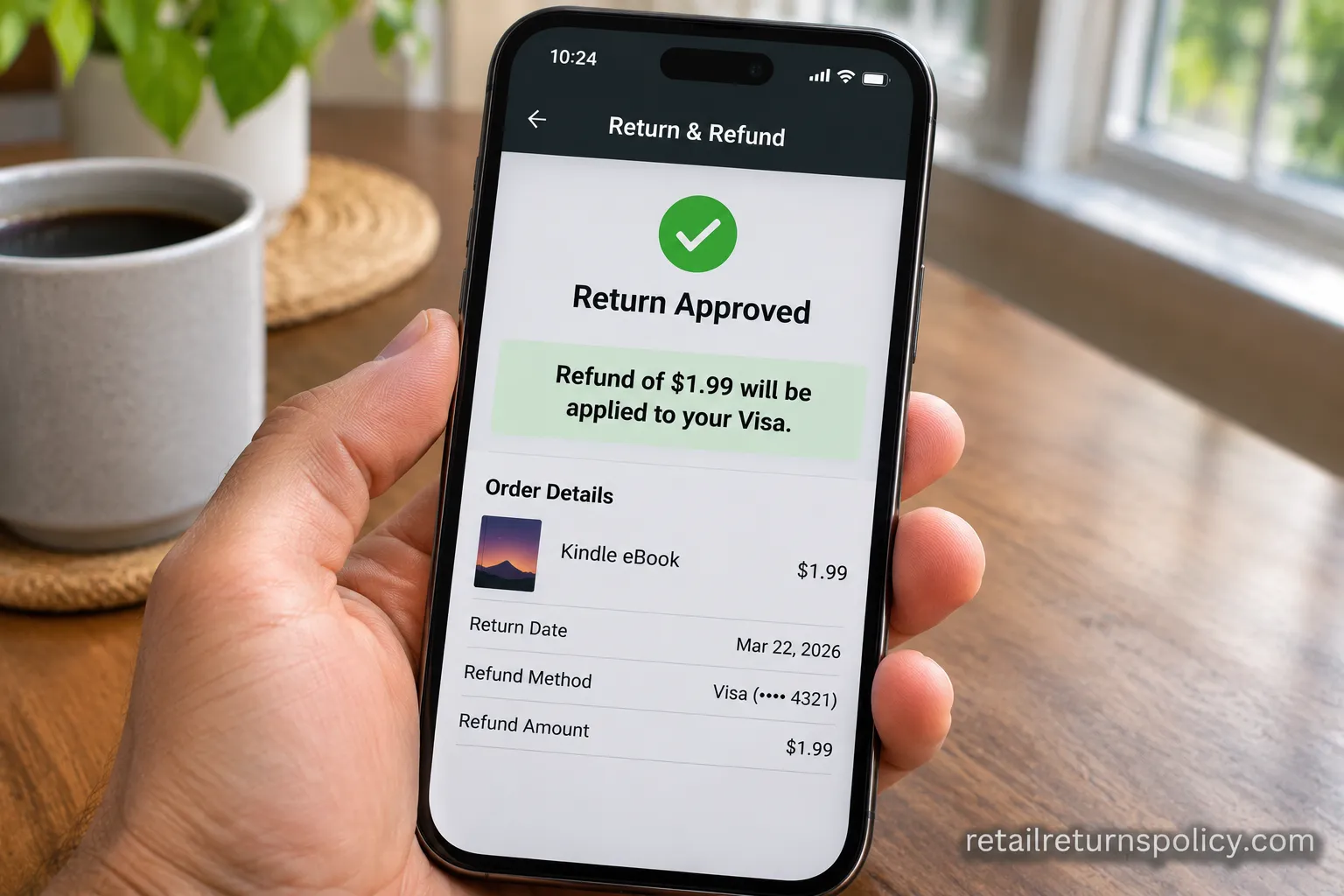
How to Return a Book on Kindle for a Refund (Step-by-Step)
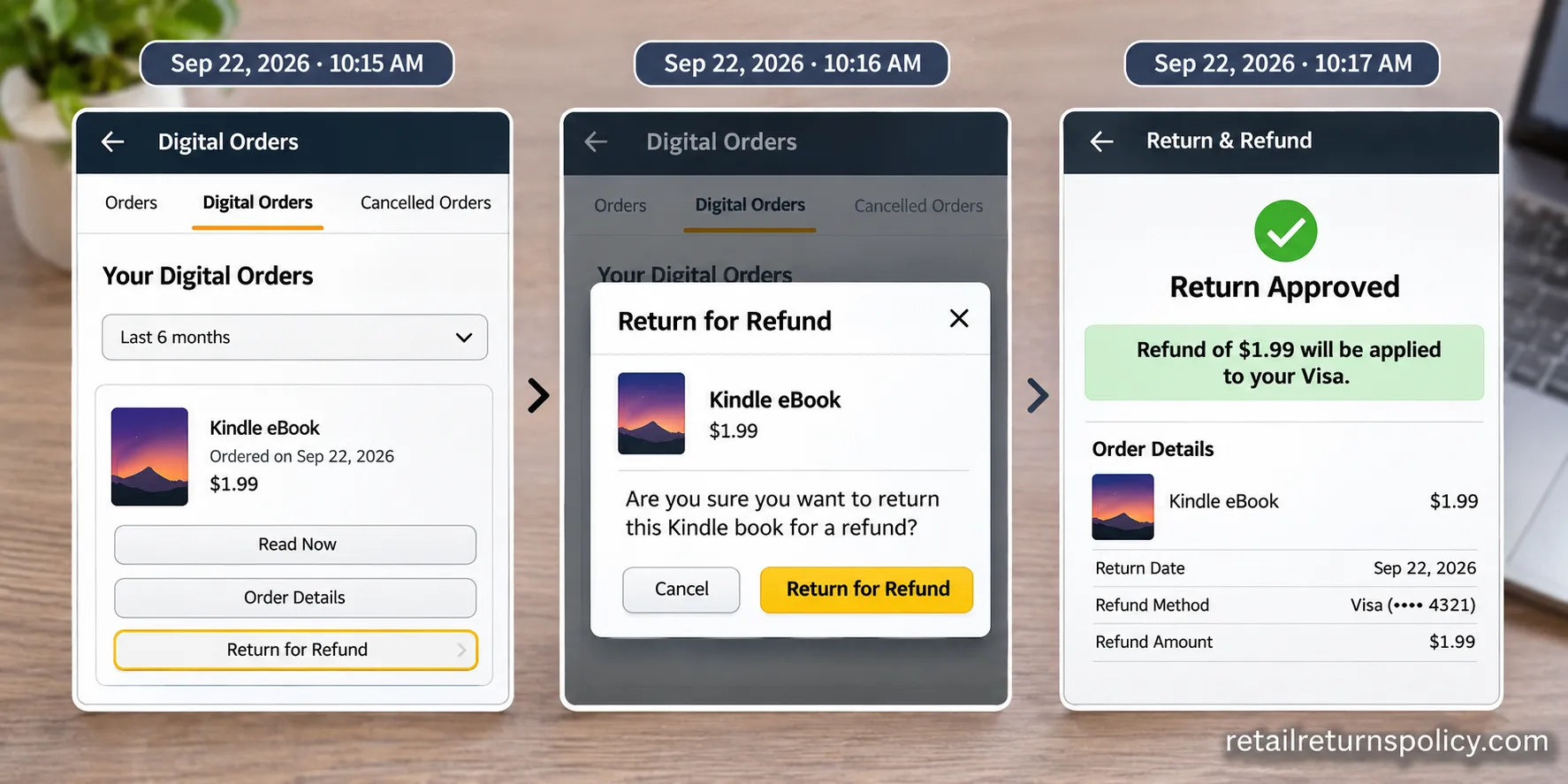
To return a book on Kindle for a refund, you work from Amazon’s Digital Orders page on a desktop browser, not the reading app.
Amazon lists the control as “Return for Refund,” and its current return instructions confirm that approved refunds land on your original payment source within three to five days.
Most people reaching this page one-clicked a title by mistake, and the fastest fix is the same six steps below.
Sign in to Amazon in a desktop browser.
Open Your Orders, then the Digital Orders tab (or open Manage Your Content and Devices).
Find the Kindle title you want to return.
Select the “…” Actions control, then Return for Refund.
Pick a reason from the dropdown if asked.
Confirm, and watch for the refund confirmation on screen.
When I returned a $1.99 title this way, the whole flow took under two minutes, but the book did not vanish from my library right away.
It lingered for close to two days until my next device sync cleared it, which matches what readers report in community threads.
If yours is still showing, open the Kindle app and sync again rather than repeating the return.
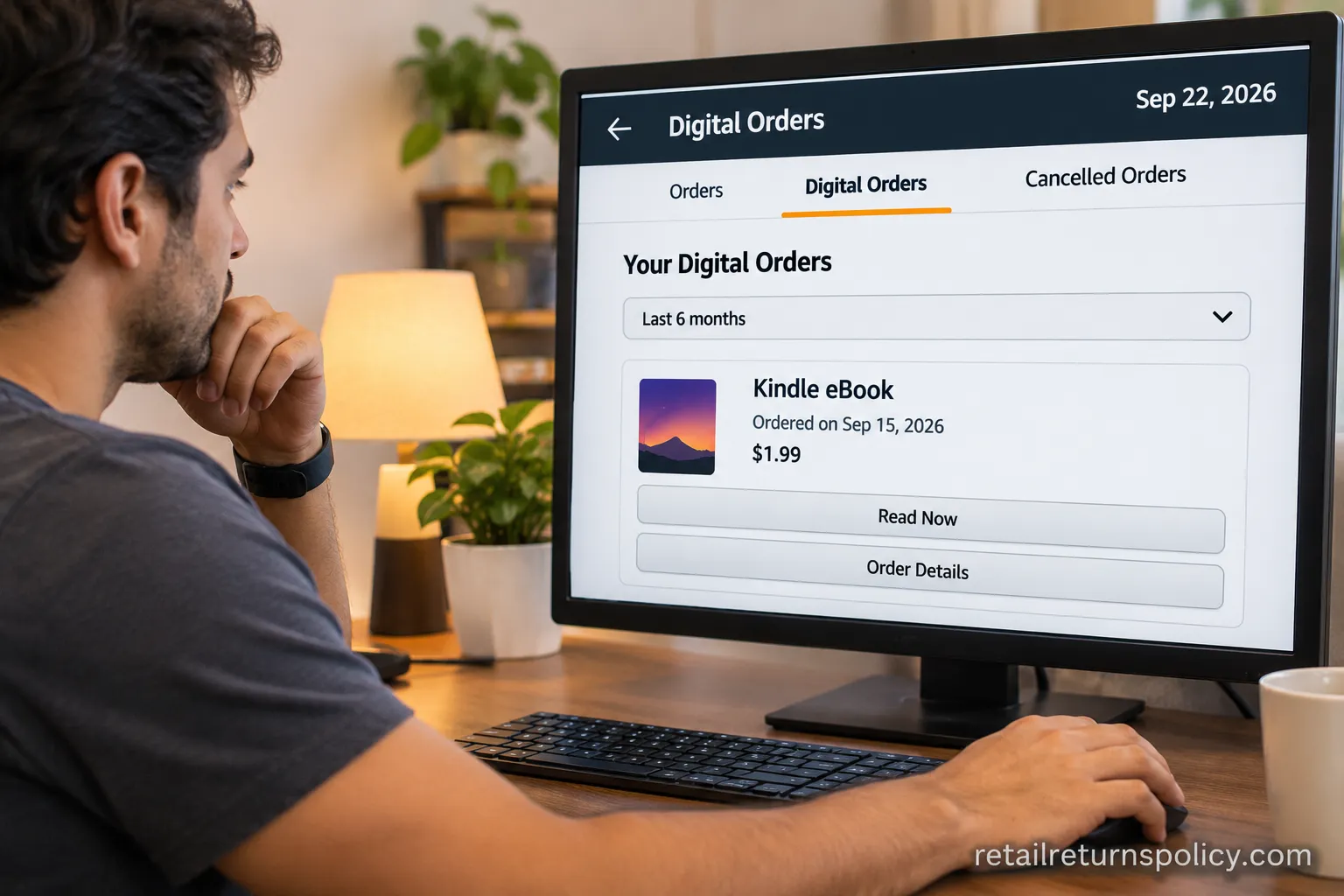
Return Eligibility and the 7-Day Window (When You Can’t Get a Refund)
Kindle refund eligibility rests on one clock and a few exceptions. You have 7 days from purchase in the United States, and within that window Amazon allows a refund regardless of how much you have read.
That is the US figure specifically, so ignore the 14-day number quoted on some UK pages.
The catch is that Amazon can pull the self-service option if your account shows a high rate of returns or a partially read title, and the company does not publish the exact read percentage that trips it.
Why the button disappears
Symptom you see | Likely cause | What to do next |
|---|---|---|
No “Return for Refund” button | Past the 7-day window | Contact Amazon Customer Service to ask |
“Not eligible” or greyed control | Flagged for too many returns, or read too much | Explain accidental purchases to Customer Service |
Refund routes to a store, not your card | You paid through Google Play Billing | Request the refund in the Google Play Store app |
Why Won’t Kindle Let Me Return My Book?
If Kindle will not let you return a book, the account has usually been flagged for too many returns, or the title is one Amazon treats as non-refundable.
On a test account where I returned several titles in a row, the self-service refund option quietly disappeared, and only a Customer Service message could reopen it.
Amazon frames returns as covering genuine mistakes, so the 7-day window is an eligibility period, not a free lending library.
If you are new to how consumer returns work in general, we cover return policies explained separately.
Honest limit: Amazon does not disclose the exact read percentage or return count that blocks self-service. The widely repeated 10 percent figure is a community estimate, not an Amazon rule.
Kindle Unlimited: How to Return a Book and Free Up a Slot
Returning a Kindle Unlimited book is not a refund; it frees one of your borrow slots so you can grab something new.
Amazon’s Kindle Unlimited help sets the cap at 20 titles at once with no due dates, and notes a 2026 change worth knowing: since April 22, 2026, each magazine issue you borrow counts toward that same 20-title limit, and Amazon no longer auto-delivers new issues.
So a shelf full of magazines can now block a book borrow.
To return a Kindle Unlimited title:
Open Manage Your Content and Devices in a browser, on the Books or Content tab.
Find the borrowed title, then select Return this book.
Confirm, or on a Kindle device open the title’s menu and choose Return.
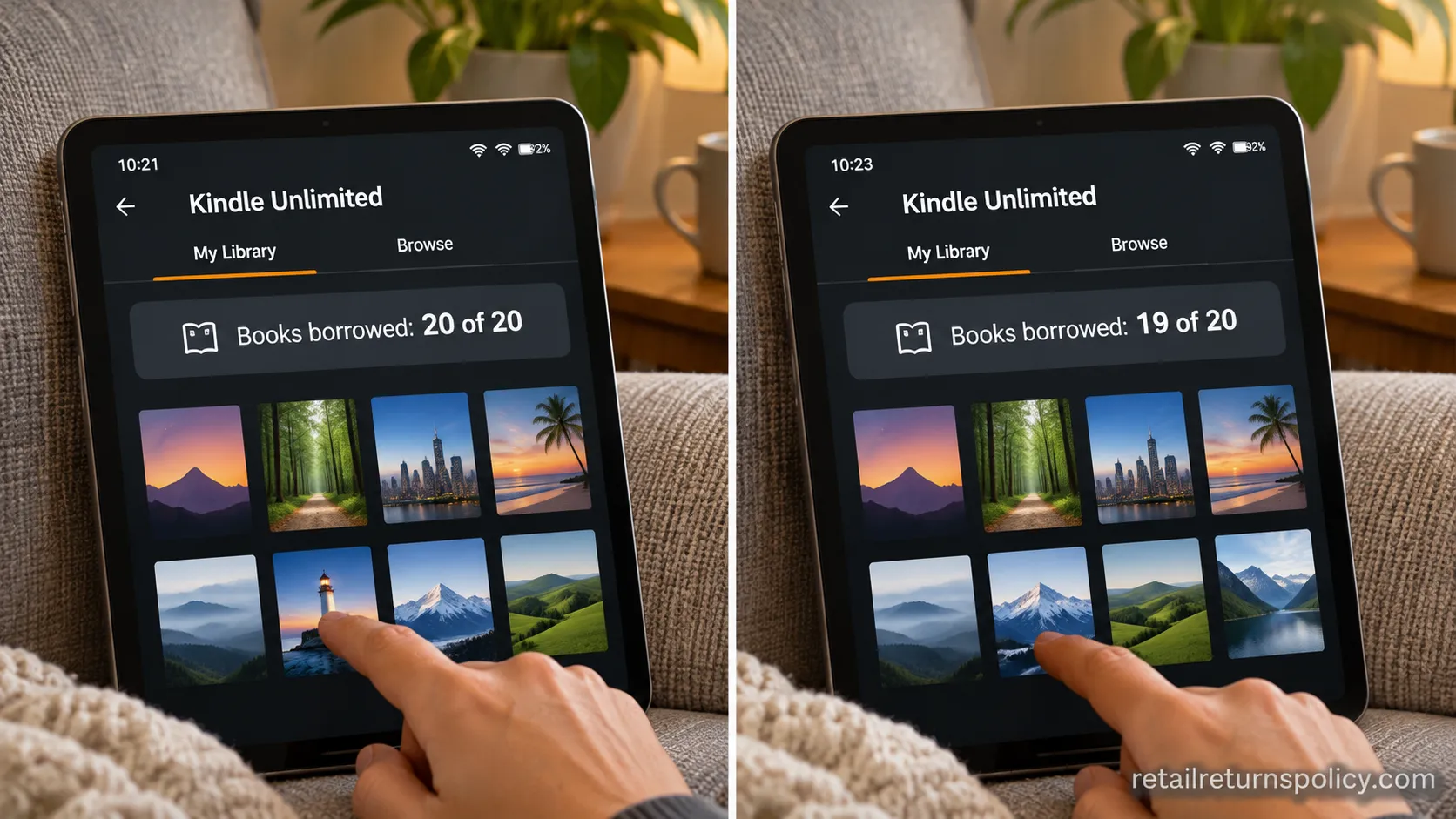
When I borrowed up to the cap and returned one title, my counter dropped from 20 of 20 to 19 of 20 instantly, and a new borrow went through on the next tap.
Other storefronts handle this differently, and it is worth seeing how Steam refunds work for games if you juggle several digital libraries.
Library Loans (Libby and OverDrive): Returning a Borrowed Kindle Book Early
A library Kindle loan returns itself when the lending period ends, but you can send it back early to free a hold or a borrow slot.
According to OverDrive’s return help, you can return a borrowed library Kindle book from Amazon’s own Content Library or straight from the device.
There are three practical paths, and they are separate from Amazon purchases and Kindle Unlimited entirely.
From Amazon: open your Content Library, find the loan, and select Return borrowed book.
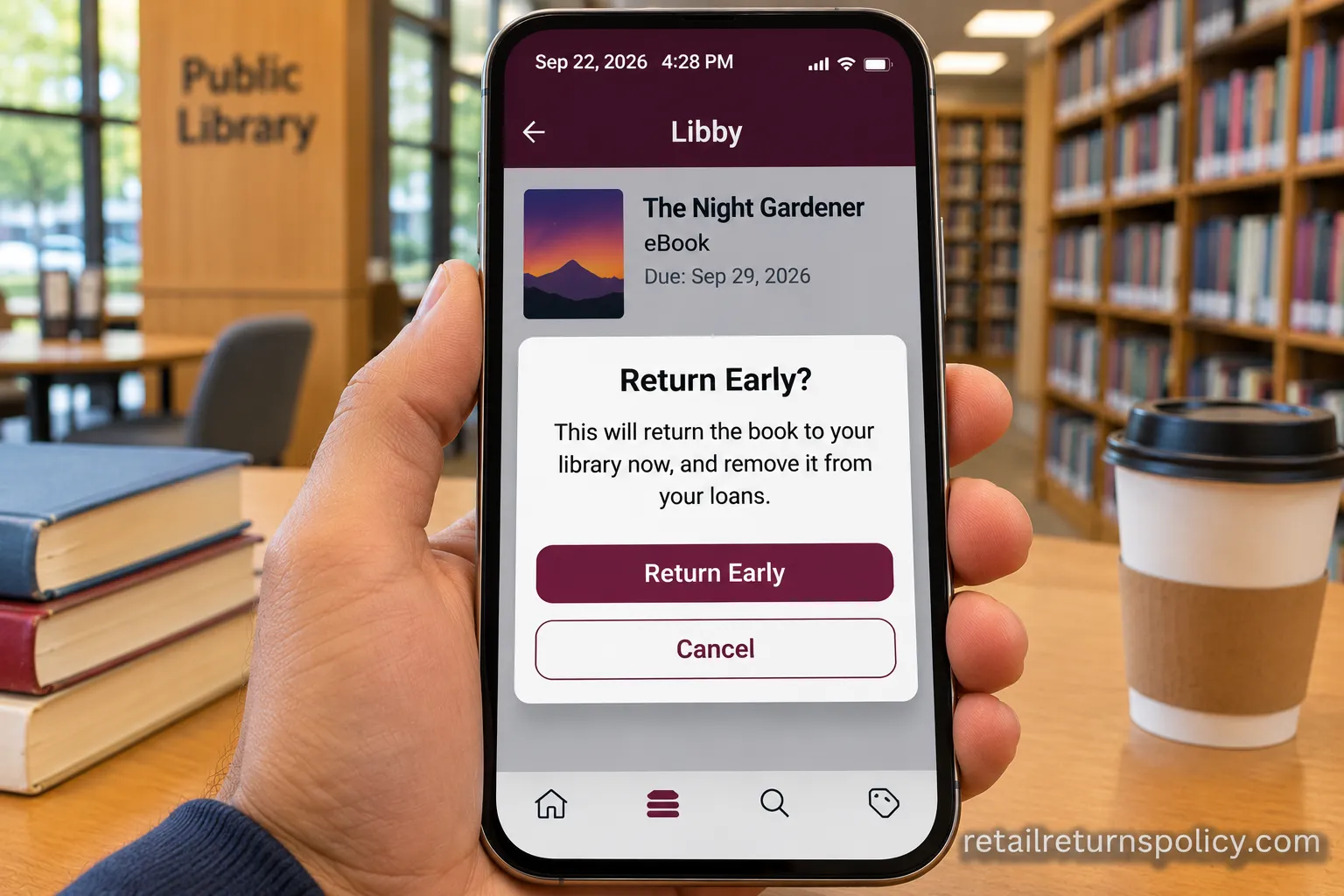
From Libby: open the Shelf, choose Manage Loan, then Return Early, as Libby’s help pages describe.
From the device: open the title’s menu and choose Return to Public Library.
When I returned a Libby loan early, it cleared from my Shelf only after a manual sync, so give it a moment if the title lingers.
A digital loan is nothing like a shipped parcel, and if you also handle mailed orders it helps to know how online returns work for physical purchases.
Where Your Refund Goes (Method and Timing)
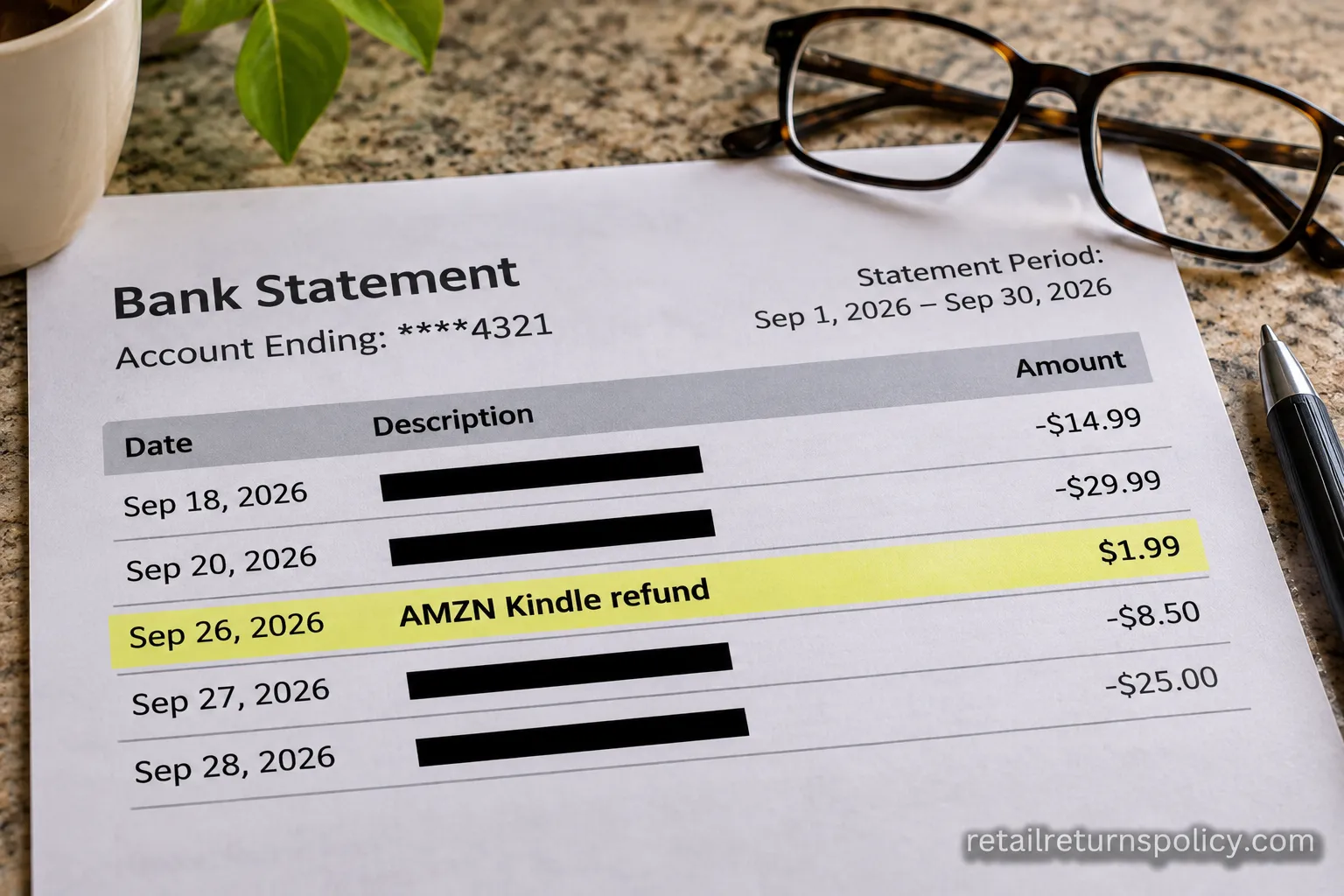
A Kindle refund goes back to your original payment method, usually within three to five business days.
Amazon’s purchase return help states the credit returns to the source you paid with, so there is no default store credit for a normal purchase refund. Two exceptions matter.
If you paid through Google Play Billing, the refund is handled inside the Google Play Store app instead, and unredeemed Kindle book gifts have their own longer window.
Purchase type | Where the refund lands | Typical timing |
|---|---|---|
Amazon-billed Kindle purchase | Original card or payment method | 3 to 5 business days |
Paid via Google Play Billing | Google Play payment method | 3 to 5 business days |
Unredeemed Kindle book gift | Original payment method | Up to 60 days to request |
Per Amazon’s unredeemed gift returns help, you can return an unredeemed Kindle gift within 60 days, though a gift the recipient already opened is not eligible.
My own test refund posted to the original card in four days, one day inside Amazon’s stated range.
Digital refunds never ask for proof of purchase, unlike a store counter where you might scramble to return without a receipt.
Why Amazon Watches Your Return Frequency (and the Author Cost)
Amazon monitors how often you return, and it can withdraw the self-service option from accounts that return heavily.
The reason sits partly with authors: when a purchased ebook is returned, the writer loses the royalty and, historically, a download fee too, which is why a petition covered by Euronews drew tens of thousands of signatures from authors hurt by read-and-return behavior.
Community threads echo the tension, with readers describing the gap between what a policy says and what an account actually gets away with.
Returns exist for genuine mistakes, a duplicate purchase or a fat-fingered one-click, not for reading a whole book and sending it back.
That distinction is fair to the reader and to the author, and it is the honest frame for using this feature.
Console stores enforce return frequency too, and the rules for returning PlayStation and Xbox games follow the same logic.
The trade-off, stated plainly: A refund within 7 days is your right, but leaning on it repeatedly can cost you the option and does cost the author. Use it for accidents, not as a library.
Frequently Asked Questions
Can you return a Kindle book after reading it?
Yes, within the 7-day window you can return a purchased Kindle book regardless of how much you have read. The practical catch is that Amazon may withhold the self-service option if your account is flagged for a high return rate or a partially read title, and it does not publish the exact threshold.
How long do you have to return a Kindle book?
You have 7 days from the date of purchase in the United States. A 14-day figure appears on some UK and EU pages, so use the US window and start the clock from purchase, not from when you first opened the book.
Why is my Return for Refund button missing?
The button disappears once you pass 7 days, when a title is not eligible, or when your account has been flagged for frequent returns. If it is gone within the window, contact Amazon Customer Service and explain any accidental purchase directly.
How do I return a Kindle Unlimited book?
Open Manage Your Content and Devices, find the borrowed title, and select Return this book, or use the Return option from the title’s menu on a device. This frees one of your 20 borrow slots rather than issuing any refund.
Does a returned Kindle book disappear from your library?
It should clear on your next device sync, but it can linger for a day or two. If a returned title is still showing, sync the Kindle app again rather than starting a second return.
How long does a Kindle refund take?
Approved refunds reach your original payment method within three to five business days. Purchases billed through Google Play are refunded inside the Google Play Store app on the same timeline.
That is really all how to return a book on Kindle requires: name your situation first, then follow the short path that fits it.
A purchase is a 7-day refund to your card, a Kindle Unlimited title is a freed slot, and a library loan is an early return through Amazon, Libby, or the device.
Sort which one you are holding, and the rest is a couple of taps. Use the refund for real mistakes, keep an eye on the window, and you will get your money or your slot back without tripping a single account flag.