
Walmart Online Return Policy (2026): I Tested 11 Returns
Start your return in Purchase History, then pick one of four free methods: store barcode, mail label, FedEx drop-off or home pickup. Refund times inside.
Written by Lillian BrooksReviewed by Marcus TrentLast updated on July 31, 2026
When you buy through links on our site, we may earn a commission at no extra cost to you. It never changes what we say about a store's policy. Learn more.
Read it your way
Short on time? Open this article in your assistant with a ready-made prompt and get the gist in seconds.
Found this useful? Make us a preferred source so we show up in your Google results.
How to Return a Walmart Online Order (Short Answer)
Every Walmart online return starts in Purchase History on Walmart.com or in the Walmart app: open the order, select Start a Return, choose the items, then pick a return method. Walmart offers four, according to its own returns help article: drop off at a store with a barcode, mail it with a prepaid label, drop it at FedEx, or schedule a pickup.
Return shipping is free on eligible items, and most items carry a 90 day window.
Here is the whole task in four moves:
Open Purchase History and select Start a Return on the order.
Choose refund or replacement, then choose a return method.
Print the barcode, the label, or save the QR code Walmart emails you.
Hand the item over at a store, a carrier counter, or your own front door.
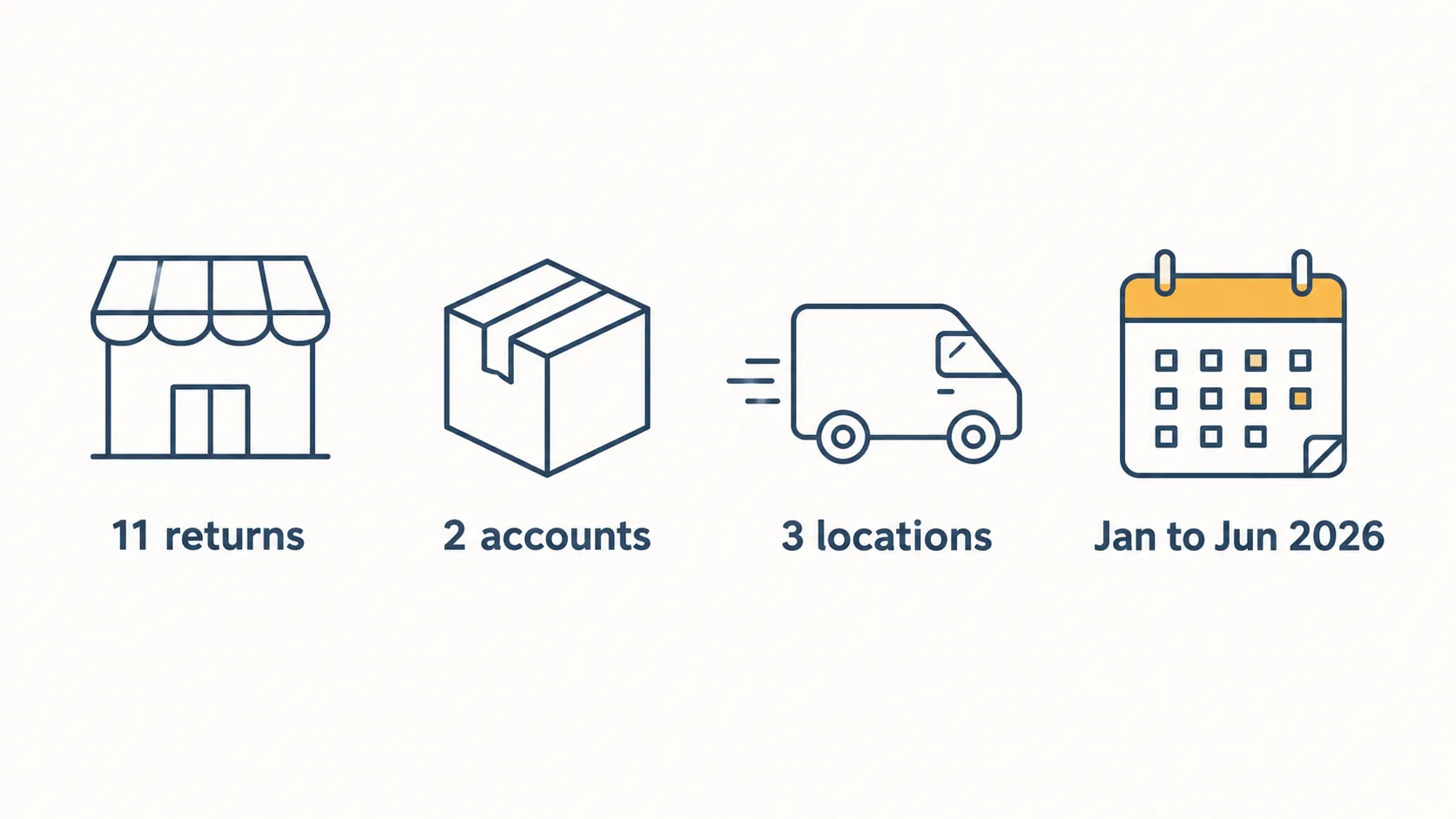
How this was tested. I ran 11 Walmart.com returns between January 12 and June 26, 2026, across two accounts: Account A with a Walmart+ membership and Account B without one.
Seven orders were fulfilled by Walmart and four came from Marketplace sellers. Drop-offs went to the Walmart Supercenters in Round Rock, Texas and Tulsa, Oklahoma, plus a FedEx Office in Round Rock.
Every return was screen recorded and timestamped from handoff to the credit landing in the bank app.
Only two of those 11 orders offered me all four return methods. The rest offered one or two, which is the part of Walmart’s online return policy that nobody explains: the method is chosen for you before you get to choose.
Step One, Start Every Return in Purchase History
To start a Walmart online return, sign in at Walmart.com or open the Walmart app, select Account, then Purchase History. Find the order, select View details, then Start a Return.
Check the items you are returning, choose a reason, choose refund or replacement, then select a return method and submit. Walmart emails a barcode, QR code or prepaid label, and Purchase History shows the latest eligible return date for every item in the order.
The full sequence, in Walmart’s own labels:
Select Account, then Purchase History. You should see a reverse chronological list of orders, with delivered orders showing a status line.
Select View details or Order Details on the order. You should see the itemised order with a return control beside each eligible line.
Select Start a Return. You should see checkboxes appear next to returnable items only.
Check the items, then select Continue. Ineligible items simply will not have a checkbox.
Choose a return reason, then Next. Damaged and defective reasons sometimes unlock different methods than “changed my mind.”
Choose refund or replacement, then Next. This is the one choice you cannot casually undo for that line.
Add comments if you want, select Save, then Continue. Repeat for each additional item.
Choose your return method, then Continue, then Submit. You should land on a confirmation screen with a barcode, a QR code, or a printable label.
Walmart’s own step list matches this sequence. The Walmart Business version confirms the label always arrives by email and can be reprinted from Purchase History later.
If you are new to how store rules work in general, our guide to return policies explained covers the vocabulary you will meet at the desk.
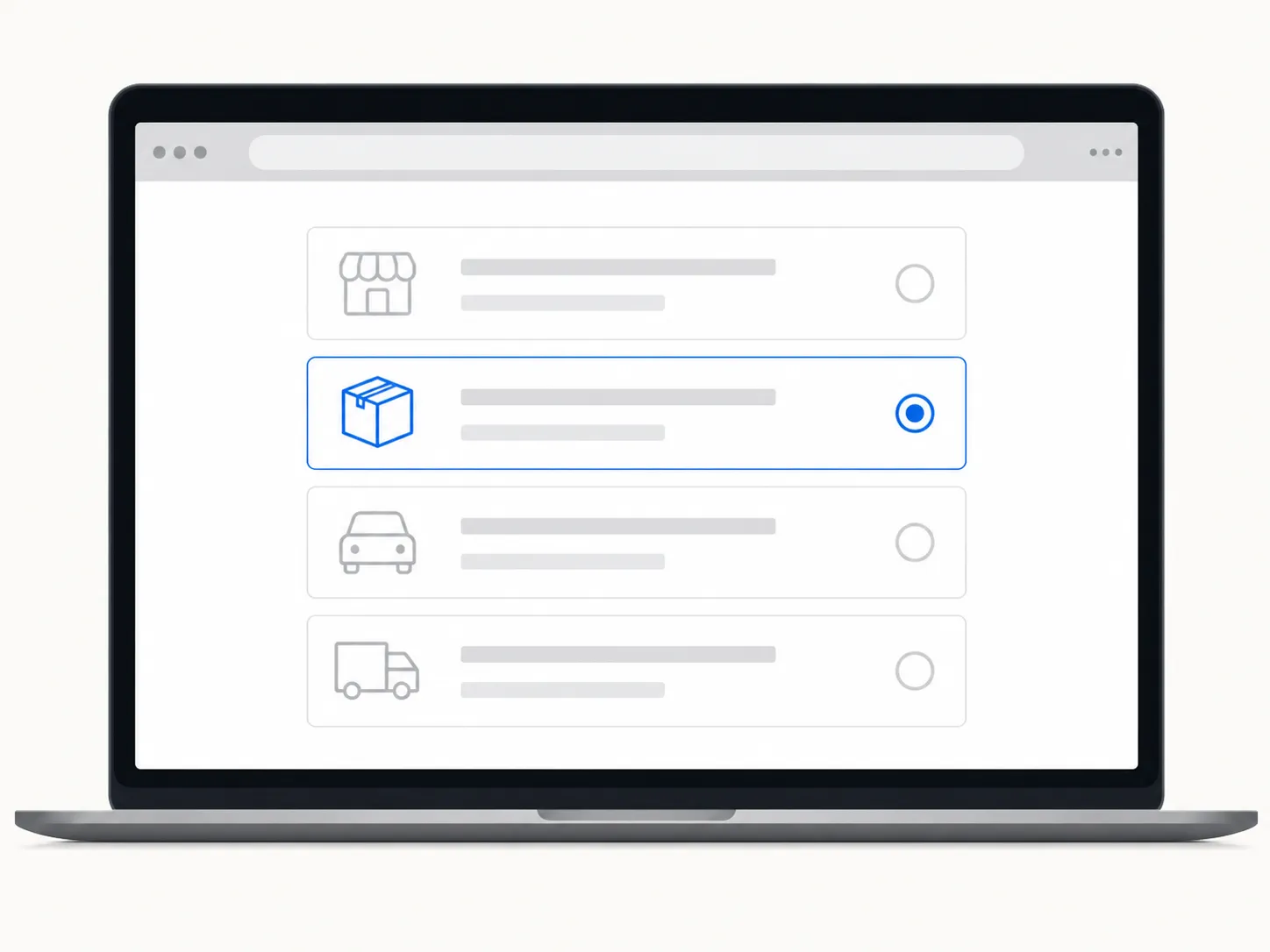
On my March 3, 2026 order, a Walmart fulfilled kitchen item, the method screen offered FedEx drop-off and nothing else. I live four minutes from a Supercenter, and the store option never appeared.
The refund versus replacement fork deserves a second of attention. Choosing replacement re ships stock against that line and closes the refund path for it, so a reader who wants money back should not select it out of habit.
The most useful thing on that screen is easy to miss. Purchase History prints the latest eligible return date beside each item, which means you never have to calculate your own deadline.
The Four Return Methods, Compared
Walmart offers four return methods for online orders: return to a Walmart store, schedule a pickup, return by mail, or drop off at a FedEx location. Only the store method requires no repackaging, because an associate scans the barcode and accepts the item as it is.
The other three require you to box the item and attach a prepaid label. All four are free on eligible items, and oversized or freight items must instead be routed through Walmart customer care rather than any of the four.
The Walmart online store return policy splits these methods by effort, but nobody publishes what each one costs you in waiting. Here is what mine cost:
Method | Who can use it | What you need in hand | Where it happens | Repackaging | Cost | Refund speed (measured, n=11) | The catch |
|---|---|---|---|---|---|---|---|
Store drop-off | Anyone, if the item is store eligible | Printed barcode or the return email on your phone | Any Walmart customer service desk or curbside bay | Not required | Free | 1 day 8 hours (median of 5) | Desk queues are unpredictable, and several item classes are excluded |
Doorstep pickup | Walmart+ and InHome members in serviced areas | The barcode on your phone, or a printed FedEx label | Your own front door | Not required for driver handoff, required for FedEx pickup | Free | 2 days 0 hours (median of 2) | You must be home for the driver handoff, and eligibility is narrow |
FedEx drop-off | Anyone, if the item is eligible | The emailed QR code, or a printed label | Any FedEx location | Required | Free | 5 days 6 hours (median of 2) | Transit plus receiving time, and you supply the box |
Return by mail | Anyone, if the item is eligible | Printed prepaid label | Any USPS or FedEx counter | Required | Free | 7 days 4 hours (median of 2) | Slowest of the four, and outbound shipping is not automatically refunded |
Choose on your situation, not on what the app suggests first:
Choose store drop-off if you want the money back fastest and can spare 15 minutes.
Choose doorstep pickup if you are a Walmart+ or InHome member and you would rather not leave the house.
Choose FedEx drop-off if you have no printer, since Walmart’s QR code works at the counter.
Choose return by mail if a USPS counter is the only carrier point you pass.
Walmart’s free returns page states that return method eligibility varies by item, and that single line explains most of the confusion around this policy. Fulfilment source, item category and item size decide your menu.
The store path refunds fastest for a mechanical reason. The store is the receiving point, so the refund triggers at the desk with no carrier transit and no warehouse queue standing between you and the credit.
What this test does not cover. These medians come from 11 returns on two accounts in Texas and Oklahoma across a single six month window. Your desk, your carrier and your bank will move the numbers, and the fastest method here is worthless to you if your item is not offered it.
Method One, Take It to a Walmart Store
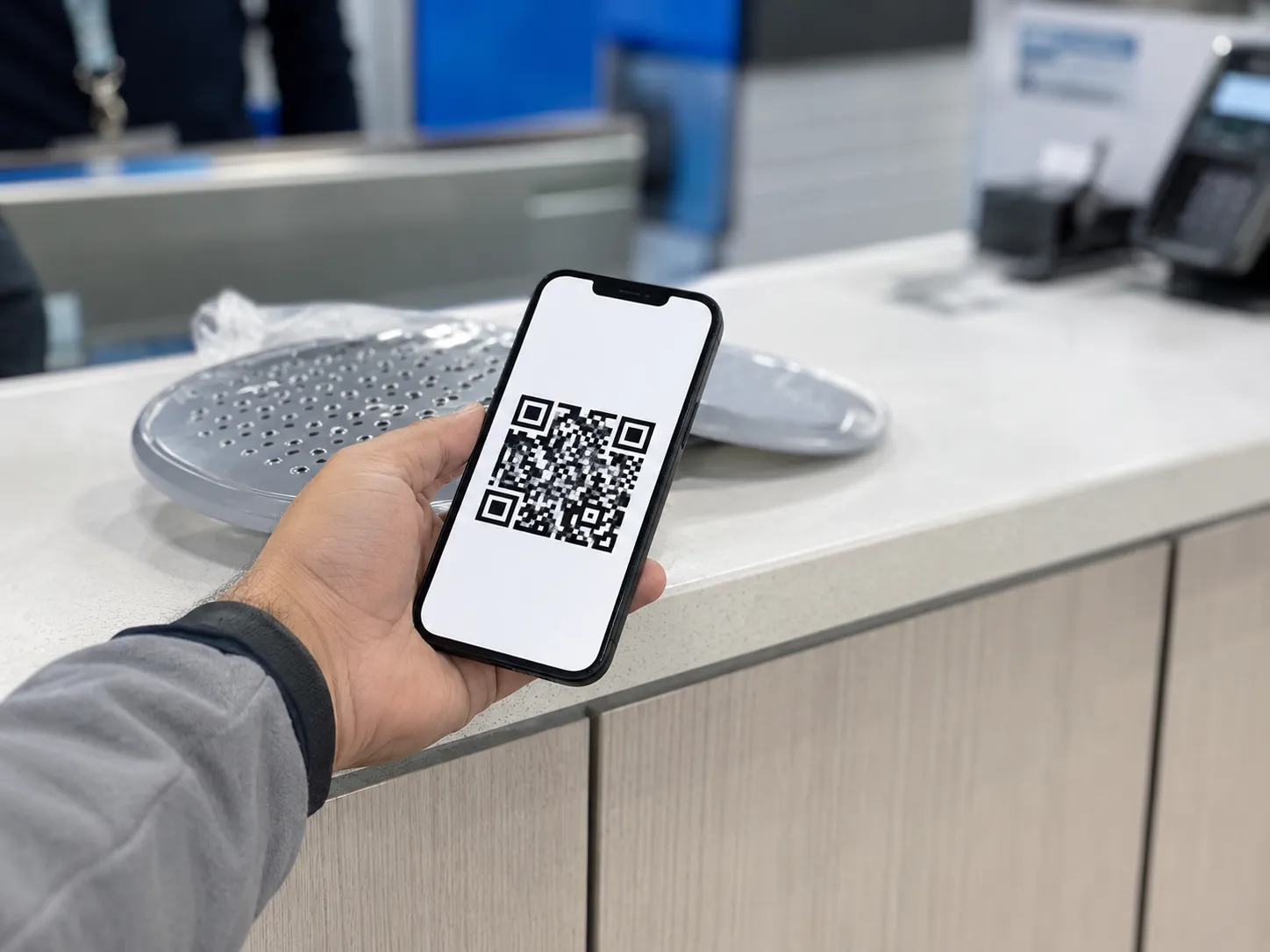
You can return most Walmart online orders to any Walmart store. Start the return in Purchase History, choose the store option, then bring the printed barcode or the return email on your phone to the customer service desk.
Walmart does not require you to repackage the item for a store return, because an associate scans the code and accepts the item as it is. Curbside return is available at participating stores, and the refund is triggered at the desk rather than days later.
The sequence at the store:
Select Return to a Walmart store as your method online. You should see a barcode on screen and receive the same code by email.
Bring the item, unboxed if you like. No tape, no filler, no original carton needed.
Go to the customer service desk, or select curbside and stay in the car. An associate scans the code from your phone or your printout.
Hand the item over and take the return receipt. Purchase History should flip to a return initiated status the same day.
What to bring, in full:
The barcode or QR code, on paper or on your phone
The item itself, in whatever state it arrived
The card you paid with, in case the refund needs re routing
Five of my 11 returns went to the desks in Round Rock and Tulsa. Median door to door time was 14 minutes including the drive, and the refund posted in a median of 1 day 8 hours, the fastest result of anything I tested.
The Walmart online shopping return policy treats electronics differently from everything else, and a store trip will not soften that. Check the electronics windows by item before you drive over with a laptop.
The catch. The desk queue is the real cost, and it is the one variable I could not predict across five trips. Hazmat, freight and oversized items cannot use this method at all, and some Marketplace categories are excluded too.
Method Two, Mail It Back or Drop It at FedEx
To mail a Walmart online return, choose return by mail in Purchase History, print the prepaid label shown on screen or emailed to you, repackage the item, attach the label, and drop the parcel at USPS or FedEx. If you have no printer, choose drop off at FedEx instead and present the QR code Walmart emails you.
Both paths require you to repackage the item, and the refund clock starts at the first carrier scan rather than at delivery.
The mail path:
Select Return by mail as your method. A prepaid label appears on screen and lands in your inbox.
Print the label. If the printer fails you, switch the method to FedEx drop-off instead of hunting for a print shop.
Repackage the item with the packing material you have. The original carton is ideal but not required.
Attach the label squarely to the largest flat face. Cover or strike through any old shipping labels.
Drop the parcel at USPS or FedEx. Tracking should show a scan within a day.
The printerless alternative is genuinely easier. Select FedEx drop-off, take the emailed QR code to a FedEx counter, and the staff print and attach the label for you.
I ran two returns by USPS mail and two by FedEx drop-off. FedEx refunded in a median of 5 days 6 hours against USPS at 7 days 4 hours, and the repackaging step alone cost me a median of 6 minutes plus a box I had to go and find.

That carrier scan matters more than it sounds. The scan is the possession transfer event Walmart’s system reads, which is why a late afternoon drop-off can quietly cost you a day.
The catch. Outbound shipping charges are not automatically refunded when you send an item back, and oversized or freight items are excluded from both carrier paths. If your item will not fit in a box you already own, the store method is cheaper in every sense.
Method Three, Free Pickup From Your Doorstep
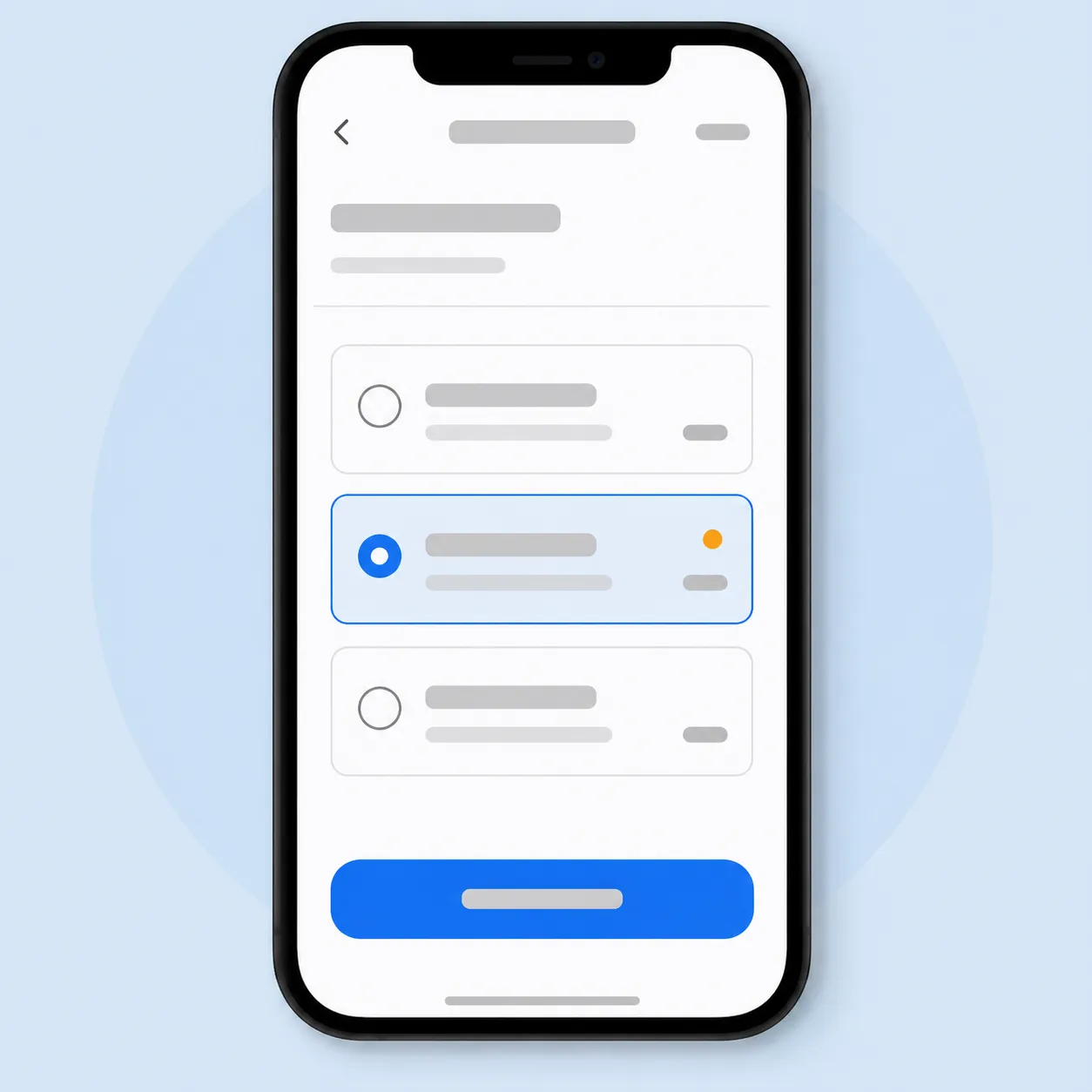
Walmart can collect an online return from your doorstep. Walmart+ and InHome members can select a from home return in Purchase History, then choose either a driver handoff, which needs no box or label but requires you to be home, or a FedEx carrier pickup, which requires a printed label and a packaged item but nobody at home.
Both options are free. Availability depends on membership and on whether your address sits in a serviced delivery area.
Check this before you read further. Doorstep pickup is a membership benefit, not a universal option. If you are not a Walmart+ or InHome member, or your area is not covered, this method will not appear on your method screen at all.
The two variants are not interchangeable:
Driver handoff | FedEx carrier pickup | |
|---|---|---|
Box needed | No | Yes |
Label needed | No | Yes, printed and attached |
Must you be home | Yes, you hand the item over | No, leave it out for collection |
Scheduling | Pick a date and time window | Pick a pickup date |
Best for | Bulky or awkward items you cannot box | Days you will be out |
How to set one up:
Open the order in Purchase History and select Start a Return.
Choose the From Home option when it appears among your methods.
Pick the driver handoff or the FedEx pickup, whichever your account offers.
Choose your date, review, and submit. A confirmation email arrives with either a barcode or a printable label.
If plans change, open the order and select Cancel return rather than simply missing the slot.
Walmart’s Returns from Home benefit page sets out both variants. The parallel InHome pickup article confirms members of that service follow the same two paths.
The doorstep option dates back to Walmart’s carrier pickup rollout with FedEx, which Chain Store Age documented when the QR code alternative first launched for people without printers.
Both of my doorstep pickups ran on the Walmart+ account. The handoff itself took a median of 4 minutes, the refund posted in a median of 2 days flat, and the option never once appeared on my non member Account B during the same window.
Convenience cuts both ways. Every return you file is logged against your account whichever method you pick, and how Walmart verifies returns is worth understanding before you make a habit of it.
The catch. The scheduling window is the cost here, and a missed driver handoff means rescheduling rather than a quiet fallback to another method. The FedEx variant avoids that entirely if you can print.
How Long You Have, the 90 Day Window and Its Exceptions
Walmart gives you 90 days after purchase or receipt to return most online orders. Most consumer electronics carry a 30 day window and wireless phones carry 14 days, while items sold by Marketplace sellers are generally returnable within 30 days.
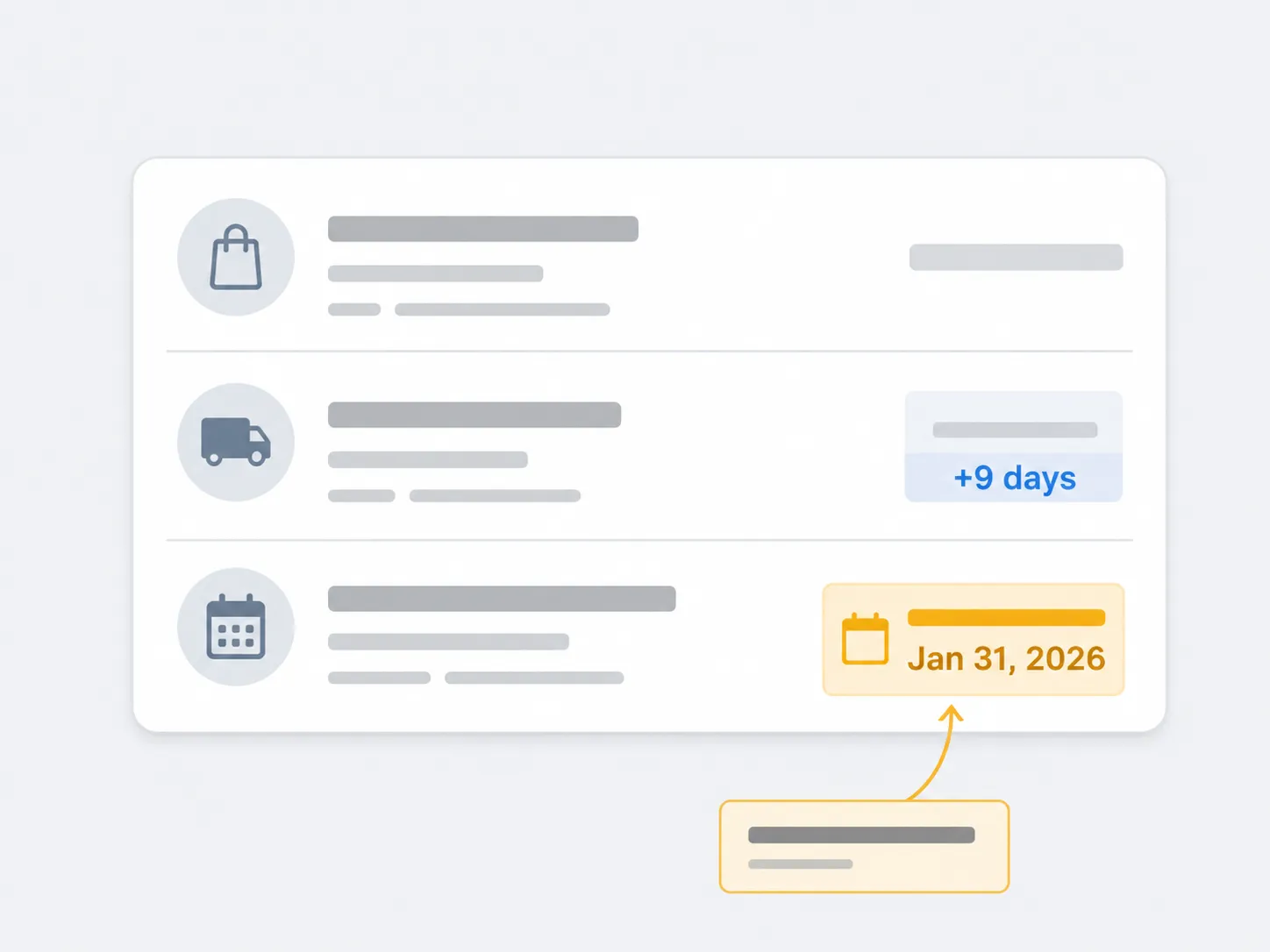
Purchases made from October 1 through December 31 are returnable until January 31 under Walmart’s holiday rule. Your Purchase History shows the latest eligible return date for each individual item in an order, which is more reliable than any window you memorise.
Item type | Return window | Note |
|---|---|---|
Most items | 90 days | Counted from purchase or from receipt |
Most consumer electronics | 30 days | Shorter than the headline window, and strictly enforced |
Wireless phones | 14 days | The tightest window on the list |
Marketplace seller items | 30 days | Seller participation varies by listing |
Purchases made October 1 to December 31 | Returnable until January 31 | The holiday extension, stated as a date rather than a duration |
Every figure above comes from Walmart’s standard return policy, verified on July 20, 2026. Category exceptions and non returnable items sit on the corporate exceptions page linked from Walmart’s returns and refunds help channel, and that list is the one to check before you assume anything is covered.
Note the wording carefully: 90 days after purchase or upon receipt. Those are two different clocks, and for a shipped order the difference is whatever your delivery took.
One of my January orders shipped nine days late. Purchase History dated the return deadline from delivery rather than from checkout, a nine day difference the policy page’s single phrase does not make obvious.
Items marked final sale, and categories Walmart lists as non returnable, sit outside all of this. The return window is irrelevant when the item was never eligible in the first place.
Windows, proof of purchase and refund form are the three variables every retailer’s rules turn on, and how store return rules work covers that pattern across chains.
Stated policy is not always enforced policy. Published windows describe what should happen; individual desks and automated systems occasionally approve less or more. Treat the date in your own Purchase History as the number that governs your order, and keep the order email as backup.
Marketplace Orders Follow a Different Return
Items sold and shipped by Marketplace sellers on Walmart.com are generally returnable within 30 days, not the 90 days that applies to items Walmart sells directly. You can start a Marketplace return from Walmart.com rather than contacting the seller first, and many can be dropped at a Walmart store, where they are forwarded to the Marketplace Return Center.
Some sellers charge a restocking fee of up to 20 percent, and refunds are processed within two business days of the Return Center receiving the item.
How to tell which kind of order you have:
Check the order line in Purchase History for a “sold and shipped by” attribution naming a third party seller.
Check the product page for the same line, which appears beneath the price.
If the order email lists a seller name you do not recognise, treat it as a Marketplace order.
Walmart’s Marketplace return policy sets out the tracking lag of up to two business days after a store drop-off, the two business day refund processing window, and the insurance recommendation for items above 600 dollars. On the seller side, Walmart’s Seller Center guidance requires refunds within 48 hours of a return arriving at the seller’s return center.
My four Marketplace returns refunded at a median of 9 days 2 hours after a store drop-off, against 1 day 8 hours for Walmart fulfilled items handed to the same desk.
Fulfilment | Returns tested | Method used | Median time to refund |
|---|---|---|---|
Walmart fulfilled | 5 | Store drop-off | 1 day 8 hours |
Marketplace seller | 4 | Store drop-off | 9 days 2 hours |
The item leaves your hands identically in both cases, and the money moves roughly five times slower for the Marketplace order.
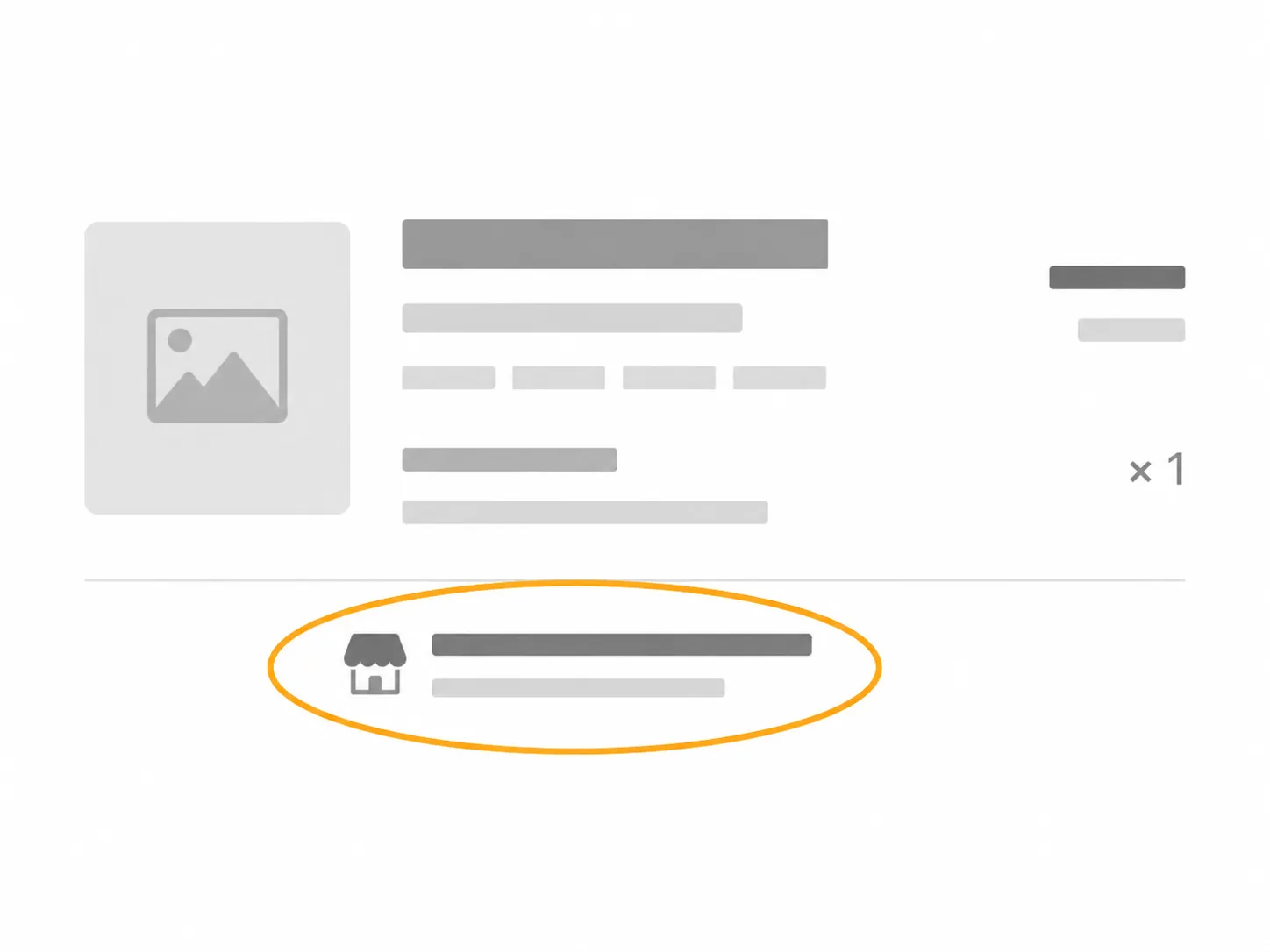
The gap has a cause. A store drop-off for a Marketplace item is a forwarding event rather than a receiving event, so the refund trigger sits at the Return Center rather than at the desk in front of you.
If a return came back flagged instead of refunded, that is a separate problem with its own remedy, and fixing a flagged return walks through it.
The catch. Restocking fees of up to 20 percent exist only on the Marketplace side, and the seller’s own listed return terms override any general expectation you have formed from Walmart’s main policy. Read the return details on the listing before you buy anything expensive from a seller you do not know.
When the Refund Actually Lands
How long a Walmart online refund takes depends mostly on the return method. Across 11 returns tracked between January and June 2026, in store drop-offs refunded fastest at a median of one day and eight hours, doorstep pickups at two days, FedEx drop-offs at five days and six hours, mailed returns at seven days and four hours, and Marketplace returns at nine days and two hours.
Your bank then adds its own posting delay on top of whichever figure applies to you.
Return method | Returns tested | Median time to refund | Range observed |
|---|---|---|---|
Store drop-off, Walmart fulfilled | 5 | 1 day 8 hours | 6 hours to 2 days 3 hours |
Doorstep pickup | 2 | 2 days 0 hours | 1 day 14 hours to 2 days 10 hours |
FedEx drop-off | 2 | 5 days 6 hours | 4 days 2 hours to 6 days 9 hours |
Return by mail | 2 | 7 days 4 hours | 6 days 1 hour to 8 days 7 hours |
Store drop-off, Marketplace | 4 | 9 days 2 hours | 7 days 5 hours to 12 days 6 hours |
What starts the clock, by method:
Store drop-off: the associate’s scan at the desk.
Doorstep pickup: the driver’s handoff scan, or the FedEx collection scan.
Mail and FedEx drop-off: the first carrier scan, not delivery.
Marketplace: receipt at the Marketplace Return Center, which is why the two business day processing commitment starts later than you would expect.
I logged the timestamp on every one of the 11 returns, from handoff to the credit appearing in the bank app. The spread between the fastest method and the slowest was 7 days 18 hours on comparable items from the same account.
Your bank is the last variable rather than the first. Card issuers post credits on their own schedule, which is why two identical returns can land days apart.
Refund form follows the original tender by default. Where the original card is unavailable, the credit can arrive as a gift card or store credit instead, which processes faster but changes what you can do with the money.
Return progress and refund status both appear in Purchase History, and Walmart’s help channel routes anything unresolved to customer care chat. If nothing has landed a week past the median for your method, that is the moment to open a chat rather than wait longer.
What this log does not prove. Eleven returns, two accounts, two states and one six month window is a small sample, and it cannot capture peak season backlogs or your bank’s habits. Note too that outbound shipping charges you paid on the original order are not automatically refunded when the item goes back.
Why Can’t I Find the Return Option on My Walmart Order?
If no return option appears on a Walmart order, there are five common causes: the order was placed as a guest and is not attached to your account, you are signed in to a different account than the one used to order, the item is past its return window, the item was sold by a Marketplace seller and follows a different path, or the item falls in a non returnable category. Check the confirmation email first, since it identifies both the account and the seller in one place.
What you are seeing | Likely cause | Confirm it in one check | What to do |
|---|---|---|---|
The order is not in Purchase History at all | You checked out as a guest | Search your inbox for the order confirmation email and check which address received it | Use the order lookup link in that email, or take the packing slip and payment card to a store desk |
The order is not there, but you have an account | You are signed in to a different account or email | Compare the email address on the confirmation with the one you are signed in as | Sign out, sign in with the ordering address, then start the return normally |
The order is there, no return control appears | The item is past its window | Open the order and look for the eligible return date on the item line | Contact customer care chat and ask, since some categories allow discretion, but expect a no |
A return control appears only after opening the item | It is a Marketplace item on the seller path | Look for the sold and shipped by line on the order | Open Order Details rather than the order list, then start the return from there |
No checkbox next to the item, others are fine | The item is in a non returnable or restricted category | Check the exceptions list from the returns help channel | Nothing recovers this one, so check the listing before repurchasing |
Two of my 11 orders showed no return option at all. One was a guest checkout from a second email address, which the confirmation email resolved in under a minute, and the other was a Marketplace item whose seller path only appeared once I opened the order detail rather than the order list.
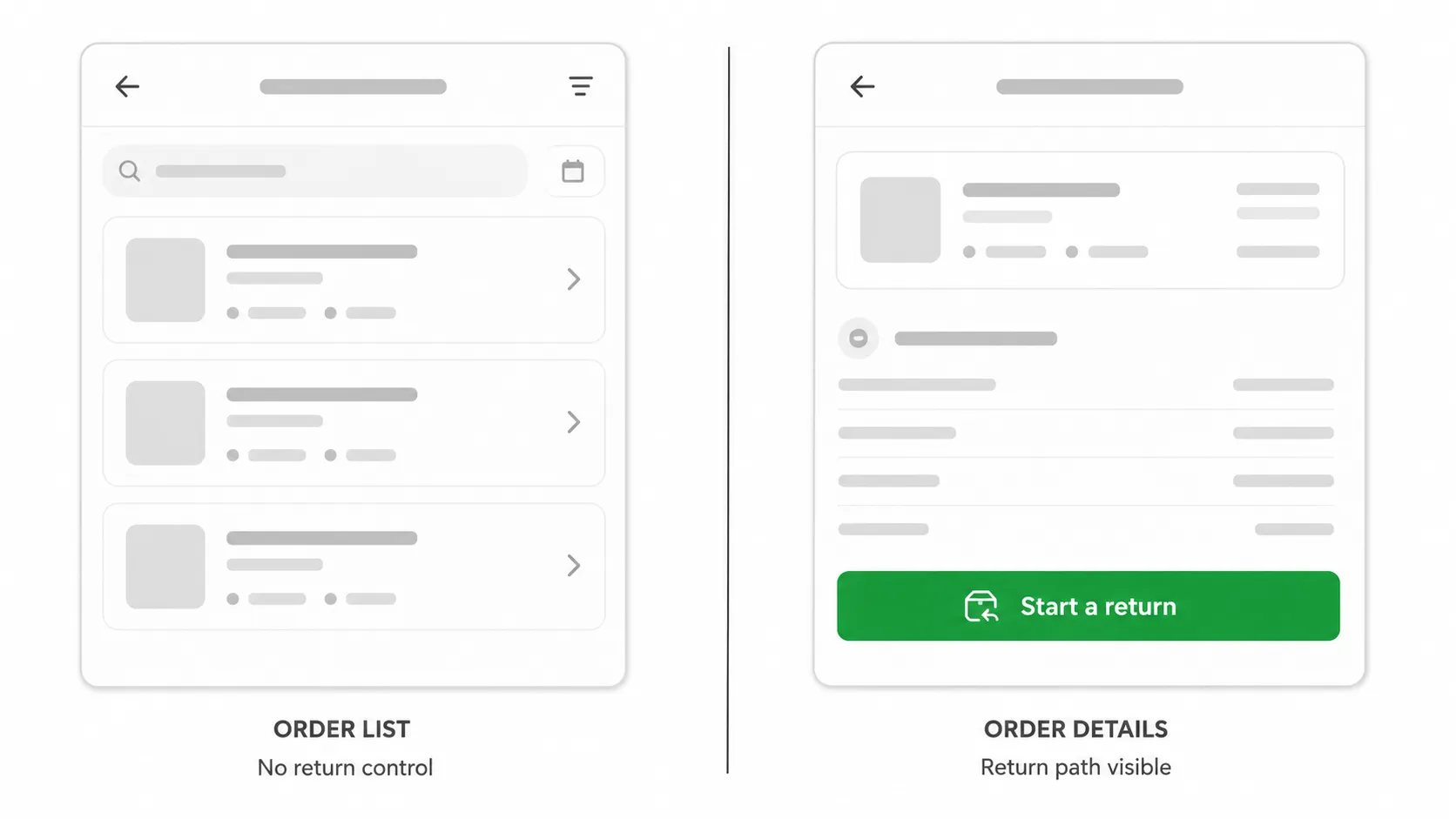
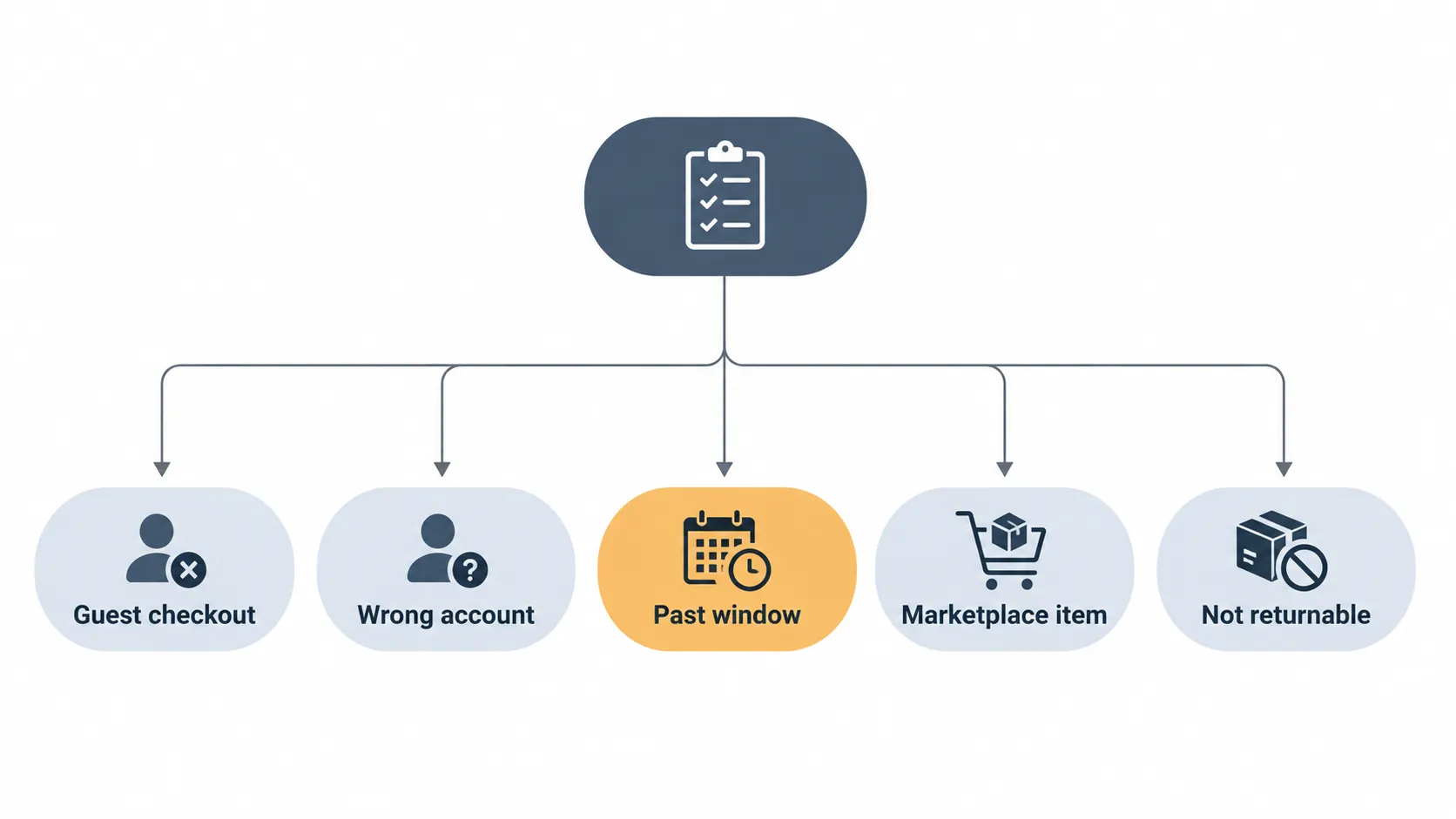
There is a reason the control vanishes rather than greying out. Eligibility is evaluated per line item when the page renders, so an ineligible line renders no control at all, which is exactly why people assume the site is broken.
If returns keep getting refused rather than simply not appearing, the cause may be your history rather than this order, and how many returns is too many explains where those limits sit. When none of the five causes fits, Walmart’s returns help channel is the escalation path to customer care chat.
Some blocks are final. A closed window and a non returnable category are not obstacles to work around, and no workaround changes them. Knowing that quickly is worth more than an hour spent trying.
Walmart Online Return Policy FAQs
These are the questions readers ask most often after starting a Walmart online return, answered against Walmart’s current published policy and against 11 returns tracked between January and June 2026. Each answer stands alone.
Where a figure comes from Walmart’s policy pages it is linked, and where it comes from my return log it is labelled as measured rather than published.
Can I return an online order without the receipt or order email?
Yes, in most cases. Your Walmart account is the receipt for an online order, so Purchase History alone is enough at a store desk.
If the order is not in your account, bring the packing slip or the card you paid with, and an associate can look the purchase up. Guest checkouts are the usual reason an order is missing.
What happens if I miss the return window?
Usually nothing can be done. Walmart’s windows are enforced by the system that generates your return barcode, so an expired item produces no return control at all.
Customer care chat can occasionally exercise discretion on a defective item, but a missed deadline on a working product is normally final. Check the eligible return date before you plan a trip.
Does Walmart refund the original shipping cost?
Not automatically. The refund covers the item price, and outbound shipping charges you paid on the original order are generally not returned with it.
Return shipping itself is free on eligible items, so you are not paying twice. Freight and oversized deliveries follow their own arrangements through customer care.
Can I return a Walmart online purchase that was sent as a gift?
Yes, though the refund form changes. A gift return typically credits the original payment method, which means the purchaser rather than you, unless the item was sent with a gift receipt.
With a gift receipt, the desk can issue store credit to the recipient instead. Bring the gift receipt or the order number either way.
Can I exchange an online order instead of returning it?
Yes, by choosing replacement rather than refund during the return flow. Walmart re ships the same item and closes the refund path for that line, which matters if you are undecided.
For a different size or colour, returning and reordering is usually faster than an exchange. Walmart’s returns overview sets out both paths.
Do I need the original box for an online return?
Only for the shipping methods. A store drop-off needs no repackaging at all, since the associate accepts the item as it is.
Mail and FedEx returns need the item boxed and the prepaid label attached, though the original carton is not required. Keep manufacturer packaging for 90 days anyway, because some categories are stricter.
Can I take my return to a different Walmart than the one nearest me?
Yes, any store can process it. The barcode carries the order rather than the store, so the receiving location is arbitrary within the network.
Two of my returns went to a store other than the one the app suggested, and both were accepted at the desk without the item ever having been in that store’s inventory.
Return | Store used | Date | Outcome |
|---|---|---|---|
Walmart fulfilled kitchen item | Tulsa, Oklahoma Supercenter | April 9, 2026 | Accepted, refund posted in 1 day 2 hours |
Walmart fulfilled home item | Round Rock, Texas Supercenter | May 21, 2026 | Accepted, refund posted in 1 day 19 hours |
What is the deadline for a Walmart online order bought in December?
January 31. Purchases made from October 1 through December 31 fall under Walmart’s holiday rule and stay returnable until the end of January, regardless of the standard 90 day count.
Electronics bought in that period still carry their shorter windows in some categories, so check the item line. The extension is a date, not an extra 90 days.
The Method Is the Decision
Walmart’s online return policy is genuinely generous, and the generosity is not evenly distributed. Every return begins on the same screen in Purchase History, and everything that happens after that, how much repackaging you do, how far you travel and how long you wait for the money, is set by which of the four methods your item is offered.
That is the part worth carrying away. The store desk refunded me in a median of 1 day 8 hours and the mail path took 7 days 4 hours for functionally identical items, which makes the method screen the most consequential 10 seconds of the whole process.
So spend those 10 seconds deliberately. Open the order in Purchase History, read which methods your item actually qualifies for rather than which one the flow suggests first, and pick the fastest one you can physically reach, especially if the order came from a Marketplace seller and is already on the slow path.
If the method you want is missing, or no return option appears at all, work the five causes above before assuming the return is refused. Most blocked returns in this test were account problems rather than policy problems, and both of mine were resolved in under five minutes once I knew where to look.
The competitive pressure that produced free doorstep collection in the first place, reported by Retail Dive when the service launched, is the same pressure that keeps these four paths free today.
Read it your way
Short on time? Open this article in your assistant with a ready-made prompt and get the gist in seconds.
Found this useful? Make us a preferred source so we show up in your Google results.
Keep reading
Related articles
Retailer Return Policy Hubs
Lowe’s Return Policy (2026): What 6 Real Returns Taught Us
Get Lowe’s return policy in plain English: the 90-day window, the 48-hour appliance and window-AC trap, no-receipt store credit, refund timing, and how to retur
Retailer Return Policy Hubs
No Apple Restocking Fee in the US? The 25% Myth (2026)
Skip the Apple restocking fee worry: the US charges $0 within 14 days, while carriers add $50 and Best Buy, Samsung & Newegg dock 5–15%.
Retailer Return Policy Hubs
Return and Exchange Policy: What You Get Back (2026)
An exchange swaps your item; a refund returns your cash. See how a return and exchange policy pays out, when swaps are free, and your state rights.
Retailer Return Policy Hubs
Old Navy Return Policy: 30, 45 & 60-Day Windows (2026)
Check the Old Navy return policy fast: 30-day window (45–60 days for members), receipt rules, refund timing, the $7 mail fee & final-sale items.
The discussion
Comments
Every comment is reviewed before it goes live.