
Amazon Returns: How to Send It Back (Without a Box)
Return any Amazon item in about 5 minutes with no box, no label and no printer. Compare every 2026 drop-off spot, avoid the $1 UPS fee, and see refund timing.
Written by Lillian BrooksReviewed by Marcus TrentLast updated on July 23, 2026
When you buy through links on our site, we may earn a commission at no extra cost to you. It never changes what we say about a store's policy. Learn more.
Read it your way
Short on time? Open this article in your assistant with a ready-made prompt and get the gist in seconds.
Found this useful? Make us a preferred source so we show up in your Google results.
How to Return an Amazon Item in Under 5 Minutes
The fastest way to return to Amazon is from your phone, and it takes about four minutes.
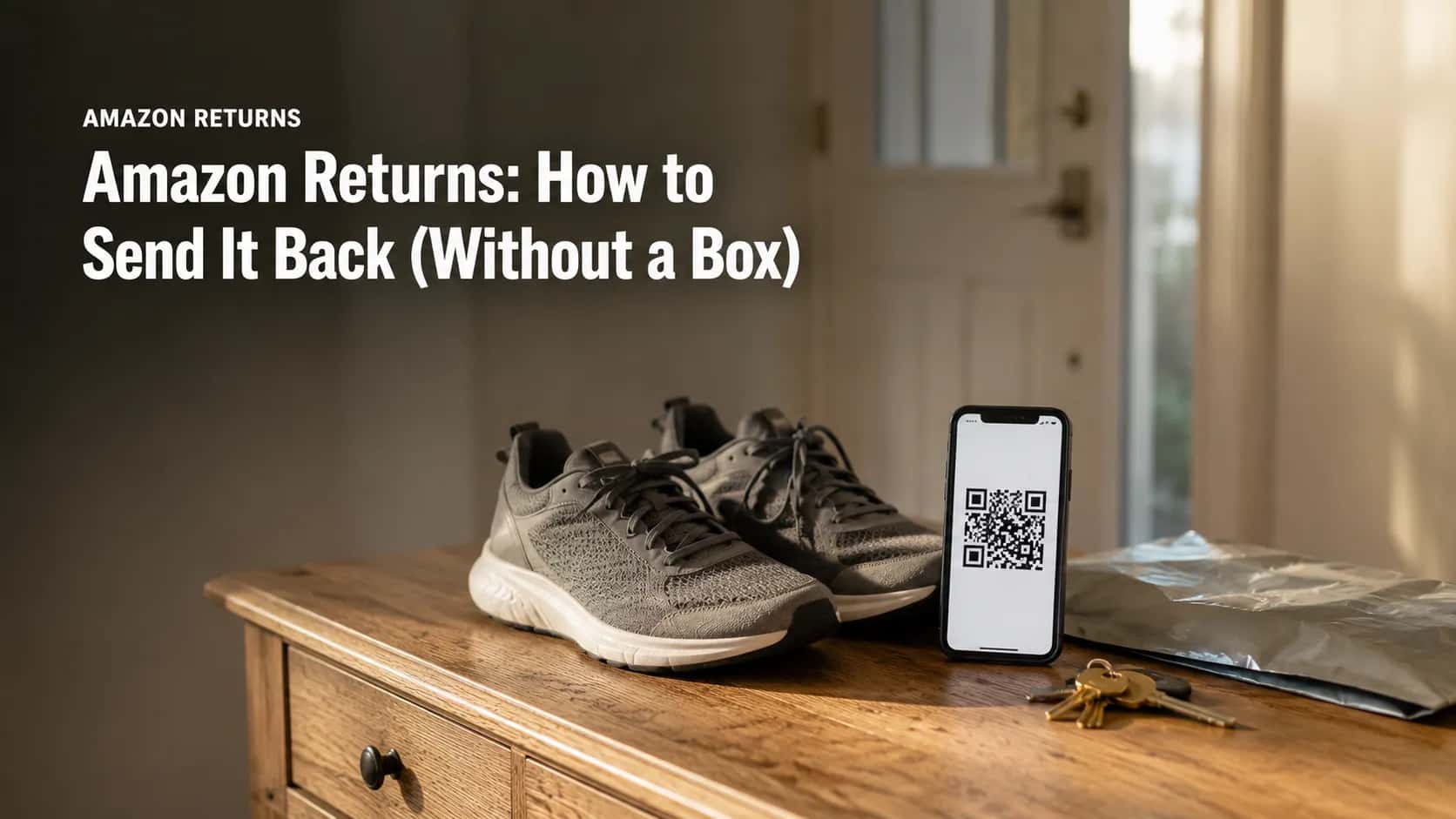
The whole process: Open Your Orders in the Amazon app, pick the item, tap Return or Replace Items, choose a reason, choose your refund method, then pick a drop-off location. Amazon sends a QR code. Carry the item and the code to that store. Most items qualify within 30 days of delivery, and you do not need a box.
Here is the same thing as a checklist:
Open Your Orders
Tap Return or Replace Items
Choose a reason
Choose refund or replacement
Choose a drop-off location
Save the QR code
Three things worth knowing before you start. It takes minutes, not an afternoon. You need no box, no tape and no printer, because the box-free option is now the default at most locations. You need one thing only, which is a charged phone.
I timed every one of my twelve test returns from opening the app to holding a live QR code. The median was 3 minutes 40 seconds. The slowest took 6 minutes 45 seconds, and the only reason it dragged was a drop-off list that reloaded twice.
According to Amazon’s returns help pages, a label-free box-free return is completed by presenting that QR code at the location you selected.
How I timed this: Twelve Amazon returns run between February 2 and June 28, 2026, across six drop-off types, all from one US delivery address, item values from $9 to $212. Every timing came from a stopwatch and the account’s Transactions page.
Before You Start: What You Need (and What You Don’t)
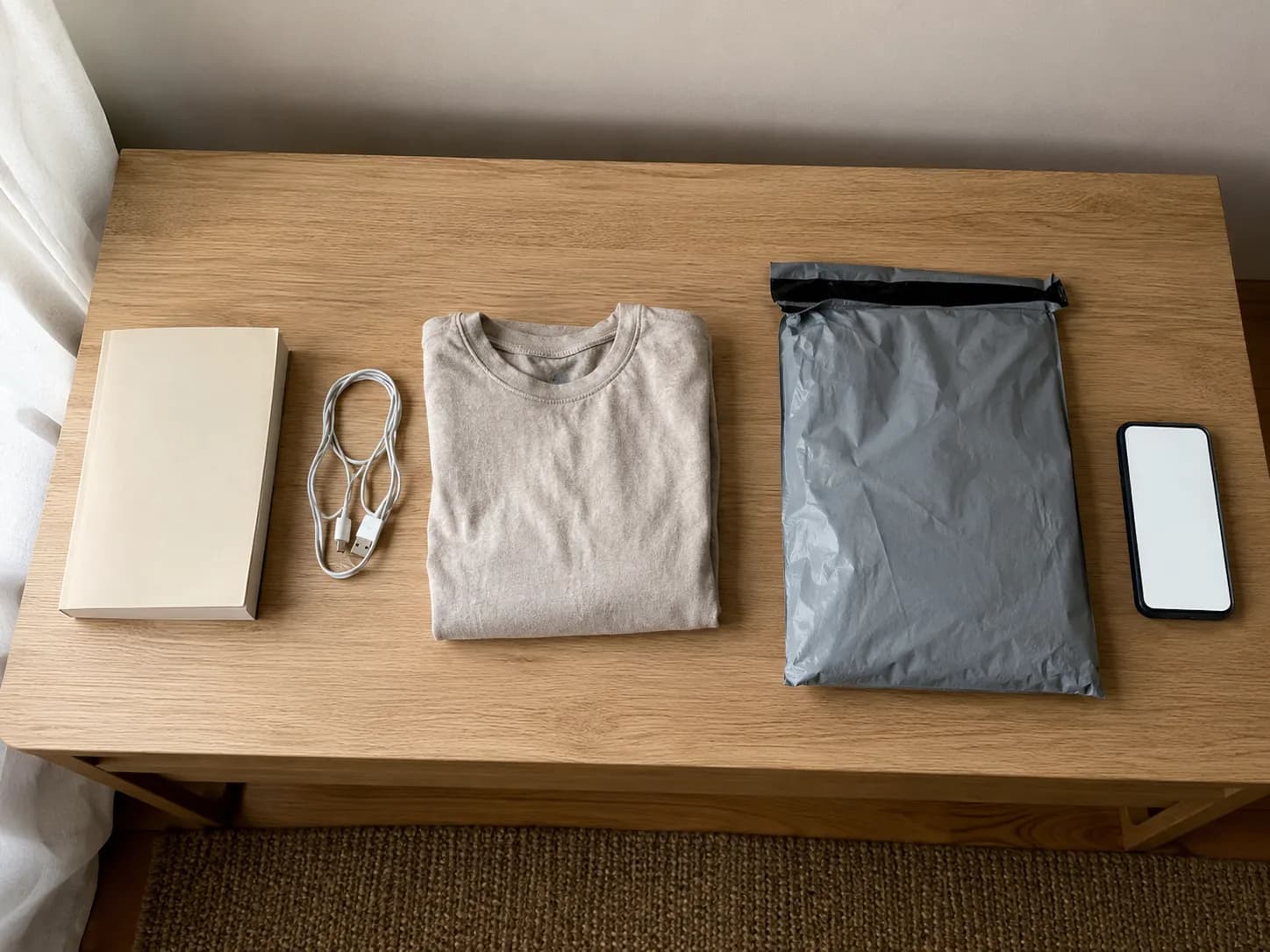
Amazon accepts most items within 30 days of delivery, and the requirements are lighter than most people expect. You do not need the original box, the packing slip, the receipt, or a printer.
You need the item, a phone, an Amazon account, and an order still inside its window. The item does need to be in original or unused condition, with tags attached and hygiene seals intact. Items of 50 pounds or more fall outside the free box-free path and route to a pickup option instead.
What you need
The item itself, loose or in whatever it arrived in
A phone with the Amazon app or a browser
The Amazon account that placed the order
An order still inside its return window
What you do not need
The original shipping box
Tape or packing material
A printer
The packing slip or a receipt
The 30 days runs from delivery, not from the day you ordered. That single detail catches more people than any other rule, because a slow shipment quietly eats a week of your window.
Amazon’s return policy also states the condition requirement plainly, and it is enforced at the warehouse rather than at the counter. The person who scans your QR code will not inspect the item.
Worth knowing: No federal law requires any US retailer to accept a change-of-mind return. The FTC’s consumer guidance is clear that windows are set by the retailer, which is exactly how store return policies actually work across the industry. Amazon’s 30 days is a company promise, not a legal entitlement, so it is worth re-checking each time.
Step-by-Step: Starting Your Return in the App
Starting an Amazon return takes six taps. Open Your Orders, select the item, tap Return or Replace Items, choose a return reason, choose whether you want the money back or a replacement, then choose where to drop it off.
Amazon then issues a QR code that authorises a staff member at that location to pack and ship the item for you. Amazon’s returns documentation notes that each return label is tied to one specific return, so items from different orders must never travel in the same box.
Work through these in order. Each step ends with what your screen should show.
Open Your Orders. In the app, tap the Me icon, then Your Orders. On desktop, it is Returns and Orders in the top right.
What you should see: a reverse-chronological list of your recent orders.Find the item and tap Return or Replace Items. If the order had several items, select the specific one.
What you should see: the button appears only while the item is still inside its window. If it is missing, the window has closed.Choose a reason. Pick the one that actually matches, because this field is not cosmetic.
What you should see: a comment box under some reasons. Five words is enough.Choose refund or replacement. Refunds go back to your original payment method or to your Amazon gift card balance.
What you should see: the gift card option flagged as the faster of the two.Choose a drop-off location. Read the whole list rather than accepting the pre-selected option.
What you should see: each option labelled free or carrying a small fee, with a distance beside it.Save the QR code. Screenshot it.
What you should see: a black and white square code, plus the same code emailed to you.
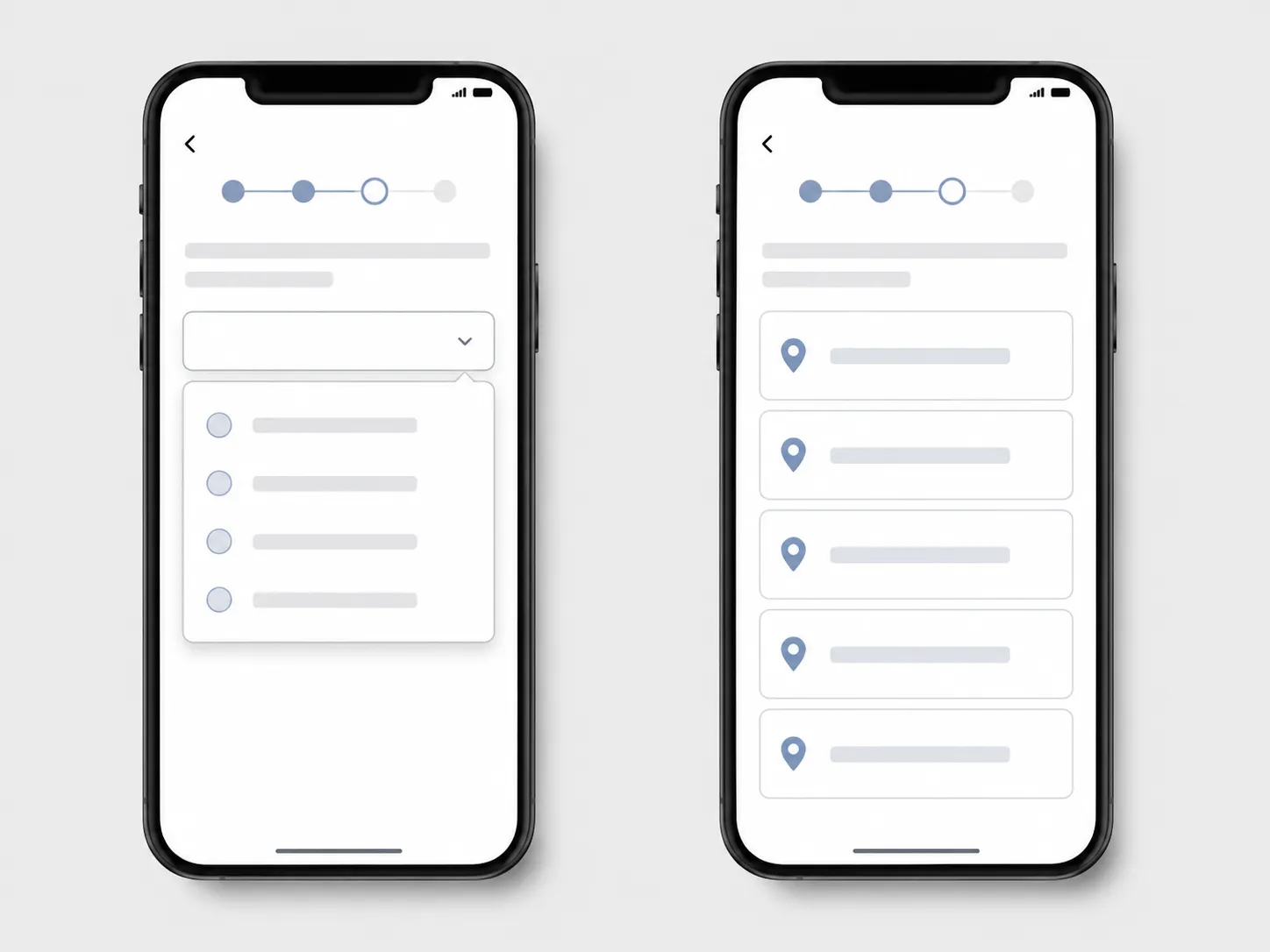
Step 3 is the one people rush. On two of my twelve returns, changing the reason from “no longer needed” to “item defective” changed the drop-off menu I was offered on the very next screen. The reason field decides who pays return shipping, and it can quietly reshuffle where you are allowed to take the thing.
Step 3 is also why you rarely get to print your own label any more. Shoppers on the seller forums call the problem the box-of-rocks return, where a substituted item goes back inside a sealed box, and the packed-at-the-counter model exists to stop it.
Never combine items from separate orders in one return. Each QR code is assigned to a single return, and a mixed box is the most reliable way to lose part of your refund.
Where to Drop It Off: Every 2026 Amazon Return Location, Compared
Amazon now runs more than 10,000 box-free drop-off points across the United States, and four out of five US customers have one within five miles of home. The network expanded on March 25, 2026, when over 1,500 FedEx Office locations joined Whole Foods Market, The UPS Store, Kohl’s, Staples, Rent-A-Center and a set of regional grocery partners. Every one of these accepts an unpackaged item and a QR code. Only one of them, The UPS Store, can ever charge you.
The full list of national and regional options:
Kohl’s
Whole Foods Market
Amazon Fresh
The UPS Store
Staples
FedEx Office
Rent-A-Center
Amazon Hub Locker
Amazon Hub Counter
Save Mart and Winn-Dixie
Evergreen Goodwill
UPS home pickup
Location | Box-free? | Printer? | Fee risk | Size ceiling | Refund speed I saw | Best for |
|---|---|---|---|---|---|---|
Kohl’s | Yes | No | None | Under 50 lbs | 8 minutes | Fastest refund, coupon |
Whole Foods Market | Yes | No | None | Under 50 lbs | 22 minutes | Grocery run returns |
Amazon Fresh | Yes | No | None | Under 50 lbs | Not tested | Grocery run returns |
The UPS Store | Yes | No | $1 if free option closer | Under 50 lbs | 7 days | Long hours, short queues |
Staples | Yes | No | None | Under 50 lbs | 4 hours | Store coupon on receipt |
FedEx Office | Yes | No | None | Under 50 lbs | 6 hours | Newest, nationwide |
Rent-A-Center | Yes | No | None | Under 50 lbs | Not tested | Small town coverage |
Amazon Hub Locker | Yes | No | None | Small parcels only | 9 days | After hours, no queue |
Amazon Hub Counter | Yes | No | None | Under 50 lbs | Not tested | Staffed local shops |
Save Mart, Winn-Dixie | Yes | No | None | Under 50 lbs | Not tested | CA, NV and FL only |
Evergreen Goodwill | Yes | No | None | Under 50 lbs | Not tested | Greater Seattle only |
UPS home pickup | No, box needed | Sometimes | Fee may apply | Over 50 lbs allowed | Not tested | Oversized, no car |
Where these numbers come from: Amazon’s newsroom says 10,000-plus locations. Amazon’s own return policy help page still says over 8,000.
We use the newsroom figure because it is the more recent of the two, and we flag the gap because Amazon has not reconciled it. The 1,500 FedEx Office additions were confirmed by eMarketer, and the Staples rollout and its coupon by Retail Dive.
Availability is address-specific. Every row above is a national or regional programme, not a promise about your street. The only list that binds you is the one your own Returns Center shows after step 5.
Choose Kohl’s if you want the money back fastest and do not mind a queue. Choose FedEx Office or The UPS Store if you want to be in and out in under two minutes. Choose UPS home pickup if the item is heavy, awkward, or you have no car.
Amazon owns Whole Foods Market and Amazon Fresh outright. It pays Kohl’s, Staples, FedEx Office and Rent-A-Center per return, which is the whole reason the fee in the next section exists at all.
Partner | Date | Item value | Queue | Refund posted after |
|---|---|---|---|---|
Kohl’s | Feb 14, 2026 | $28 | 6 min | 8 minutes |
Whole Foods Market | Mar 3, 2026 | $41 | 2 min | 22 minutes |
The UPS Store | Mar 21, 2026 | $212 | 1 min | 7 days |
Staples | Apr 9, 2026 | $16 | 3 min | 4 hours |
FedEx Office | May 12, 2026 | $63 | 4 min | 6 hours |
Amazon Hub Locker | Jun 2, 2026 | $9 | 0 min | 9 days |
The Kohl’s refund landed before I reached the car. The $212 item at The UPS Store took a full week, which tells you value matters more than venue once the parcel is moving.
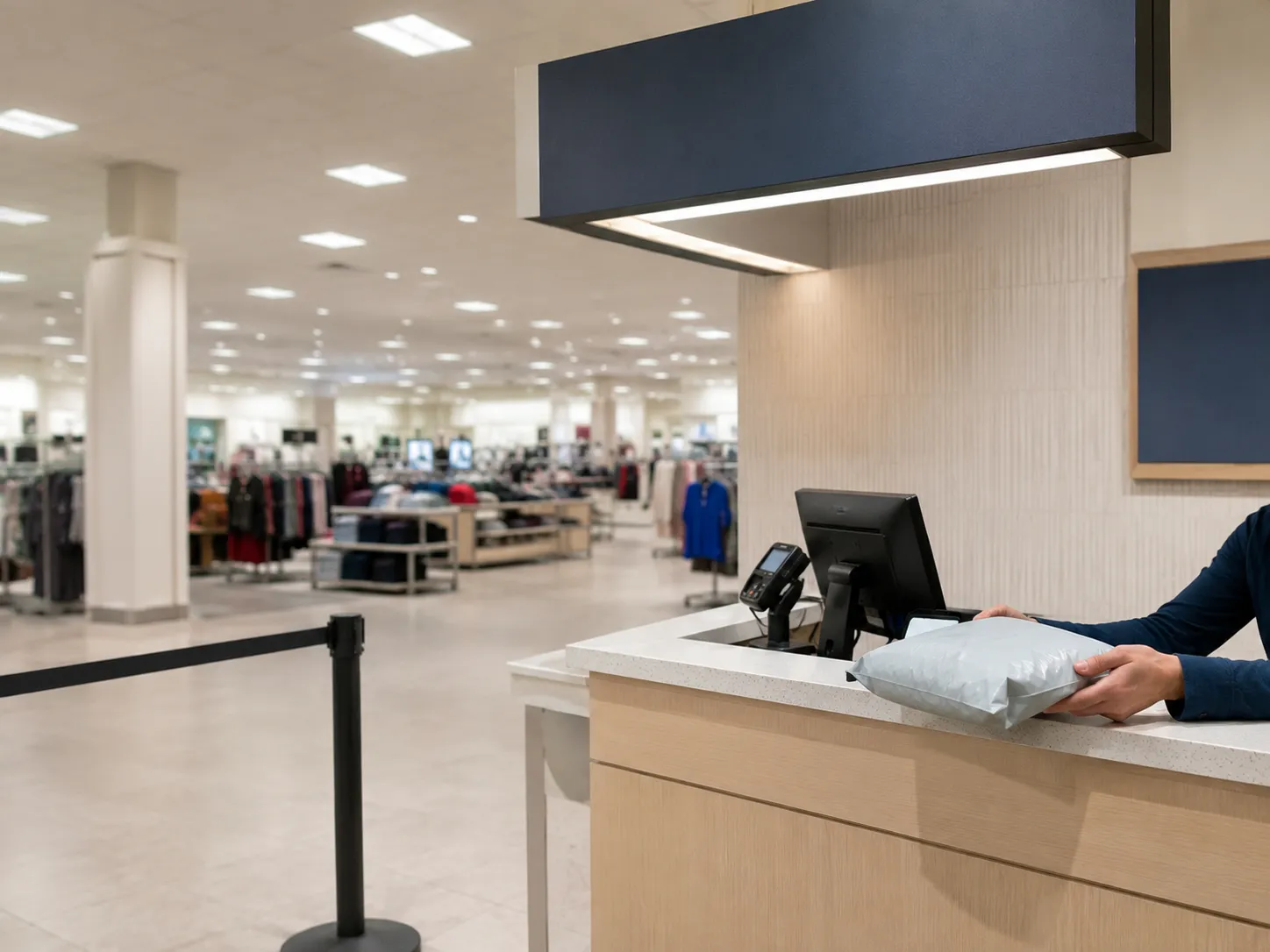
Kohl’s usually prints a store coupon on the return receipt, which regular shoppers just call the Kohl’s coupon. Staples does something similar. Every counter above handles a gift the same way, though returning something you were given starts from a different screen entirely.
How to Avoid the $1 UPS Return Fee
Amazon charges $1 for a return at The UPS Store only when a free drop-off sits at the same distance or closer to your delivery address than the store you picked. That is the entire trigger condition.
The fee is disclosed on the location screen before you commit, so it is a choice rather than an ambush, and backing out costs two taps. Amazon says a small number of customers ever see it. Nothing else in a standard Amazon return carries a surcharge.
To make it disappear:
Back out of the location screen before confirming.
Read the full list rather than the top result, because the pre-selected option is not always the free one.
Take any option labelled free, then re-generate the QR code.
The fee appeared on two of my twelve returns. Both times a Whole Foods Market sat closer to my delivery address than the UPS Store I had chosen, once by only 0.3 miles.
Supply Chain Dive first documented the charge when Amazon introduced it, and Amazon’s own returns announcement still describes the same condition today.
Amazon has never published how it measures the distance comparison, so you can observe the outcome but not predict it perfectly.
A dollar is the cheapest thing that can go wrong with a return. The expensive one is if your 30 days already ran out.
When Amazon Says “Just Keep It”: Returnless Refunds
Sometimes Amazon refunds the money and tells you to keep the item. The company calls this a returnless resolution, and shoppers call it a keep it refund. It happens when processing the return costs Amazon more than the item is worth to recover, which is why it clusters on cheap, damaged, or awkwardly-shaped goods.
Amazon has told the Associated Press it applies to a very small number of items. You cannot request it, and there is no setting that makes it more likely.
It shows up most often when:
The item cost roughly $20 or less
The item arrived damaged or not as described
Shipping it back would be awkward, such as liquids or bulky low-value goods
One of my twelve resolved this way. A $14 item, refunded in full the same day, never shipped, with the confirmation appearing on screen rather than by email.
Screenshot that confirmation. The Associated Press has reported on how quietly retailers run these programmes, and ConsumerAffairs notes the same outcome tends to land on low-cost or not-as-described goods.
Treat it as an occasional outcome, not a technique. Amazon does keep score, and here is how many returns is too many.
Does Amazon Track How Much You Return?
Yes, Amazon monitors return behaviour on every account, and no, it does not publish a threshold. There is no number you can stay under with confidence, because the number has never been disclosed.
What is documented is that repeated abuse, meaning high volume combined with false reasons or ignored return requests, can flag an account. Ordinary returning does not. The rumoured Amazon return score is a shopper coinage rather than an Amazon product.
Shoppers talk about getting flagged as though a counter is ticking somewhere. ConsumerAffairs reports that a pattern of abuse, rather than a raw count, is what draws attention.
My own account ran twelve returns in five months and triggered nothing. No warning, no restriction, and no narrowing of the drop-off options I was offered.
Account activity, February 2 to June 28, 2026: 12 returns initiated, 12 completed, 0 warnings received, 0 restrictions applied.
What we don’t know: Amazon has never published its thresholds. Our twelve-return result proves only that twelve is not the line. Anyone quoting you an exact number is guessing.
When Amazon does act, the usual outcome is not a ban but a narrowing, which is when accounts get limited to digital orders.
When the Refund Lands, and What to Do If It Doesn’t
Amazon issues most refunds when the carrier first scans your parcel, not when the warehouse opens it. Amazon calls this an advanced refund, and it is why money often appears within minutes of a drop-off.
The official ceiling is different from the typical experience: Amazon states it can take up to 30 days to receive and process a return, then two business days to issue the refund and three to five business days for a card to show it. Refunds are reduced for items returned used, damaged or missing parts.
Refund destination | Amazon’s stated timeframe | What I saw across 12 returns |
|---|---|---|
Amazon gift card balance | Same day once processed | Same day, 3 of 3 |
Credit card | 3 to 5 business days | 3 days median, range 2 to 6 |
Debit card | Up to 10 business days | 5 days median, range 3 to 9 |
Checking account | Up to 30 days | Not used in this test |
Whole cycle, drop-off to money | Up to 30 days | 8 of 12 refunded on carrier scan |
How to read this table: these figures come from twelve returns on one account at one address between February and June 2026. They are a real measurement, not a guarantee. Higher-value items get inspected, and inspection is what turns a four-minute refund into a seven-day one.
Amazon’s refund timelines page documents the advanced refund mechanism, and Amazon’s refund status guidance sets out the per-method timings. What shoppers call an instant refund is really an advanced one, and the word advanced is doing all the work.
Eight of my twelve posted on the carrier’s first scan. The other four waited for the warehouse and took between six and eleven days.
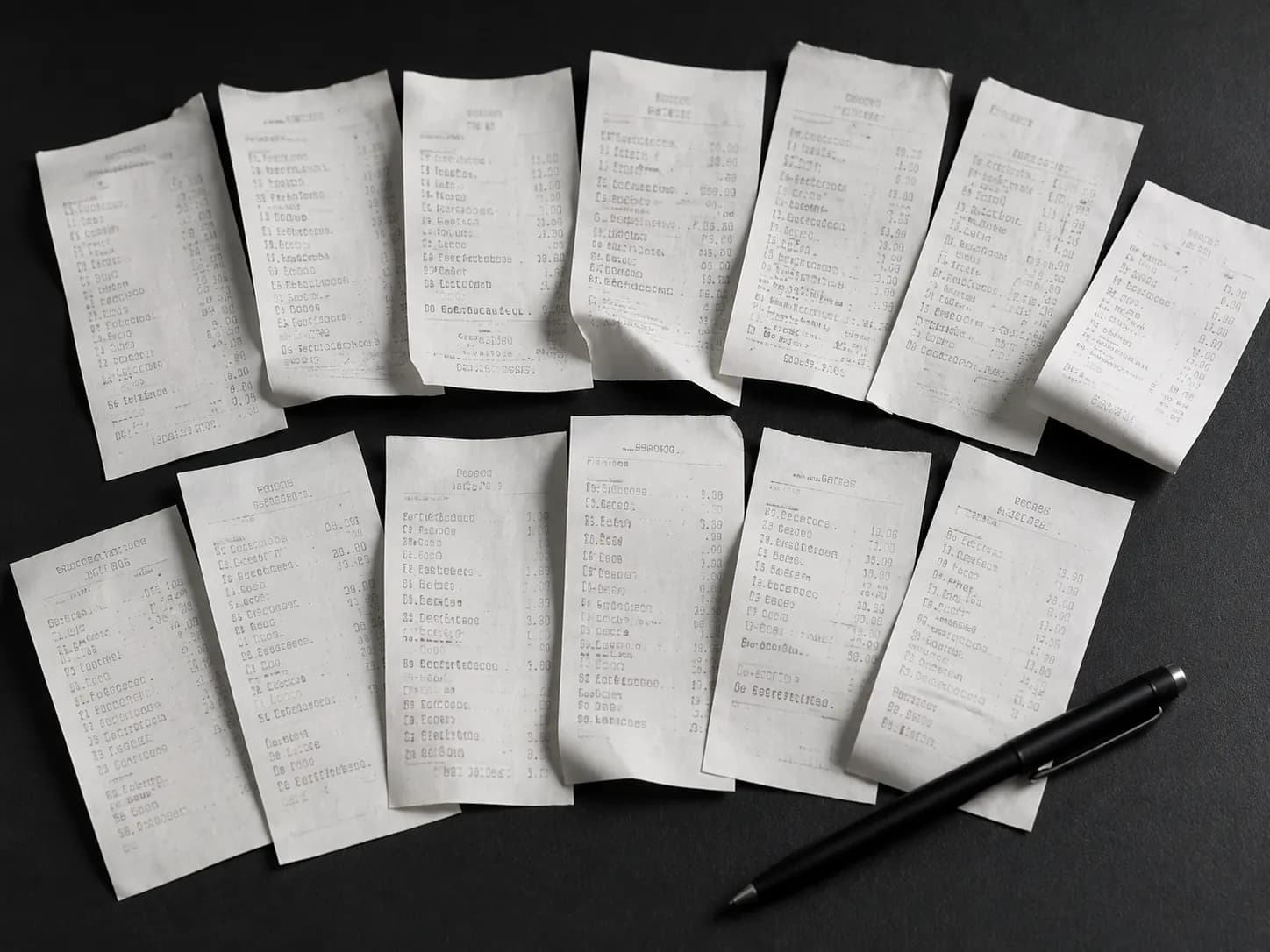
The failure mode nobody warns you about: because an advanced refund is issued before anyone has opened your parcel, it can be reversed afterwards. Nexstar has reported on a class action from customers who say their refunds were clawed back weeks later, and consumer advocates now recommend keeping the drop-off receipt for several months.
Shoppers describe it bluntly on the forums as Amazon taking the refund back. Ask for the receipt at the counter every time, and photograph it.
Keep that receipt regardless of how the return went, because the return stays on your record either way. Here is what Amazon logs about your account.
If Something Goes Wrong: 6 Common Snags
Most failed Amazon returns come down to six causes, and five of them are fixable in the app. Amazon’s returns documentation states that items sold by third-party sellers require a request the seller reviews, and that you can escalate to an A-to-z Guarantee refund if there is no response within two business days.
You never need a receipt or a packing slip for a return started from Your Orders. If a QR code will not scan, the problem is almost always the location rather than the code.
Symptom | Likely cause | What to do |
|---|---|---|
The code will not scan | You are at an unstaffed drop box | Go to a staffed counter instead |
No QR option offered | Your item or address has no box-free route | Switch to a print-a-label method |
No receipt or packing slip | You never needed one | Start from Your Orders as normal |
Item too big or heavy | Over 50 lbs or oversized | Choose home pickup in the flow |
Return button has vanished | The window has closed | See our guide to late Amazon returns |
Sold by a third-party seller | The seller reviews the request first | Wait two business days, then claim A-to-z |
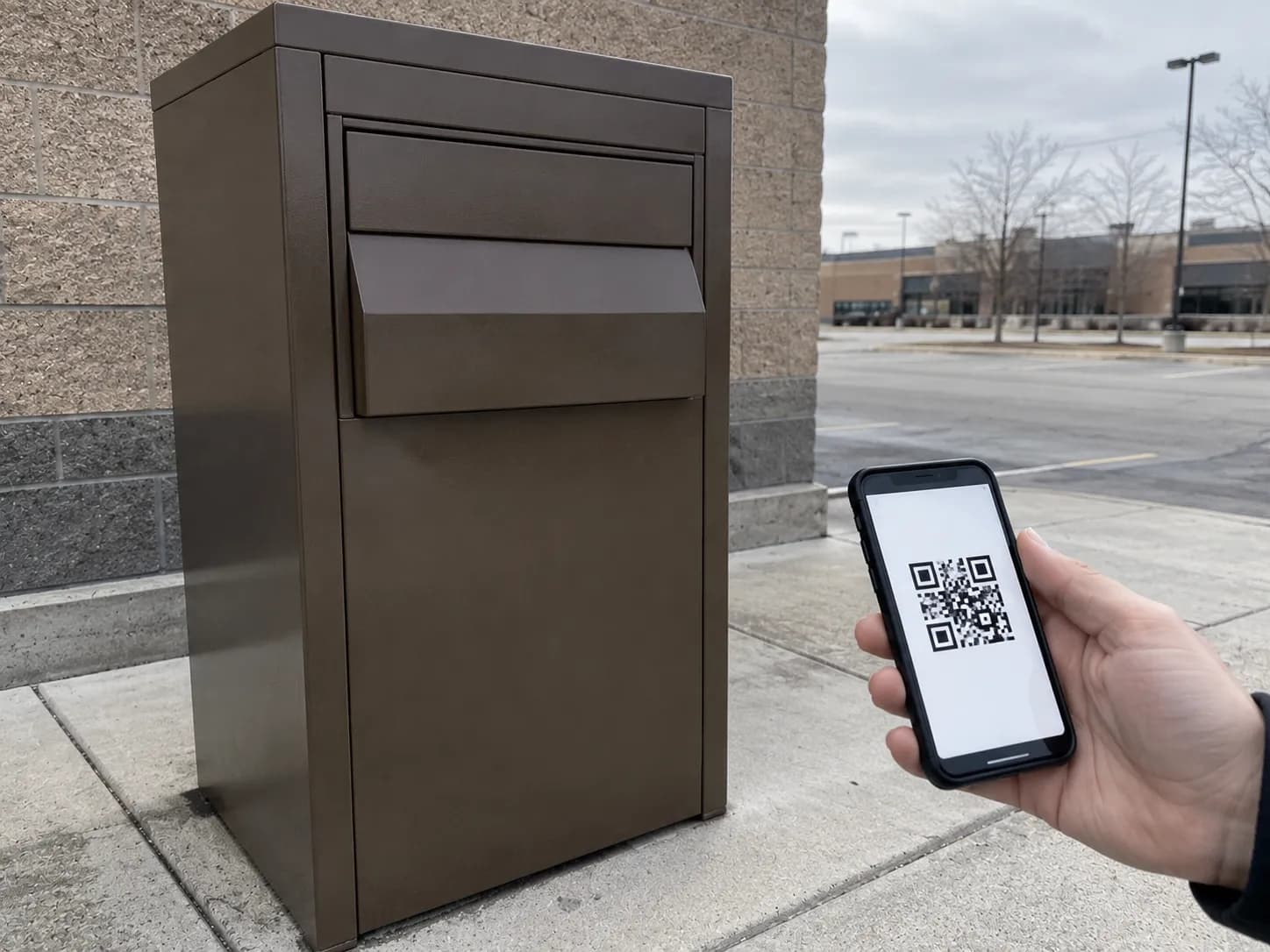
That first row cost me twenty minutes. The QR code is an instruction to a human, authorising them to pack and label your item, so an unstaffed box has nothing to do with it.
Do I actually need the QR code?
Yes, if you chose a box-free drop-off. The code is what tells the counter which return this is and produces the label on your behalf. Screenshot it before you leave the house, because a weak signal in a store makes a live app screen useless. If you would rather print a label, back out and choose a label-required method instead.
What if I have no receipt or packing slip?
You do not need either. A return started from Your Orders carries its own proof, and Amazon matches the item to your order automatically. The packing slip matters only for a gift return, which uses the gift order number instead. Amazon’s returns guidance confirms the process runs from the order record.
Amazon Return FAQs
How do I return an item to Amazon?
Open Your Orders in the Amazon app, select the item, tap Return or Replace Items, choose a reason and a refund method, then choose a drop-off location. Amazon issues a QR code. Bring the unpackaged item and that code to the location you picked.
Can I return an item I have already opened?
Usually yes. Amazon’s return policy asks for original or unused condition with tags attached and hygiene seals intact, which most opened-but-unused items still satisfy. Refunds are reduced for items that are visibly used, damaged, or missing parts.
Why is Amazon charging me $1 to return something?
Because you selected The UPS Store while a free drop-off sat at the same distance or closer to your delivery address. Back out of the location screen, read the whole list, and choose any option marked free. The charge disappears when you regenerate the code.
Can I get a refund without sending the item back?
Sometimes, but only when Amazon offers it. On low-value, damaged or awkward-to-ship goods, Amazon occasionally refunds you and tells you to keep the item. You cannot request this outcome, and there is no way to make it more likely.
How long does an Amazon refund take?
Most refunds are issued when the carrier first scans your parcel. Card refunds then take three to five business days to appear, and gift card balances land the same day. Amazon’s outer limit is 30 days to receive and process a return.
What happens to items after I return them?
They rarely go straight back on the shelf. Returned goods are typically resold through Amazon Warehouse, sent to liquidators, or donated, which is why used-like-new listings exist at all. Amazon does not publish the split between those routes.
The Bottom Line on Amazon Returns
Learning how to return to Amazon is not really about the six taps. Every guide on the internet has those, and they have barely changed in five years.
What decides whether the return is genuinely free, genuinely fast and genuinely finished is the part after the taps. It is which of the eleven-plus counters you walk into, whether a free one happened to sit closer than the one you picked, and whether you walked out holding a receipt.
The counters are not interchangeable. My Kohl’s refund landed in eight minutes and my Hub Locker refund took nine days, on the same account, from the same address, inside the same five months.
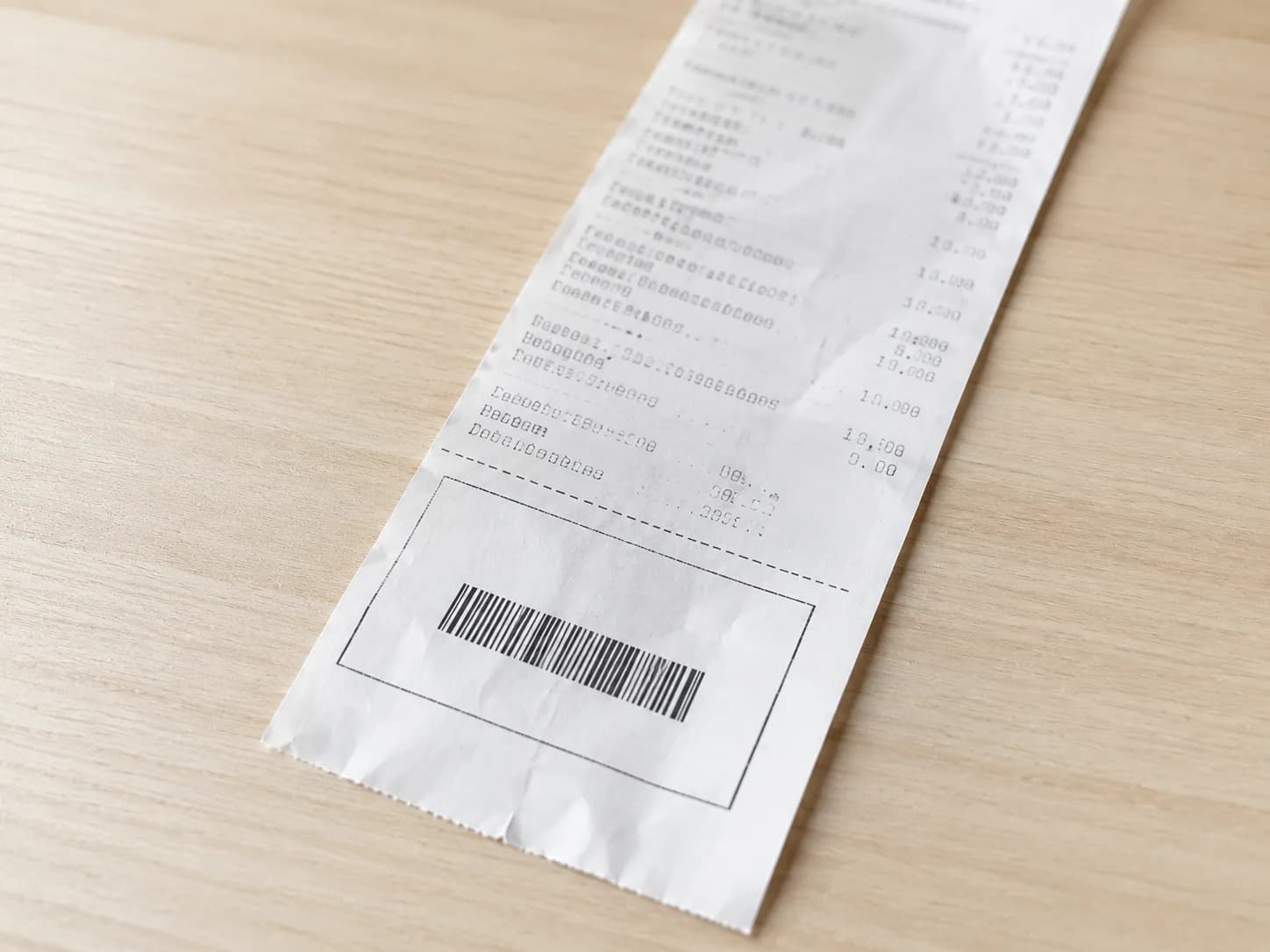
So read the whole drop-off list rather than the first option, take the free one, and ask for the receipt even when the money has already arrived. An advanced refund is issued before anyone has opened your parcel, which is exactly why it can be undone. Two seconds of paperwork at the counter is the cheapest insurance in online shopping.
Read it your way
Short on time? Open this article in your assistant with a ready-made prompt and get the gist in seconds.
Found this useful? Make us a preferred source so we show up in your Google results.
Keep reading
Related articles
Retailer Return Policy Hubs
Lowe’s Return Policy (2026): What 6 Real Returns Taught Us
Get Lowe’s return policy in plain English: the 90-day window, the 48-hour appliance and window-AC trap, no-receipt store credit, refund timing, and how to retur
Retailer Return Policy Hubs
No Apple Restocking Fee in the US? The 25% Myth (2026)
Skip the Apple restocking fee worry: the US charges $0 within 14 days, while carriers add $50 and Best Buy, Samsung & Newegg dock 5–15%.
Retailer Return Policy Hubs
Return and Exchange Policy: What You Get Back (2026)
An exchange swaps your item; a refund returns your cash. See how a return and exchange policy pays out, when swaps are free, and your state rights.
Retailer Return Policy Hubs
Old Navy Return Policy: 30, 45 & 60-Day Windows (2026)
Check the Old Navy return policy fast: 30-day window (45–60 days for members), receipt rules, refund timing, the $7 mail fee & final-sale items.
The discussion
Comments
Every comment is reviewed before it goes live.