
How to Return a Package: We Tested 3 Carriers (2026)
Get your label, pack it, then drop off at USPS, UPS or FedEx: see how to return a package in 5 steps, no printer needed.
Written by Lillian BrooksReviewed by Marcus TrentLast updated on September 9, 2026
When you buy through links on our site, we may earn a commission at no extra cost to you. It never changes what we say about a store's policy. Learn more.
Read it your way
Short on time? Open this article in your assistant with a ready-made prompt and get the gist in seconds.
Found this useful? Make us a preferred source so we show up in your Google results.
Returning a package feels like three separate chores because each carrier only explains its own half of it.
USPS tells you to print a label, UPS tells you to drop off, FedEx tells you to scan a code, and none of them tells you when your money actually comes back.
So we ran the whole thing ourselves. Over three weeks in August 2026, I returned the same pair of jeans through USPS, UPS, and FedEx, timing every step from label to refund.
Here is the short version of how to return a package: it is one process, not three.
Get a label or a QR code, cover the old address, drop it at whichever carrier is closest, and the only things that really change by carrier are who pays for shipping and how fast the refund lands.
The 30-Second Return
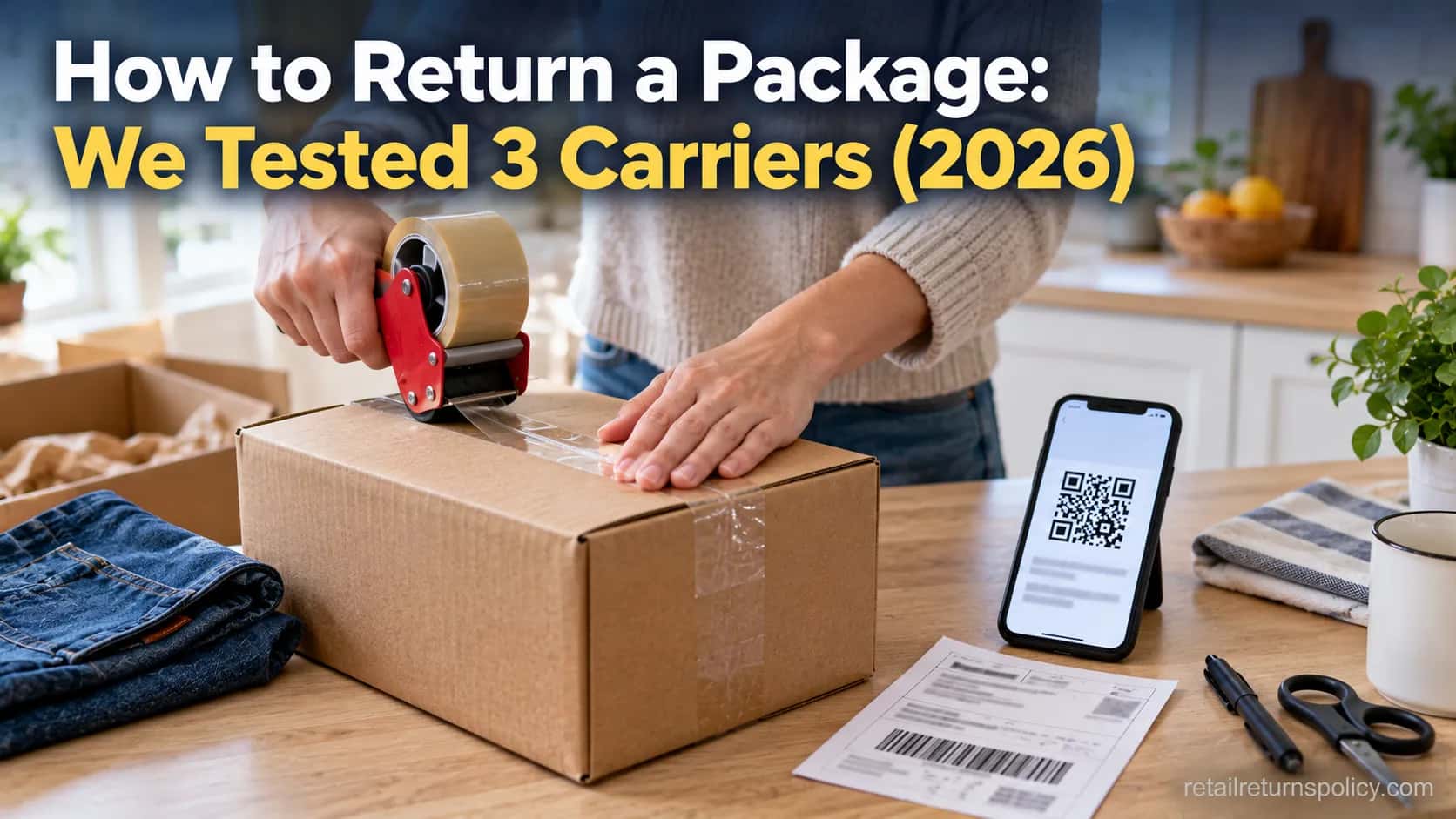
To return a package, start the return in your retailer account, not on the carrier’s site. Choose a printed label or a QR code, put the item in a sturdy box, cover any old shipping label, then drop it off or schedule a pickup.
USPS collects returns free during regular mail delivery, while a QR code lets you skip the printer entirely at most drop-off counters.
The refund usually lands within five to ten business days after the retailer inspects the item.
Here is the flow in five steps:
Start the return in your account and pick a refund or exchange.
Get your label: print it, save the PDF, or grab the QR code.
Pack the item and cover the old address or barcode.
Drop it at USPS, UPS, FedEx, or a partner store, or schedule a pickup.
Keep the drop-off receipt and watch for your refund.
Two things change by carrier: who pays for return shipping, and how fast the refund posts. Everything else is the same.
Free pickup and no-box drop-off are not available everywhere, so check your options list before you drive.
How to Return a Package: Step-by-Step
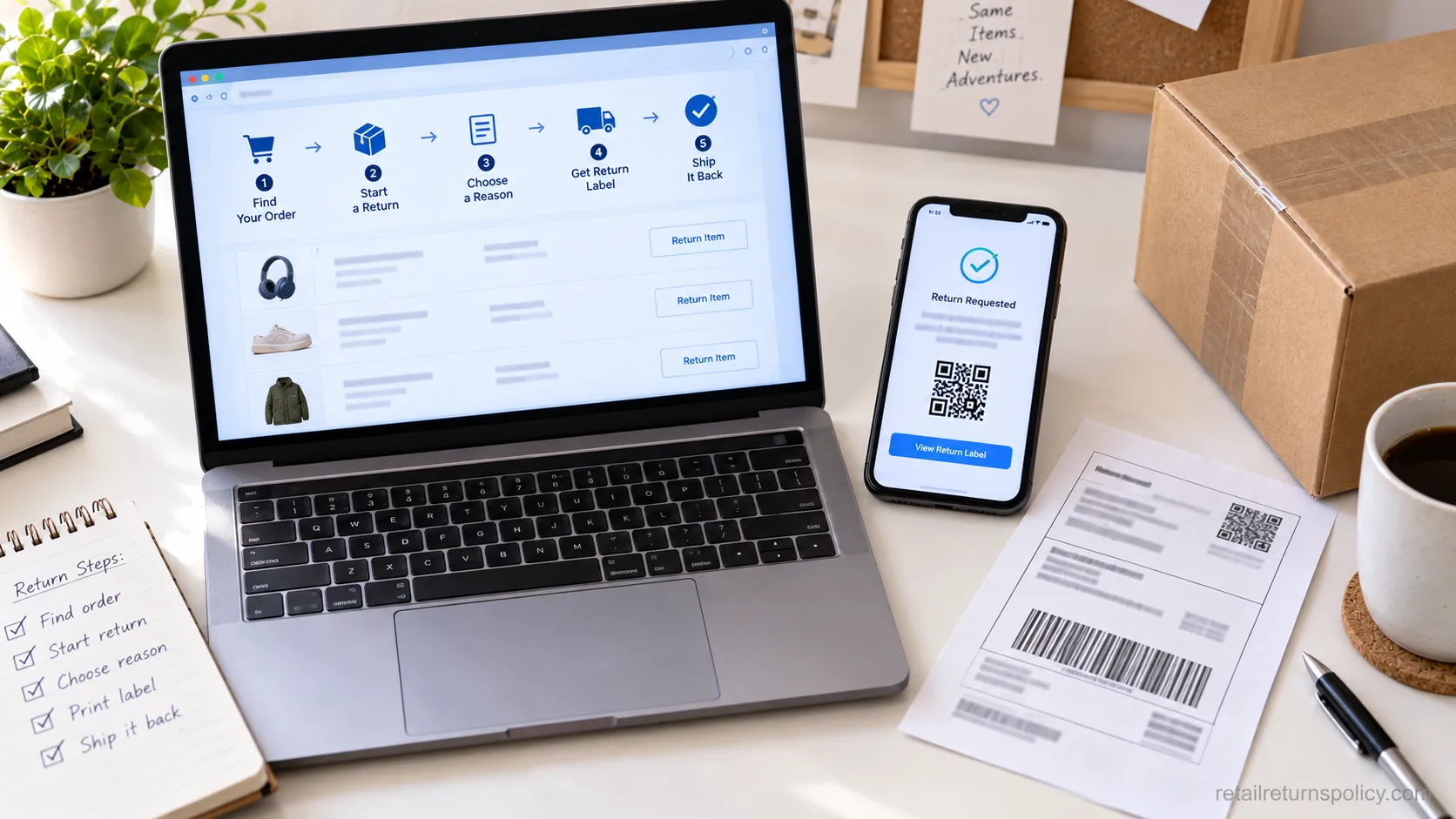
The full process for how to return a package starts with the retailer, not the carrier. You open your order history, choose the item, pick a refund or exchange, and the retailer generates a prepaid label or a QR code tied to a carrier.
Amazon’s own returns help shows this order clearly: you select the method, then print the label or get a code.
Starting on the carrier site instead usually forces you to buy your own postage.
Here is the sequence that worked identically across all three carriers we tested:
Initiate the return. In Your Orders or the retailer’s account, select the item and the reason. This is where the window matters: most retailers count the deadline from the drop-off or postmark date, not the day you click.
Get the label. Choose a printed label, an emailed PDF, or a QR code. If you need help choosing, our guide to getting your return label walks through each option.
Pack it. Put the item in a sturdy box and cover the old address, which we cover next.
Send it. Drop it off or schedule a pickup with the carrier the label names.
Track and wait. Save the drop-off receipt and watch for the refund email.
When I started the return on the retailer’s site, the QR code automatically selected the nearest drop-off.
When I started on the carrier’s site instead, I had to pay for my own label. That difference is not documented on any single carrier page, so it is worth stating plainly.
The catch: a label is only prepaid when the retailer provides it.
A label you create yourself, on the carrier’s site, comes out of your pocket. New to how any of this works? Start with return policies explained.
Where to Drop Off: USPS, UPS, FedEx, or a Store
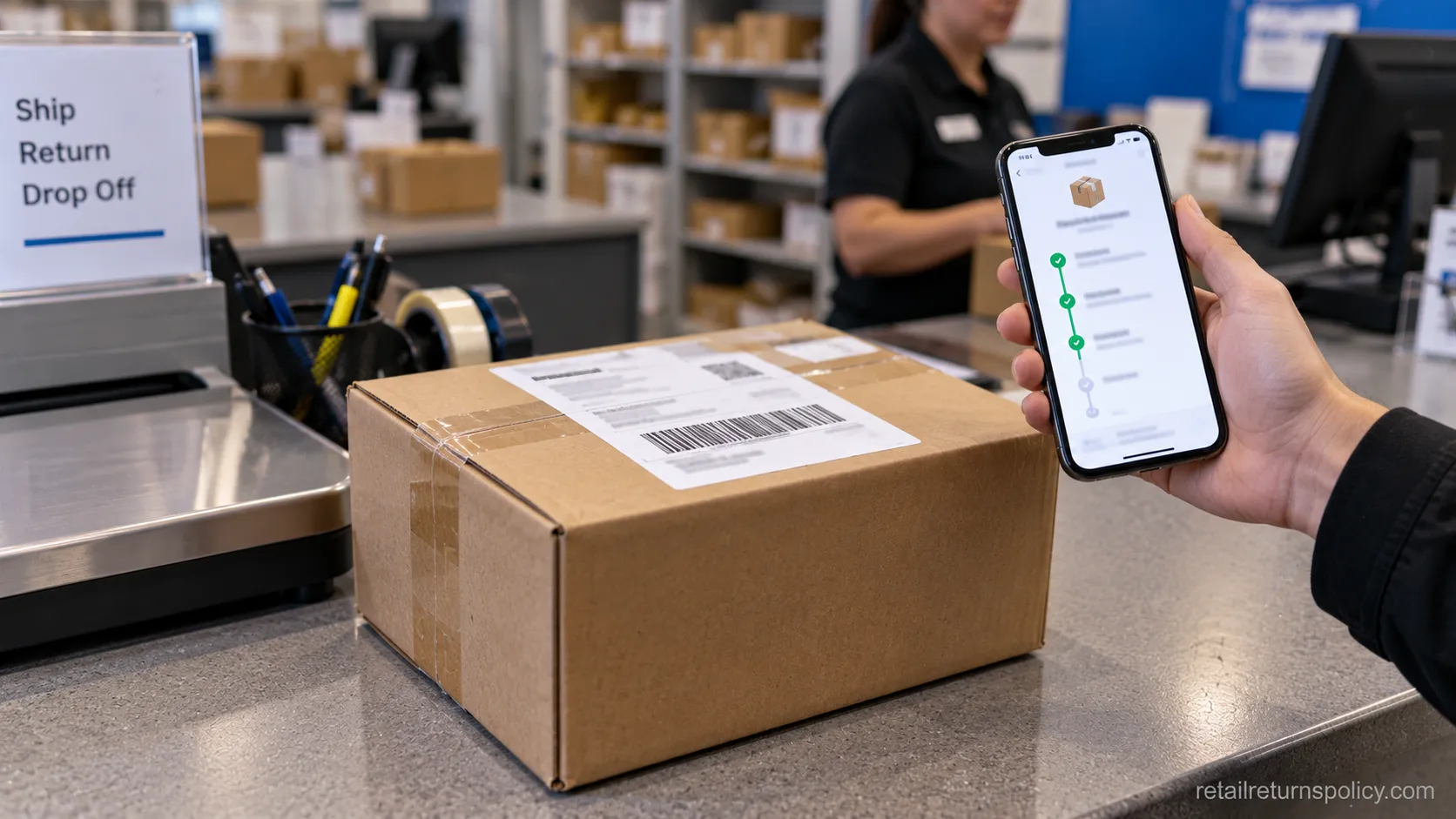
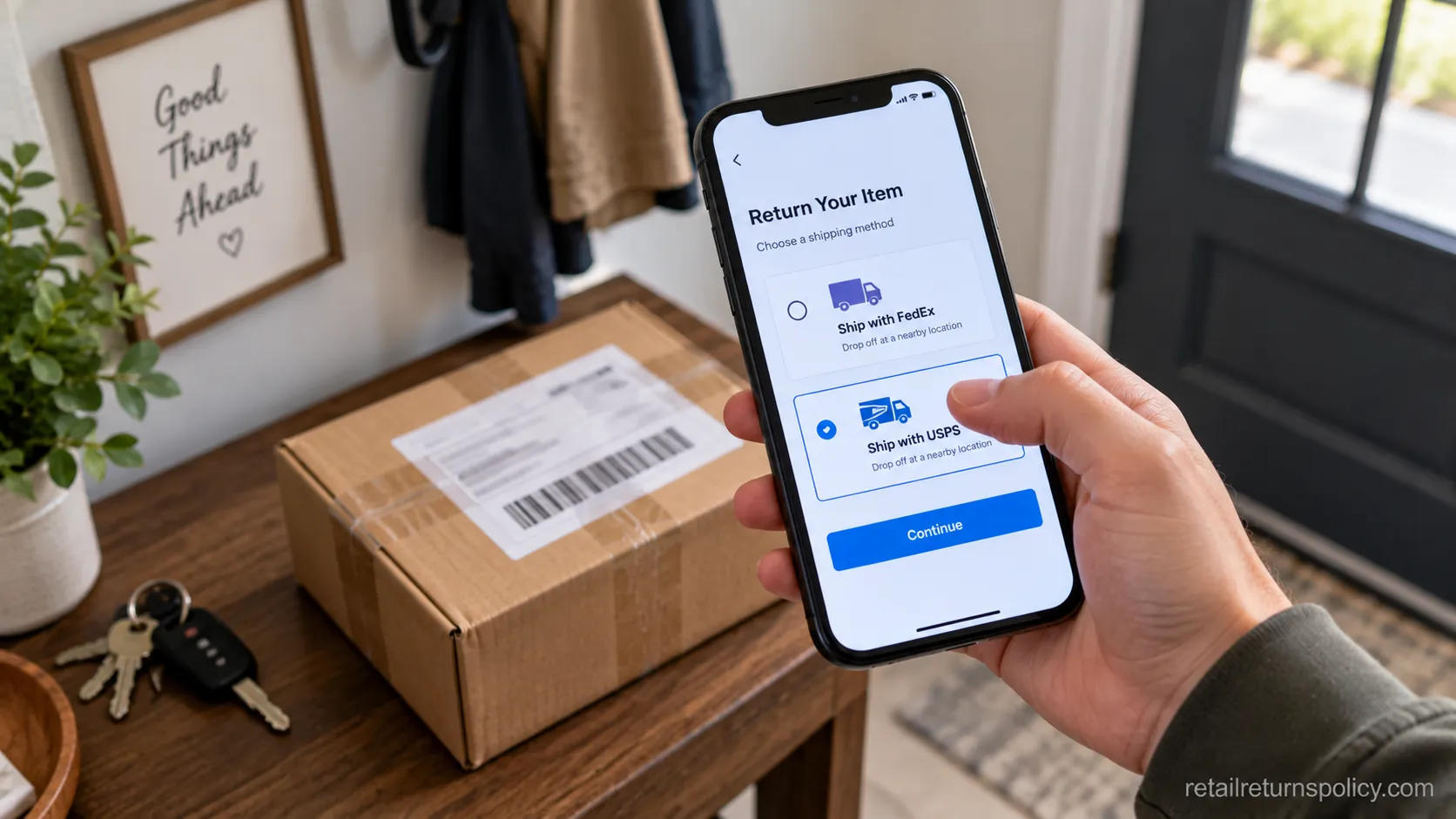
Where you drop a package off is usually decided by the label, not by you. A carrier location only accepts its own carrier’s shipments, so a FedEx label cannot go through USPS.
FedEx alone lists more than 56,000 drop-off points on its returns page, and USPS will collect a labeled return from your doorstep free through USPS Package Pickup.
The practical question is which of your label’s drop-off points sits closest, and whether a free home pickup beats the trip.
Carrier | Where to drop off | Home pickup | Box-free option | Key limit |
|---|---|---|---|---|
USPS | Post office, blue collection box, self-service kiosk | Free with regular delivery | Limited | Accepts USPS labels only |
UPS | The UPS Store, UPS Access Points, drop boxes | On-demand, paid | Yes at participating UPS Store | Access Points are local shops |
FedEx | FedEx location, FedEx Office, Drop Box | On-demand, paid | Yes at participating FedEx Office | Accepts FedEx shipments only |
Store counter | Kohl’s, Whole Foods, Staples (for Amazon) | Not applicable | Yes, no box or label | Retailer and item specific |
Deadlines do not change based on where you drop off, only the postmark date matters, which is the same rule covered in how long you have to return.
Electronics and department stores often set their own online-return terms on top of the carrier flow, which we track in department store online returns.
During testing, my FedEx-labeled box was refused at the USPS counter, and I had to find a FedEx location twelve minutes farther away.
That is the single most common avoidable mistake, so match the drop-off to the label before you leave home.
Packaging Your Return the Right Way
Packaging a return well is mostly about one thing: making sure the carrier scans the right barcode.
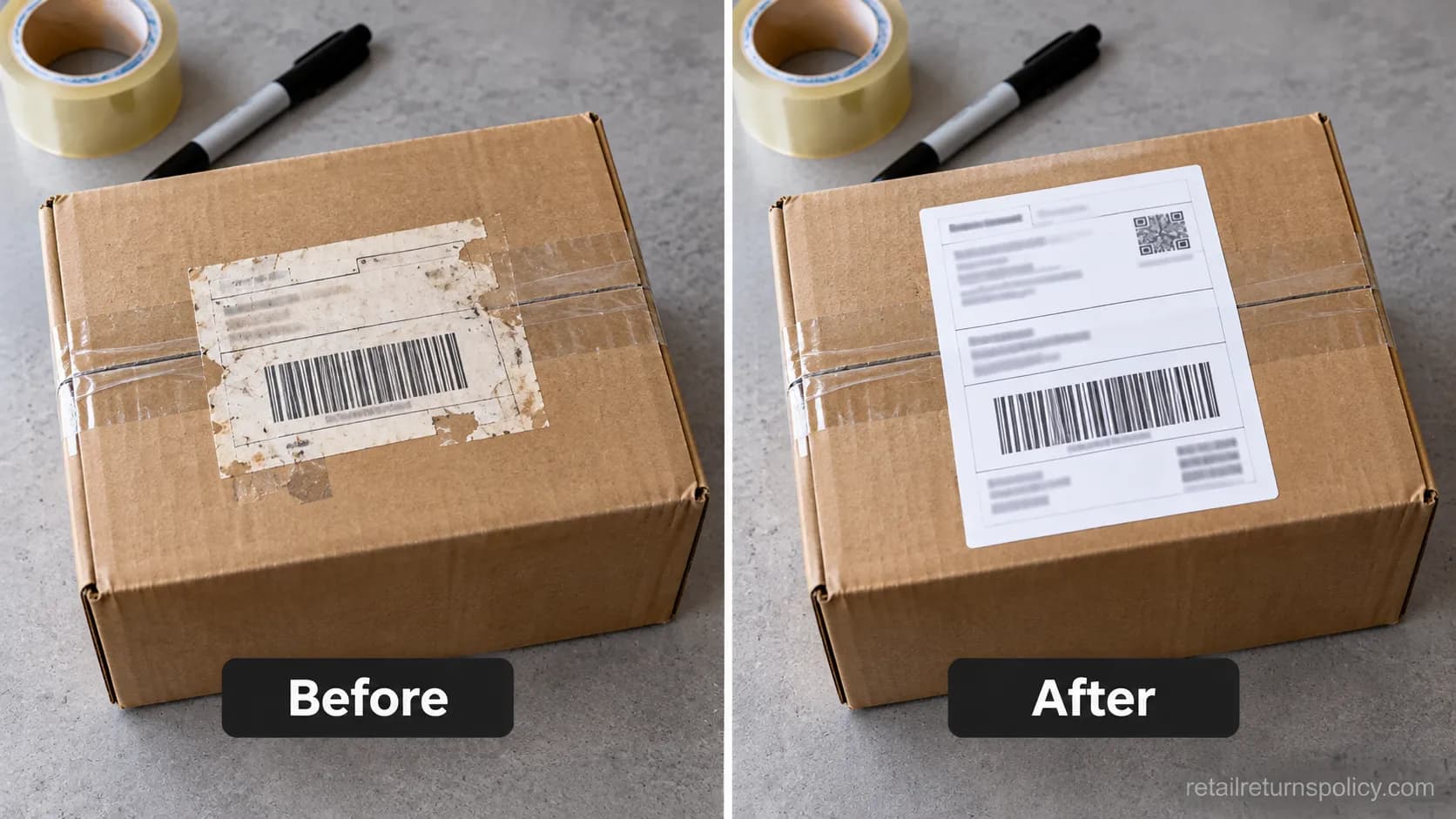
Reuse the original box if it is sturdy, but remove or fully cover any old shipping label and barcode, because scanners read the first valid code they find.
UPS return guidance recommends removing old labels and tucking a copy of the new label inside the box.
Keep the weight under the carrier limit, which is 70 pounds for a USPS return-service label.
A few rules save most lost returns:
Cover old labels and remove old barcodes so the box does not misroute.
Put a copy of the label inside the box in case the outside one peels.
Do not tape over the label along a box seam, where tape lifts in transit.
Any sturdy box works with a return-service label, even a reused one.
One reused box in my test still showed its old barcode, and the return scanned to the wrong facility until I covered it.
A First-Class Package Return Service label rides on any packaging up to 70 pounds, so you do not need the “right” box, just a clean one.
Oversized items follow different packing rules, which is why furniture and home returns often ship a different way.
Some apparel brands also want the original bag or tags intact, a detail we track in clothing brand online returns.
No Printer? QR Codes and Box-Free Returns
No printer is the reason most returns sit in a pile for weeks, and it is the easiest problem to solve.
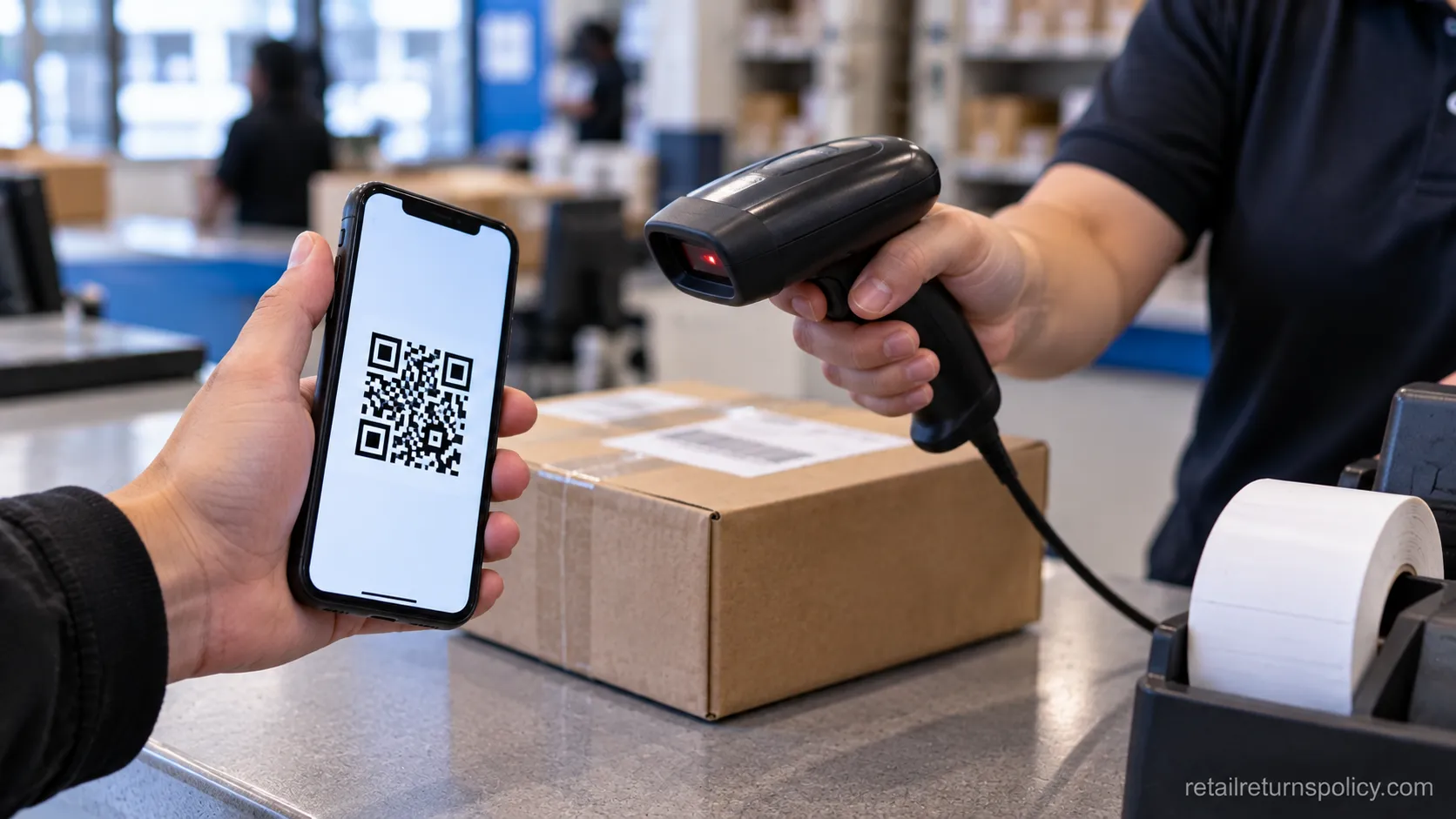
A QR code lets a drop-off counter print the label for you, and no-box, no-label programs let you hand over the item with no packaging at all.
Reporting on the shift to box-free returns notes that Amazon, UPS, and FedEx now treat this as standard, with drop-offs at Whole Foods, Kohl’s, Staples, and thousands of carrier counters. It removes the two steps people hate most: printing and boxing.
Can You Return a Package Without a Printer?
Yes. You can return a package without a printer by showing a QR code at a UPS Store, FedEx Office, USPS counter, or participating retail location, where staff print the label for you.
FedEx confirms this QR-code flow across its network on its drop-off page.
The rules behind these online returns are worth knowing, which we cover in how online returns work.
Two habits make the counter step painless:
Screenshot the QR code before you leave, since counters often have weak Wi-Fi.
Turn phone brightness to maximum so the scanner reads the code cleanly.
My QR code would not scan on the store tablet until I maxed the screen brightness, and the saved screenshot loaded faster than the app did.
Not every item qualifies for box-free returns, though: hazmat items and some high-value electronics still need a box, so confirm in the app before you drive.
How Long Refunds Take After You Send It Back
A refund arrives after the retailer receives and inspects your return, which typically runs five to ten business days once it is delivered back.
That is separate from any postage refund: the USPS refund page reviews a postage claim in two to three business days but warns it can take up to two billing cycles to appear on a card.
So two clocks run at once, the item refund from the retailer and the money posting from your bank.
Here is the actual timeline from our three-carrier test, same jeans, same August window:
Carrier | Dropped off | Refund email received | Money posted to card |
|---|---|---|---|
USPS | August 4 | August 11 (7 days) | August 15 |
UPS | August 8 | August 17 (9 days) | August 21 |
FedEx | August 10 | August 22 (12 days) | August 26 |
The refund email always arrived before the money did, lagging the card by roughly four more days each time.
Store credit and e-gift-card refunds tend to land faster than a card refund, since there is no billing cycle to clear.
If nothing has moved after about two weeks, follow up with your drop-off receipt as proof of shipment.
Whether you get money back or swap the item also shifts the timing, which is why how exchanges and refunds work is worth a look before you choose.
Free vs Paid Returns: Who Actually Pays
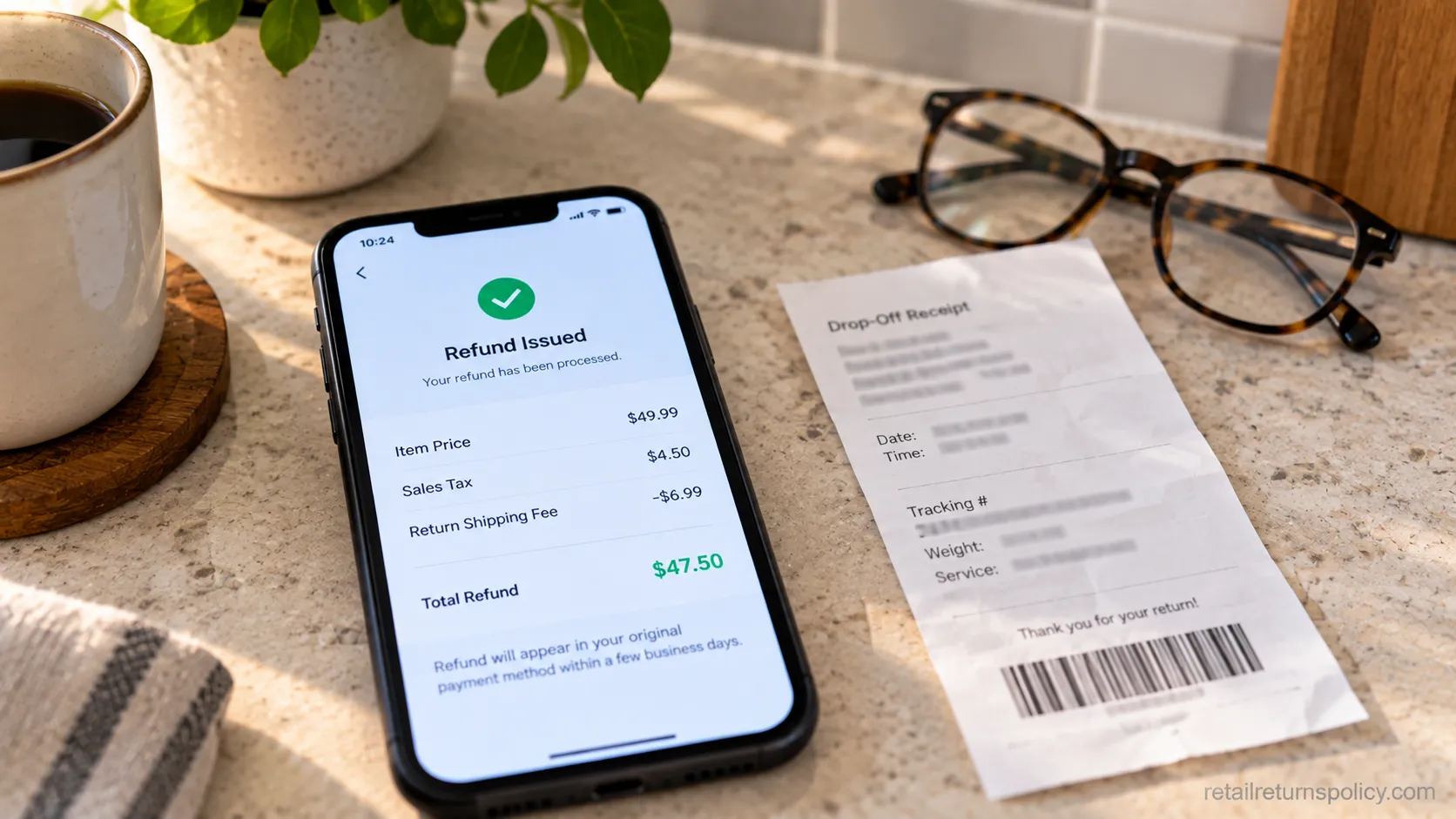
Returns are free only when the retailer supplies a prepaid label, and “prepaid” does not always mean “free to you.”
Many 2025 and 2026 policies now deduct a return-shipping fee from your refund even when the label looks prepaid.
And there is no federal law that guarantees a refund for a change of mind: FindLaw’s returns overview makes clear that merchants set their own policies and are not required to accept non-defective returns.
Who pays comes down to a few clear cases:
Situation | Who usually pays | Why |
|---|---|---|
Retailer sent a prepaid label | Retailer, or you via a deducted fee | Fee may come out of the refund |
You created your own label | You | Self-purchased postage |
Item was defective or wrong | Retailer | Their error, often covered |
You simply changed your mind | Depends on the policy | No federal refund right |
One test return quietly deducted a return-shipping fee from my refund even though the label was marked prepaid, so read the refund breakdown, not just the label.
Retailers that still eat the cost entirely are worth seeking out, and we keep a running list of stores with free returns.
Your legal footing is narrower than most shoppers assume. The FTC’s Cooling-Off Rule only covers door-to-door and temporary-location sales over a set dollar amount, as the retail return law guide explains, and roughly a dozen states add posted-policy requirements.
For online orders, the FTC mail-order rule requires shipment within the promised time or 30 days, or a refund.
If a retailer refuses inside its own stated window, document the policy and dispute it. This is general information, not legal advice, and rights vary by state.
Can You Refuse a Package and Return It to Sender?
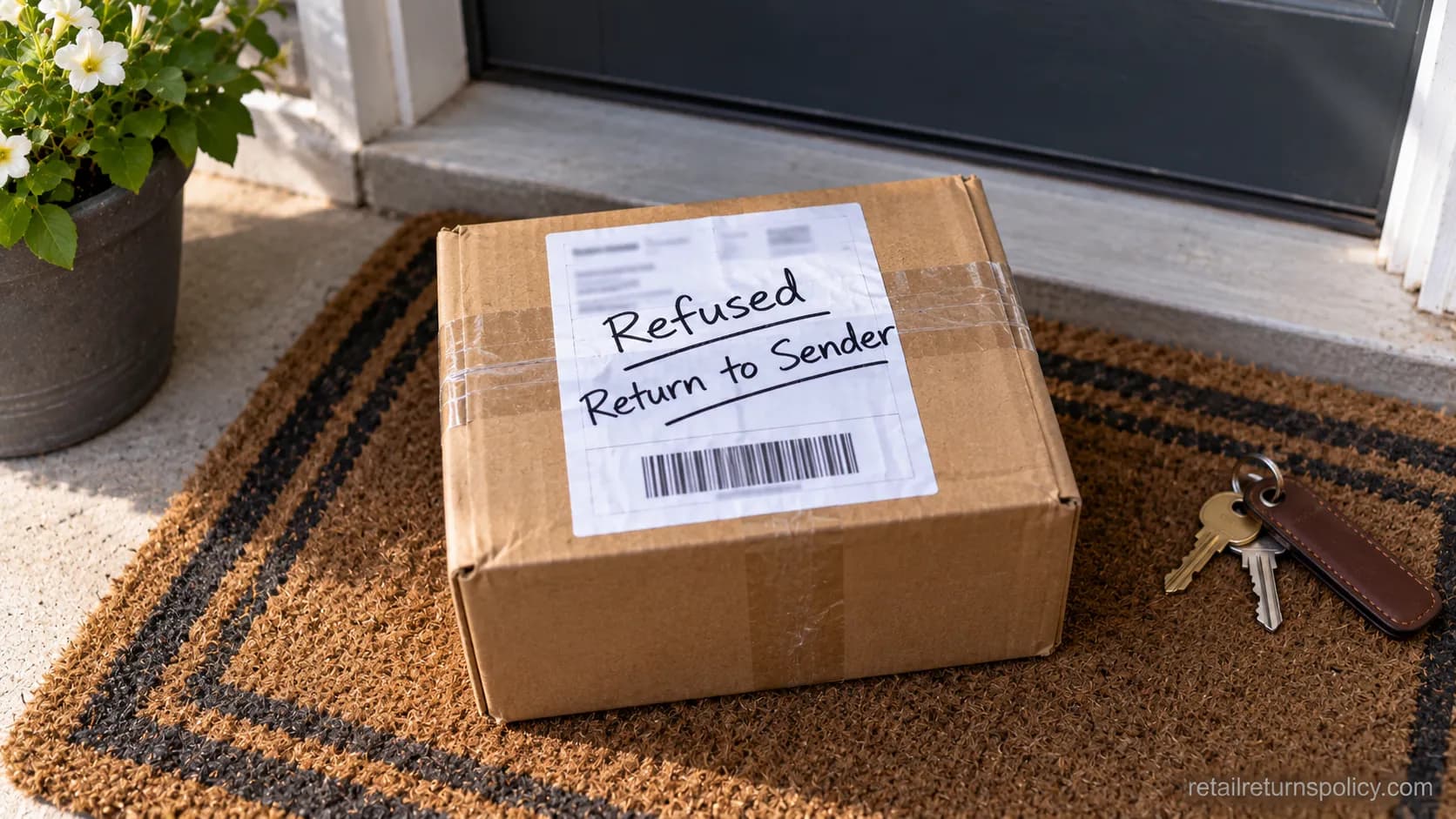
Refusing a package is a different tool from returning a purchase, and it is free when the item is unopened.
To send an unwanted parcel back, write “Refused” or “Return to Sender” across the label and hand it back to your carrier or drop it in the mail stream.
This works cleanly for USPS, but carrier rules on return-to-sender note that UPS can add surcharges and that carriers do not refund the original shipping.
The decision is simple:
Unopened and unwanted: mark it “Refused” and hand it to your carrier. No postage.
Opened, or something you bought and want money back: use a return label instead.
I refused an unopened USPS parcel by handing it to my mail carrier, and it tracked back to the sender in five days with no postage charged.
Refusing does not refund what the sender already paid to ship it, and once a package is opened, refusal is off the table.
Refusing unwanted mail has its own full walkthrough in returning unwanted mail to sender, including the wording that speeds it up.
When Returns Go Wrong: Common Problems and Fixes
Most return failures come from three predictable snags: a carrier with no location nearby, a QR code that will not scan, and a lost package with no proof of drop-off.
Each has a fast fix, and the most important is the simplest: always take the drop-off receipt.
As one shopper community puts it, receipts are gold, because that receipt is your only proof if the box vanishes in transit.
No FedEx Drop-Off Nearby? Can You Use USPS?
No. A label is locked to its carrier, so a FedEx label cannot be dropped at USPS and a UPS label cannot go through a post office.
If the nearest FedEx point is inconvenient, look for a UPS Access Point or ask the retailer to reissue the label for a carrier you can reach.
When my closest FedEx drop-off was twenty-five minutes away, USPS refused the FedEx label, so I regenerated a USPS label from the retailer instead.
The other common fixes:
QR code will not scan: max your screen brightness, use the saved screenshot, or regenerate the code from Your Orders.
Wrong-carrier label: you cannot swap carriers at the counter, only through the retailer.
Lost return: file with the retailer using your drop-off receipt as proof of shipment.
Not every retailer lets you switch carriers, so ask before you assume. Sneaker and beauty brands add their own quirks too, which we cover in sneaker and activewear returns.
Frequently Asked Questions
Do I need the original box to return a package?
No. Any sturdy box or padded mailer works with a return-service label, as long as you cover old labels and stay under the weight limit. For box-free programs, you often need no packaging at all, just the item and a QR code at the counter.
Can I return a package at any USPS location?
You can drop a USPS-labeled return at any post office, self-service kiosk, or blue collection box, and USPS lists these options on its USPS Package Pickup page. A USPS location will not accept a UPS or FedEx label, since each carrier only processes its own shipments.
How long do I have to return a package?
Your window is set by the retailer, and it is almost always measured by the drop-off or postmark date, not the day you clicked “return.” Check the specific policy, since windows and deadlines vary by store and by item, as we detail in how long you have to return.
Can I return a package without the app?
Yes. Most retailers can email you a PDF label you print at home, or a QR code you save as a screenshot. In our testing, an emailed PDF label worked at every counter that could not scan the app QR.
Is return shipping always free?
No. It is free only when the retailer provides a prepaid label with no deducted fee, and a growing number of 2026 policies charge a return-shipping or restocking fee. Read the refund breakdown to see whether a fee was taken out.
What if my package is lost on the way back?
Your drop-off receipt is your proof of shipment and your path to a refund if the return is lost. File with the retailer, not the carrier, and reference the tracking number from that receipt.
The Bottom Line
Once you have done it a few times, how to return a package stops feeling like three different tasks and becomes one short routine: start with the retailer, grab a label or QR code, cover the old address, and drop it wherever your label’s carrier is closest.
The carrier you pick mostly changes two things, who pays for shipping and how fast the refund lands, and our three-carrier test put those differences at a week to twelve days from drop-off to money in hand.
The friction that stalls most returns, no printer and no box, is already solved for the majority of purchases through QR codes and box-free drop-off.
Keep the receipt, match the drop-off to the label, and read the refund breakdown for any deducted fee.
Do that, and the only real waiting is your bank’s billing cycle, not the return itself.
Read it your way
Short on time? Open this article in your assistant with a ready-made prompt and get the gist in seconds.
Found this useful? Make us a preferred source so we show up in your Google results.
Keep reading
Related articles
Retailer Return Policy Hubs
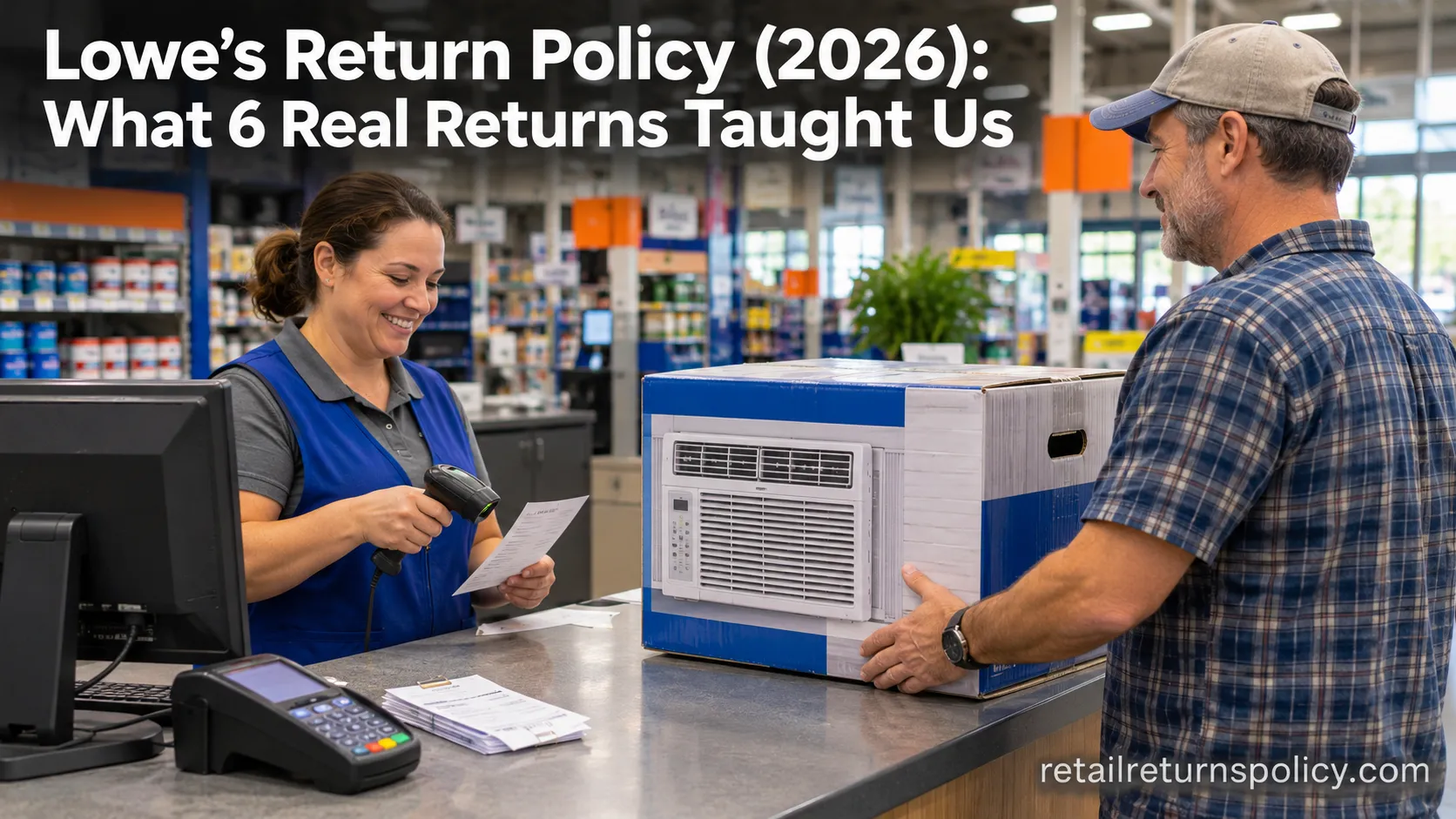
Lowe’s Return Policy (2026): What 6 Real Returns Taught Us
Get Lowe’s return policy in plain English: the 90-day window, the 48-hour appliance and window-AC trap, no-receipt store credit, refund timing, and how to retur
Retailer Return Policy Hubs
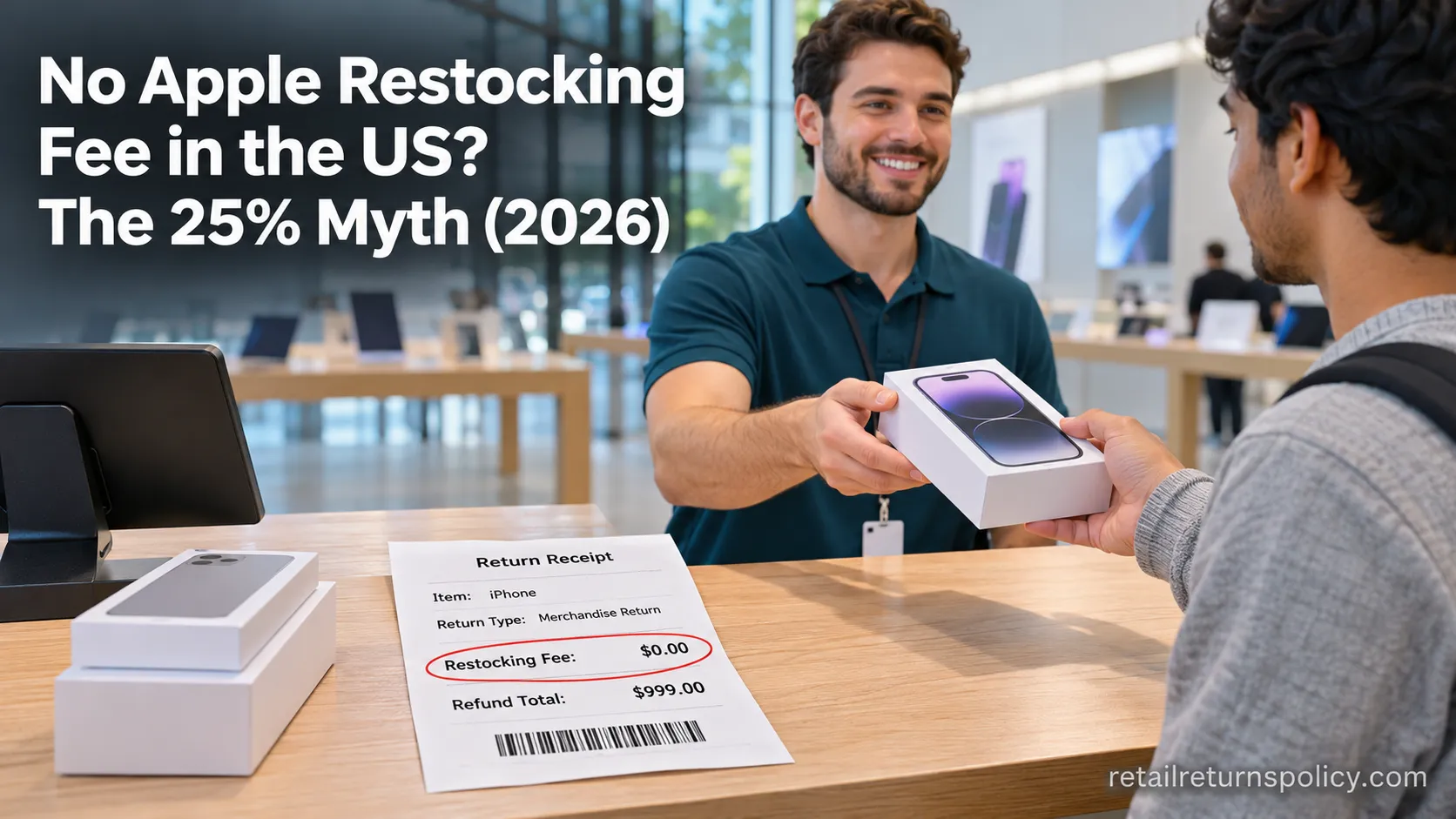
No Apple Restocking Fee in the US? The 25% Myth (2026)
Skip the Apple restocking fee worry: the US charges $0 within 14 days, while carriers add $50 and Best Buy, Samsung & Newegg dock 5–15%.
Retailer Return Policy Hubs
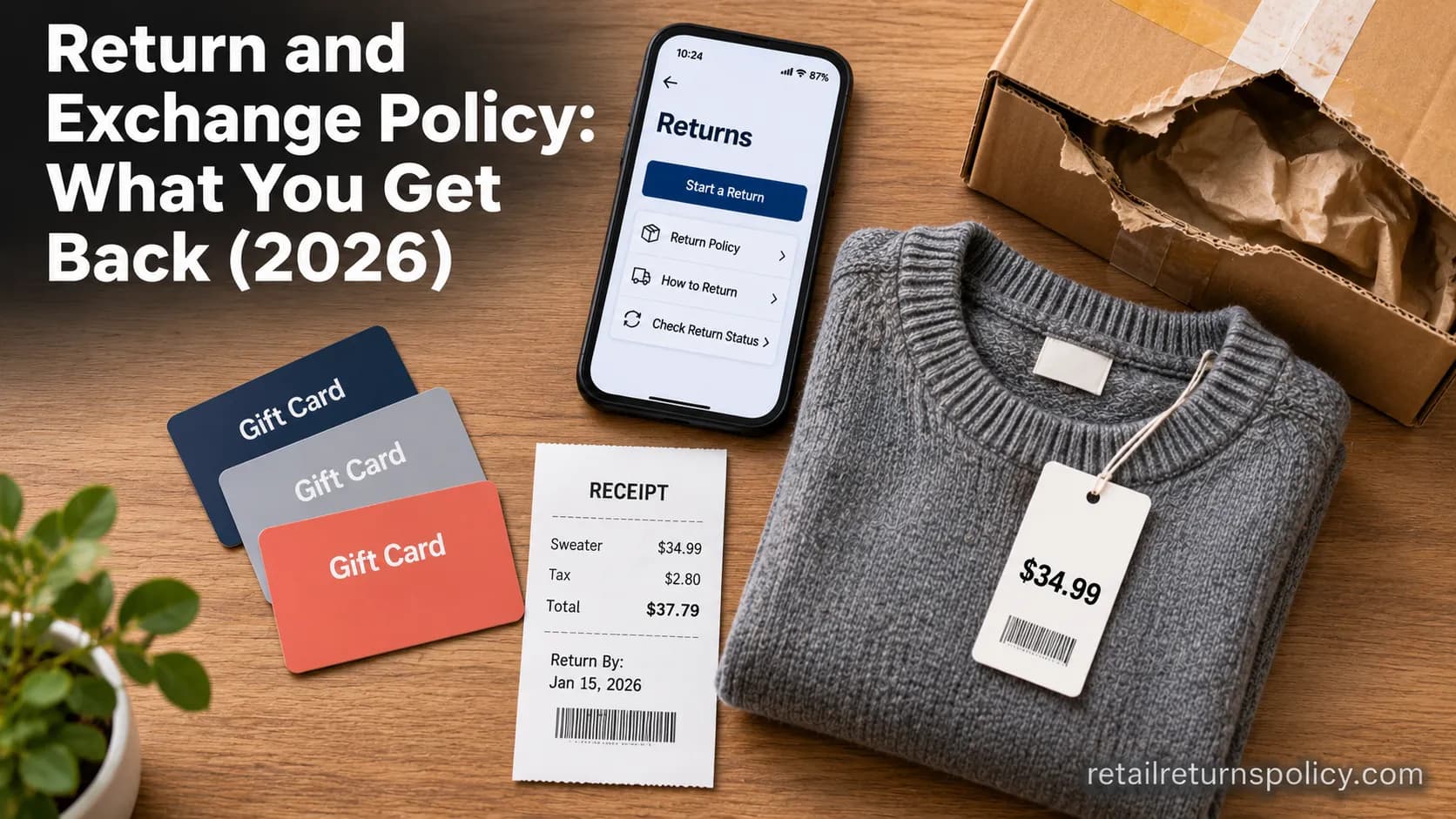
Return and Exchange Policy: What You Get Back (2026)
An exchange swaps your item; a refund returns your cash. See how a return and exchange policy pays out, when swaps are free, and your state rights.
Retailer Return Policy Hubs
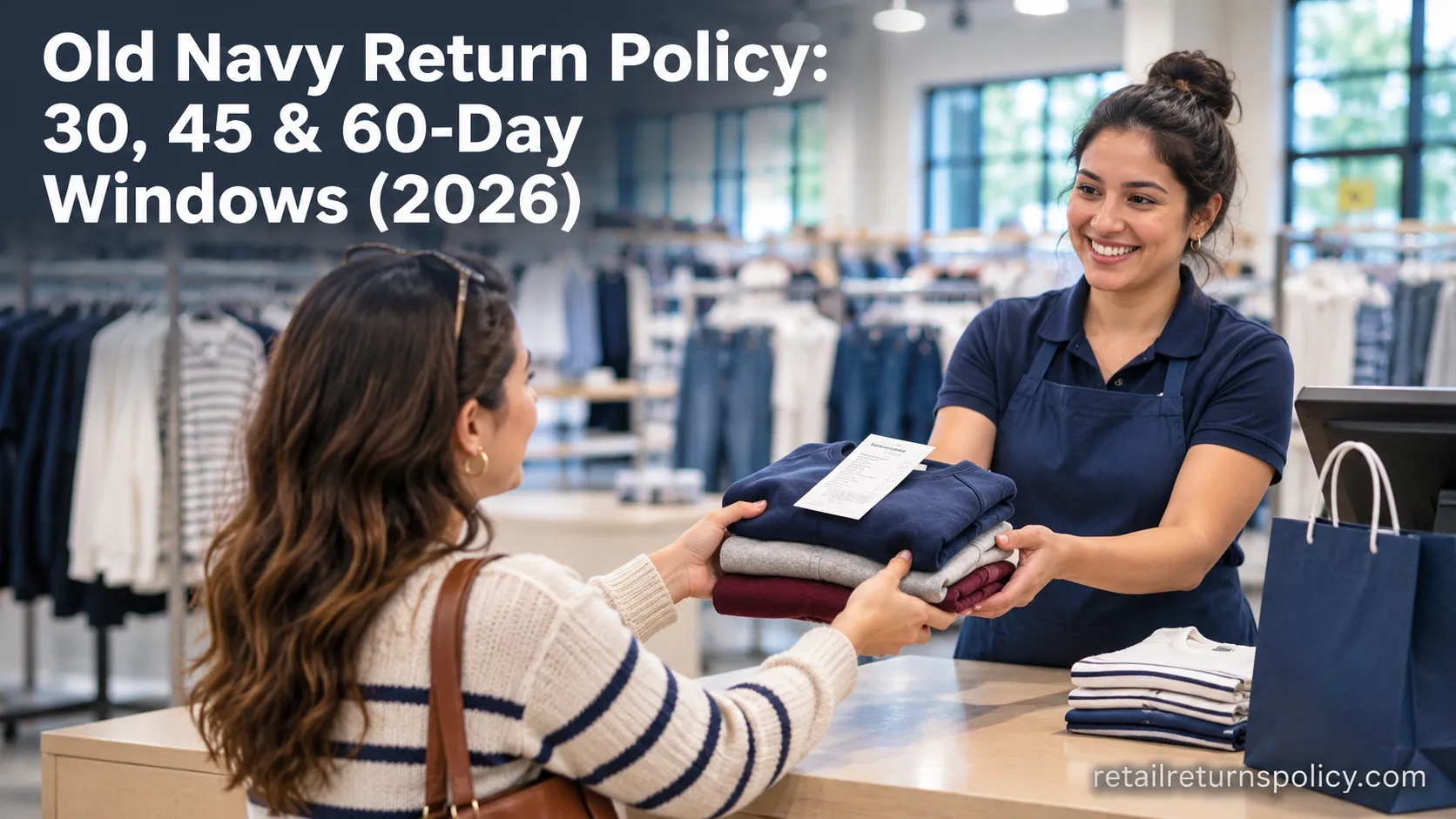
Old Navy Return Policy: 30, 45 & 60-Day Windows (2026)
Check the Old Navy return policy fast: 30-day window (45–60 days for members), receipt rules, refund timing, the $7 mail fee & final-sale items.
The discussion
Comments
Every comment is reviewed before it goes live.